
Step 1
Set your two lines
Click along the first edge, then the second, straight on the plan at the correct scale.
 Feature
Angle
Angle Tool reads the angle between two lines on a PDF plan, so you can check a roof pitch, a splay, a rake, or a corner without a protractor or a site visit.
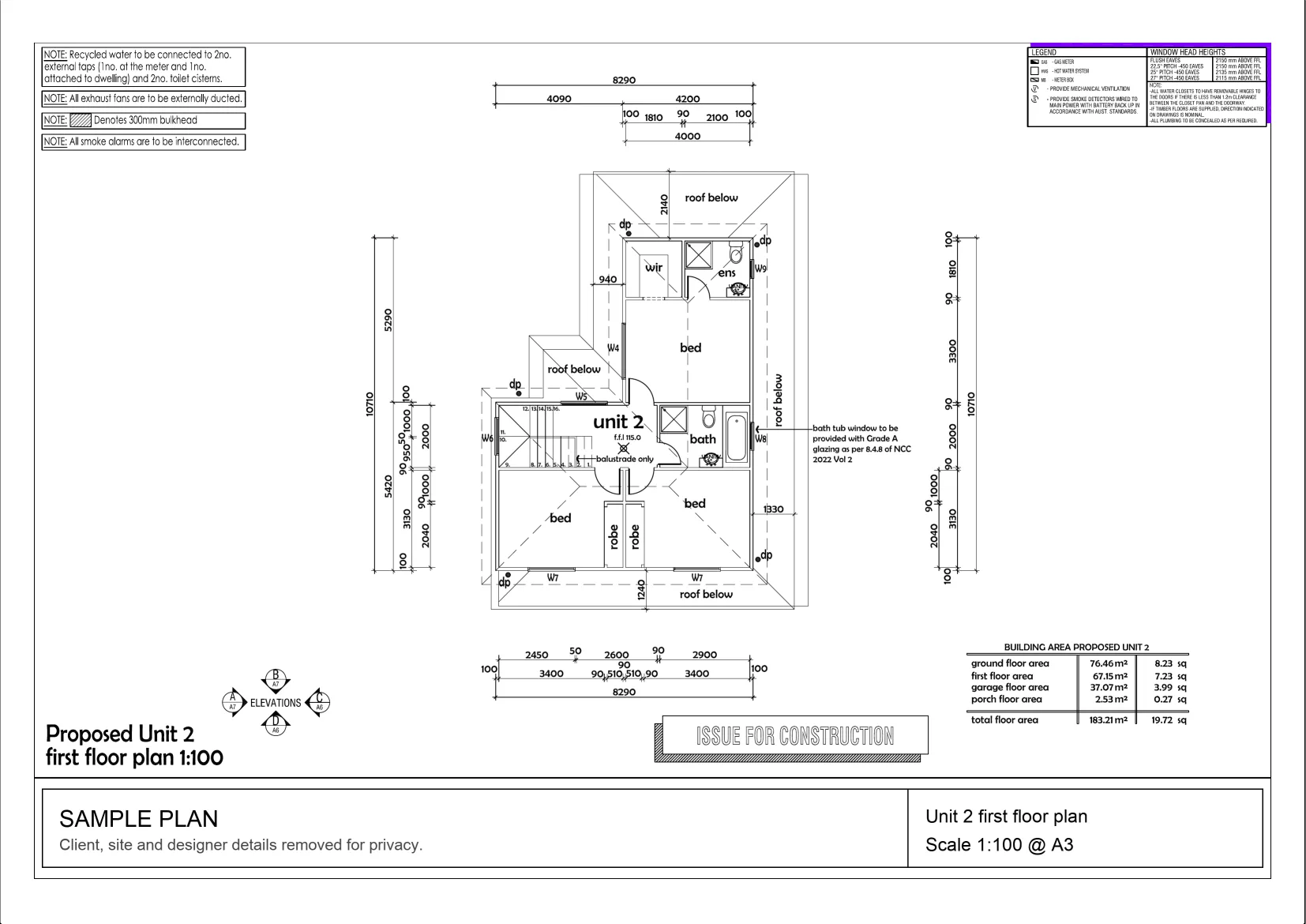
Interactive example on a sample plan. The real MetreMate app does a lot more.
From problem to outcome
Angle Tool is for the moments a plan does not label the angle you need, a raking wall, a hip, a bay window, a driveway splay, and you want the degrees without dragging a protractor across a printout.
Click along the first edge, then the second, straight on the plan at the correct scale.
The angle in degrees appears between the lines, so you know the pitch, splay, or corner exactly.
Keep the angle on the plan with your other measurements, ready for cutting lists and quoting.
Key capabilities
Measure the angle between any two lines on the plan without a physical protractor.
Best for Raking walls, hips, corners
Read the slope of a roof plane straight off the drawing so you can size sheeting and flashings.
Angles come off a properly scaled plan, so what you read matches the real building.
Best for Scaled PDF plans
Keep angles on the same plan as your lengths, areas, and counts instead of on a scrap of paper.
Best for Full takeoff in one place
Answer the angle question from the office rather than driving out with an angle finder.
Best for Quoting before you attend

The old way
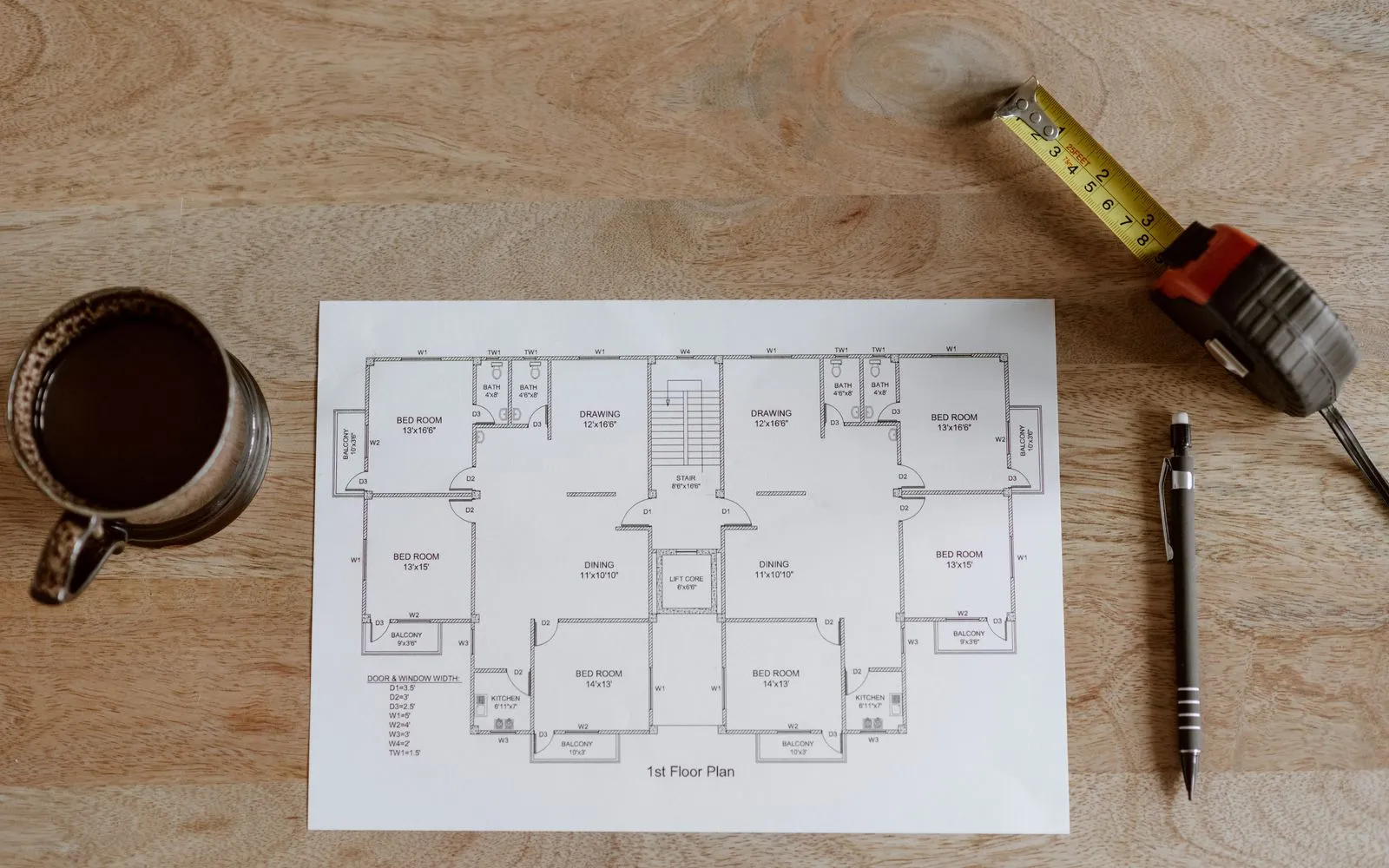
Lining a protractor up on a paper plan, or measuring rise and run by hand, is fiddly and easy to read wrong, and a lot of the time the angle you need is not even labelled.
Why it’s better with MetreMate
Angle Tool gives you the degrees on the plan in a couple of clicks, so pitches and corners stop being the thing that holds up a quote.
Testimonial / proof
“Been using MetreMate for a few months now, and I'm wondering how I ever managed without it. The accuracy is spot-on, and helps me and my tradies. I'm able to quote quicker and more accurately.”
Mina E. · Builder · Melbourne, VIC
Built for who
See how Angle fits the way your trade already works.
Built for
The problem
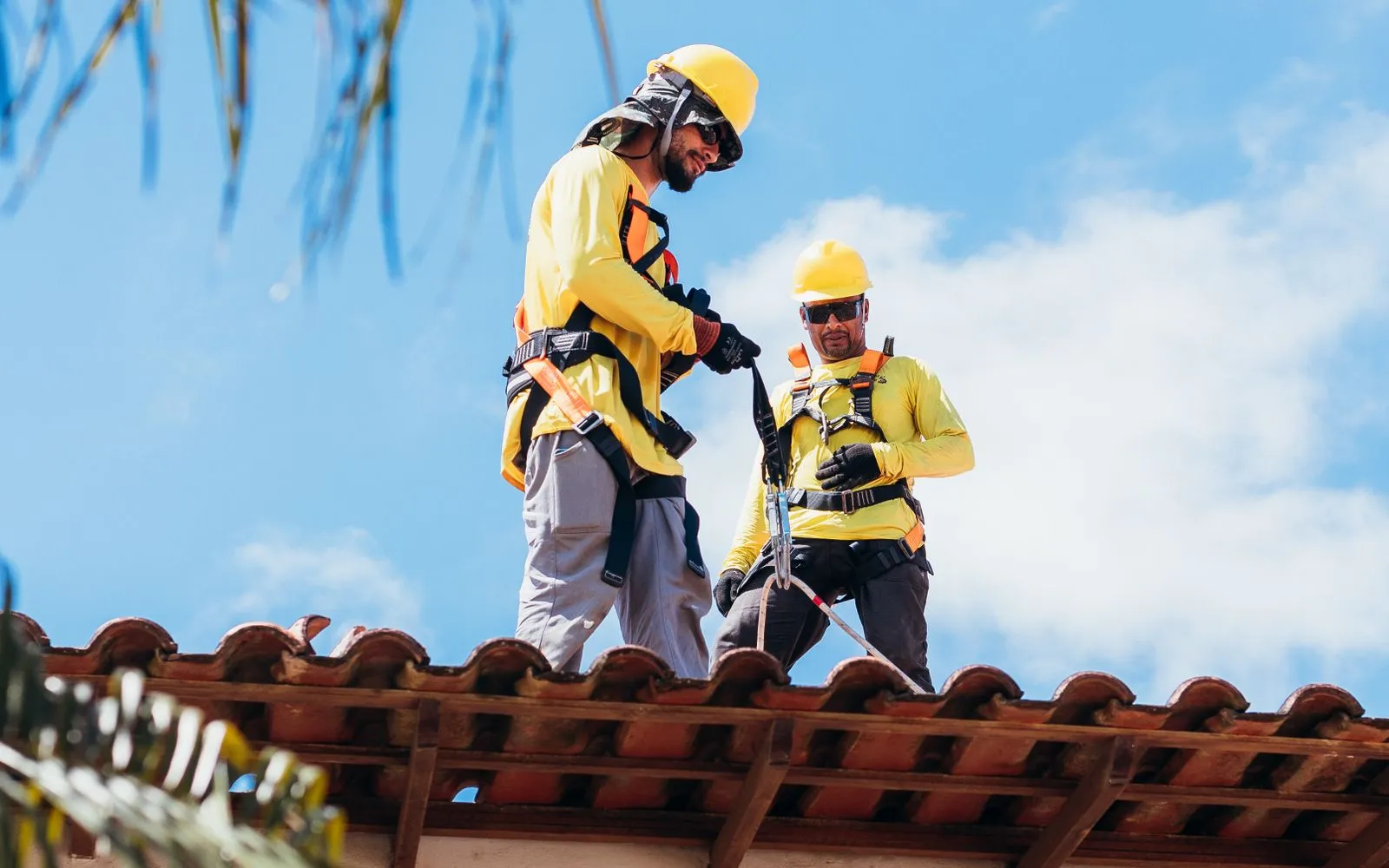
Need the roof pitch to size sheeting, flashings, and fall, but the plan does not always call it out.
What you get
Sheeting and flashing quantities you can price with confidence.
How you'd use it: Use Angle Tool to read the pitch off the elevation or section.
Workflows for roofersAcross the trades
Angle earns its keep right across the trades. Here is how different crews put it to work on real jobs.
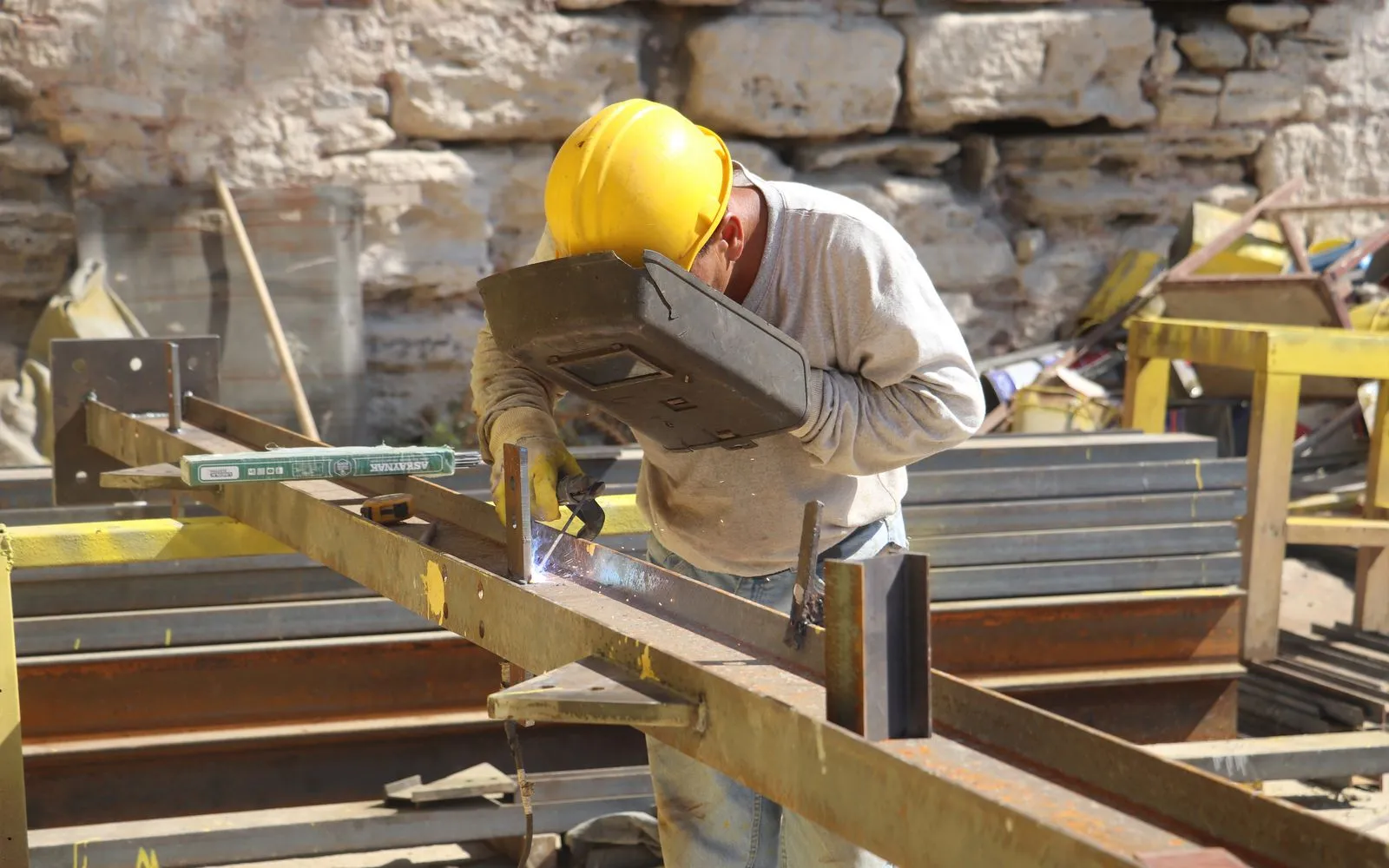
Read portal frame pitch and brace angles on the structural drawings while you estimate members.
Workflows for steel contractors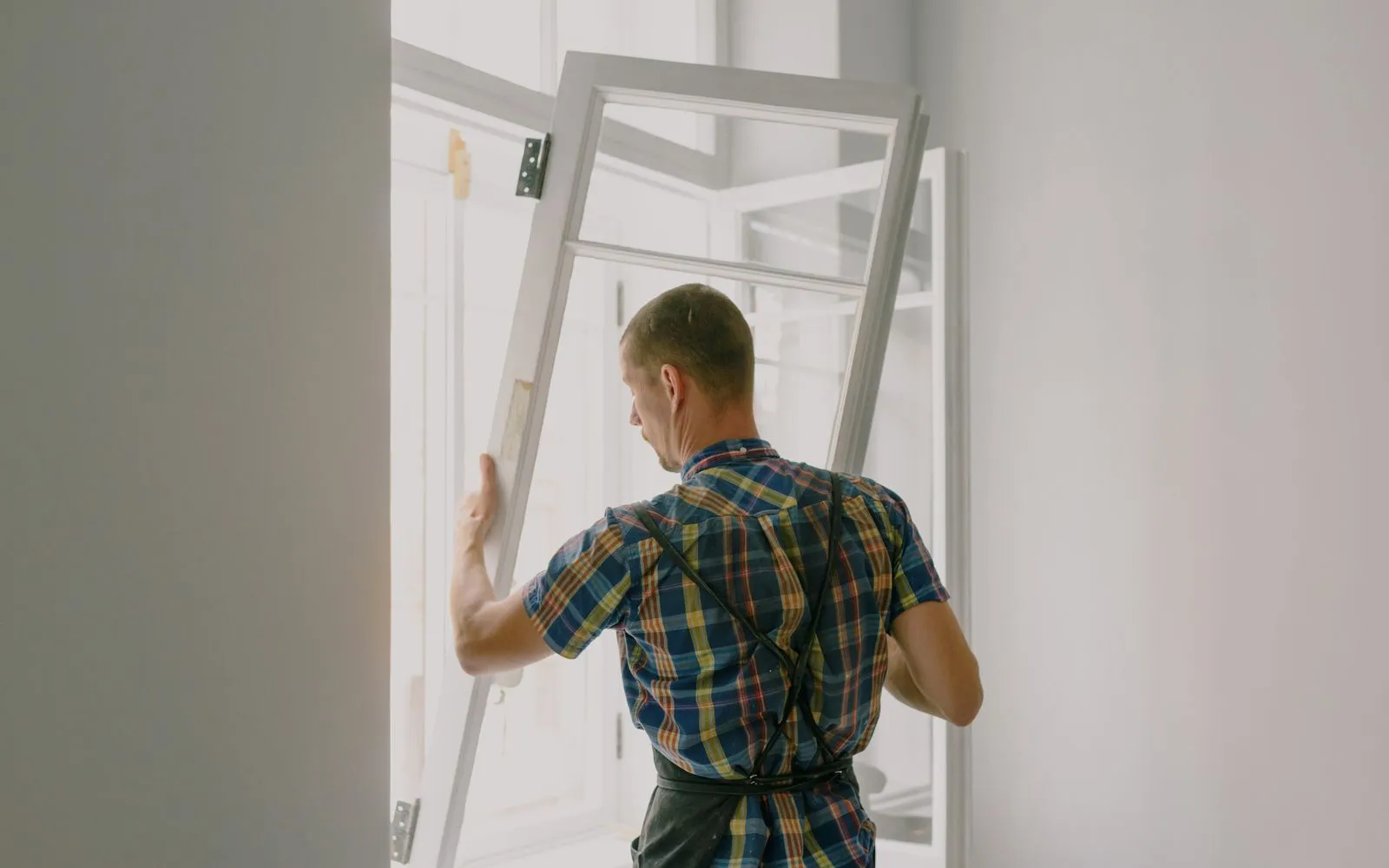
Read the rake on gable windows so shaped glass is priced as shaped glass.
Workflows for glaziers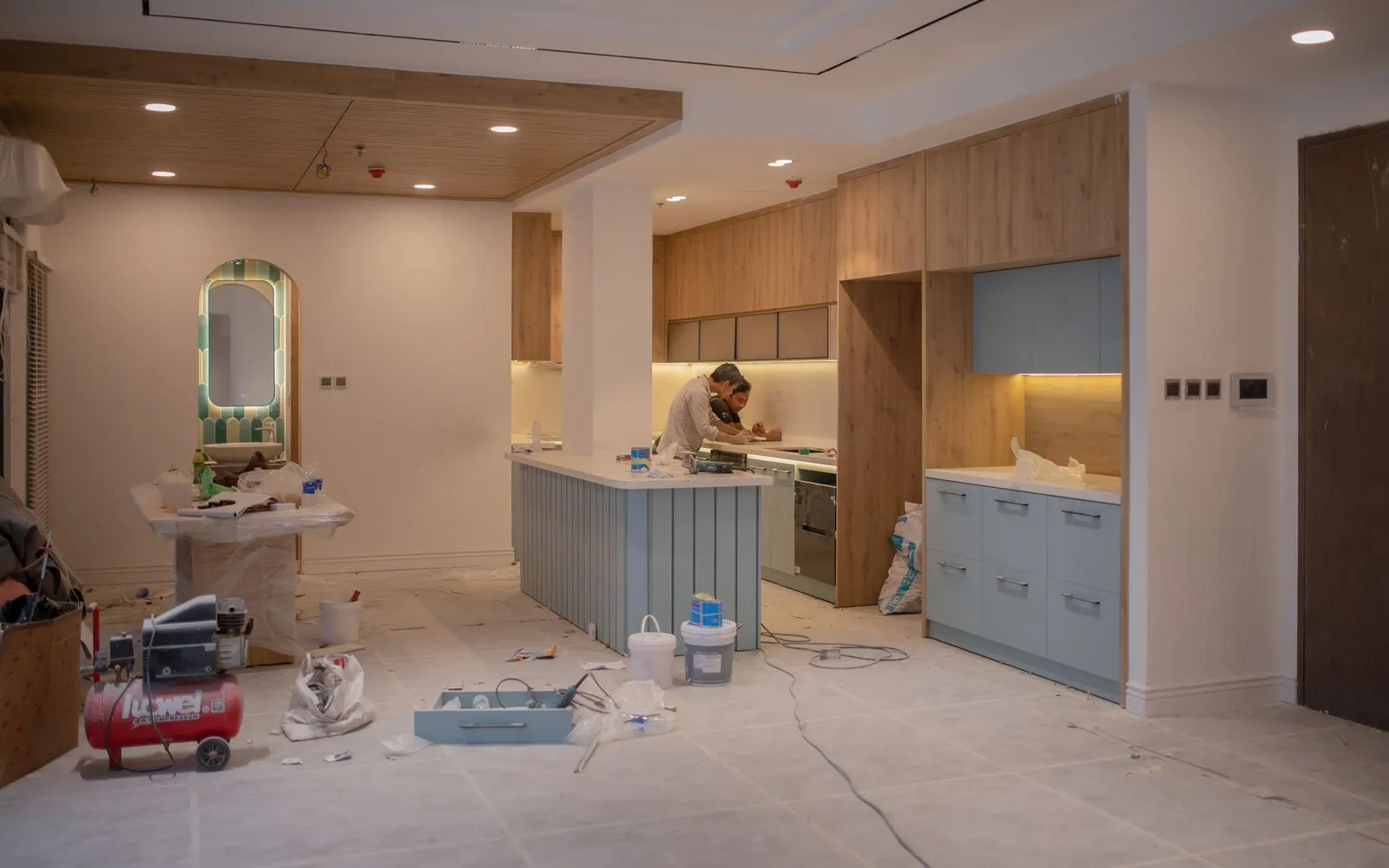
Read the angle where a benchtop turns a non-square corner to price the mitre join.
Workflows for kitchen renovators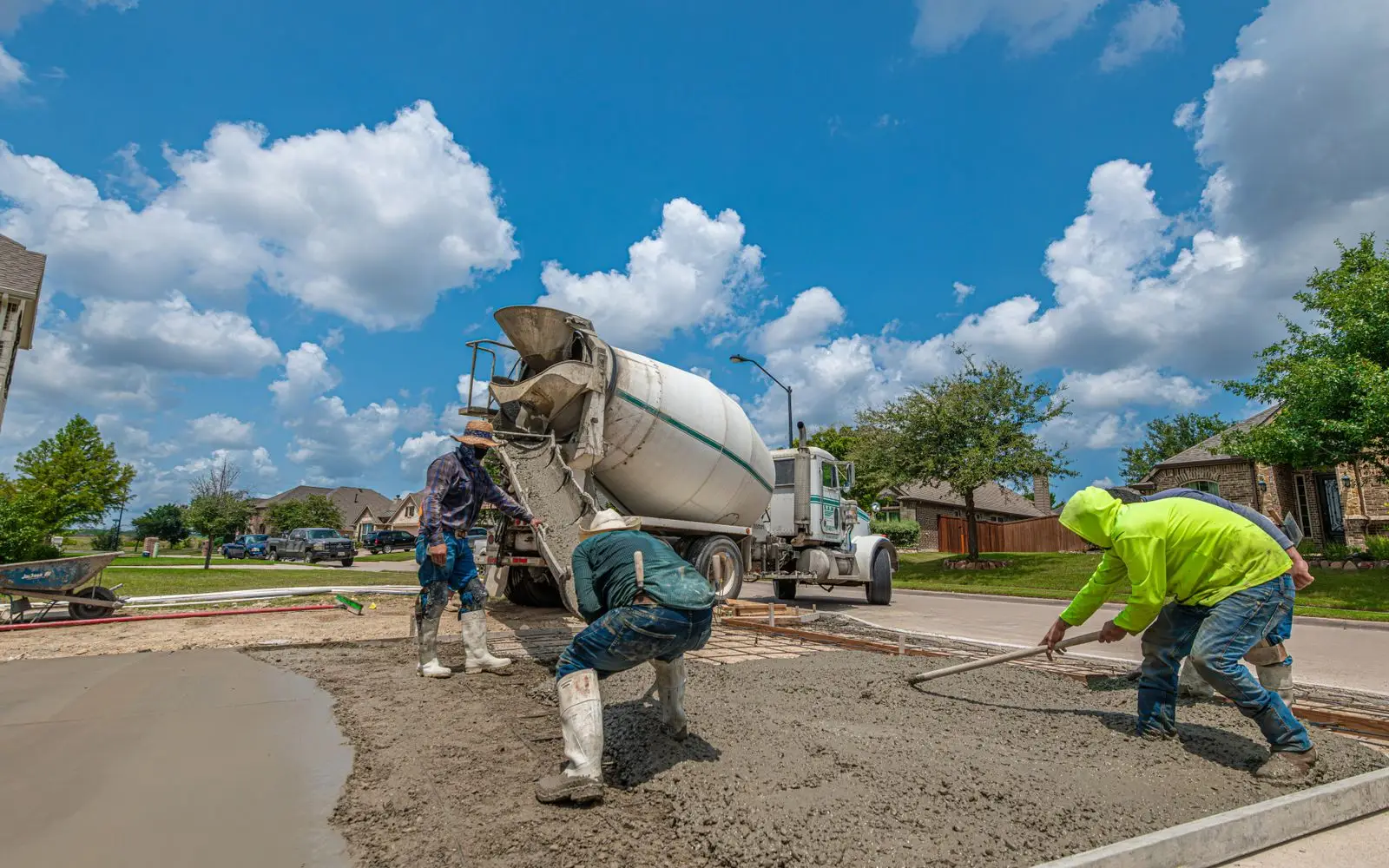
Measure the angle of splayed slab corners and driveway returns before you set up formwork.
Workflows for concreters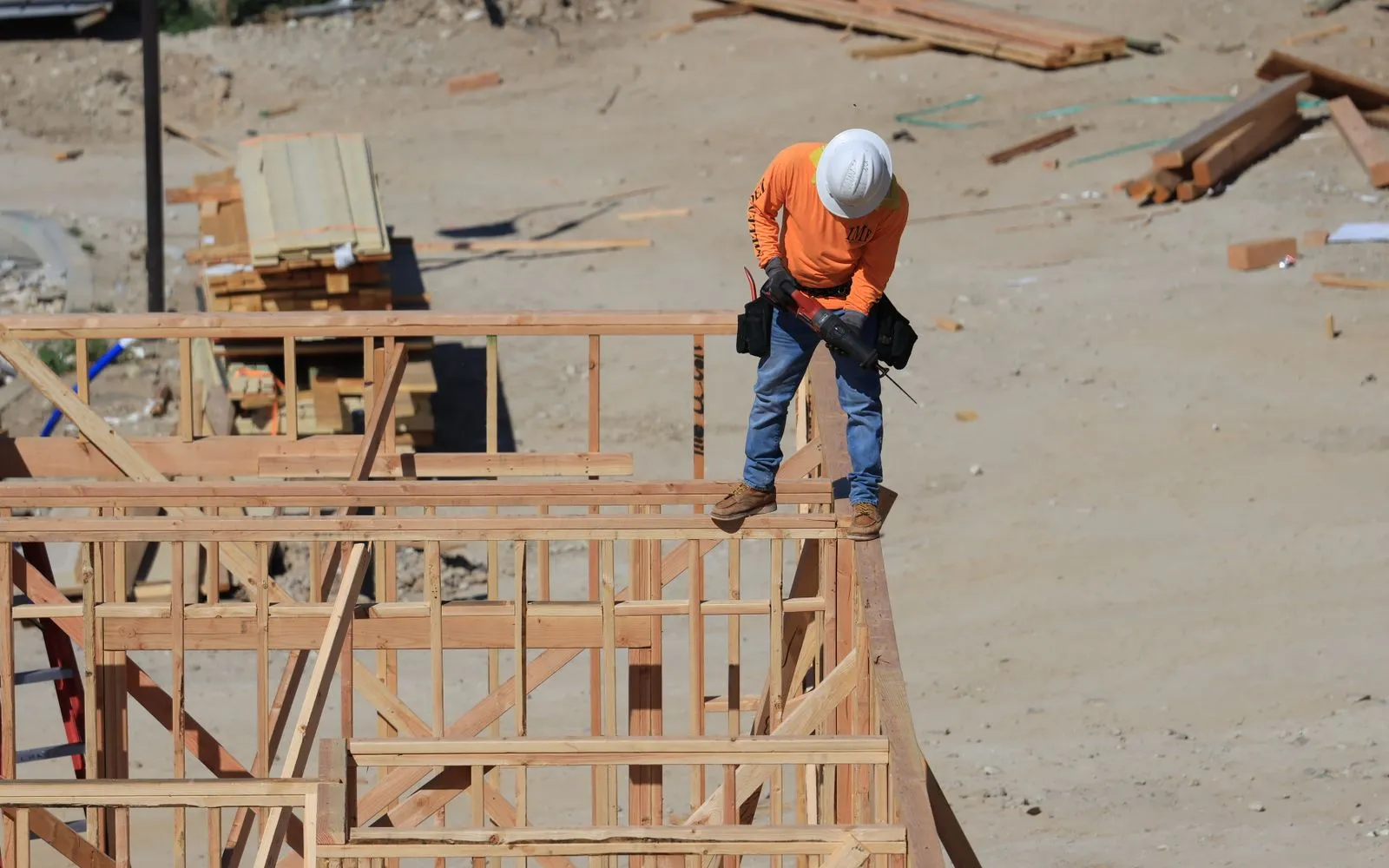
Check splays and out-of-square corners on the floor plan before you price them.
Workflows for builders
Read the angles on mitred stone corners and feature walls before you price the cuts.
Workflows for stonemasons
Read the angles of splayed walls so cabinetry and panels are built to fit.
Workflows for joiners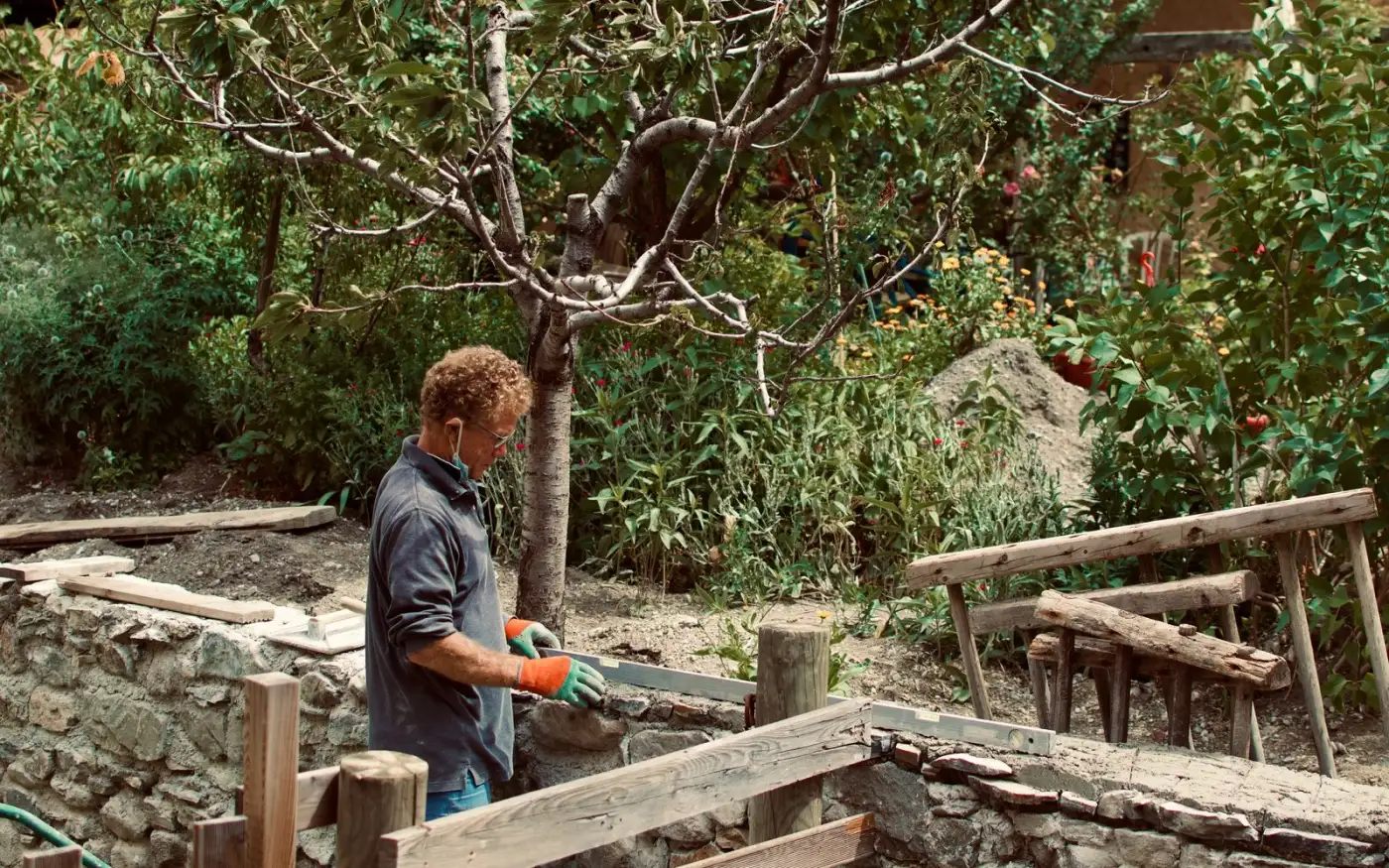
Read the splay angles on retaining walls, paths and driveways before setting out.
Workflows for landscapersKeep exploring
Keep learning
Put it into practice with step-by-step how-tos from the MetreMate team.
Getting the scale right is the most important step in digital plan measurement. Here is how to do it every time.
Read guide
These five mistakes cost trades thousands on every job. Learn how to avoid them with digital measurements.
Read guide
Should you use snapping or freehand measurement? Here is when each approach makes sense and how to get the best results.
Read guide

'%3e%3crect%20x='3.39706'%20y='3.39709'%20width='60.378'%20height='61'%20rx='5.94485'%20fill='%23FF0000'/%3e%3c/g%3e%3cpath%20d='M22.4637%2048.3972L23.4171%2043.0238H19.4737L19.9937%2039.8605H23.9804L25.8437%2029.0271H21.9004L22.4204%2025.8638H26.4071L27.3604%2020.4905H30.8271L29.8737%2025.8638H38.3671L39.3204%2020.4905H42.7871L41.8337%2025.8638H45.8204L45.3004%2029.0271H41.2704L39.4071%2039.8605H43.3504L42.8304%2043.0238H38.8437L37.8904%2048.3972H34.4237L35.3771%2043.0238H26.8837L25.9304%2048.3972H22.4637ZM27.4471%2039.8605H35.9404L37.8037%2029.0271H29.3104L27.4471%2039.8605Z'%20fill='white'/%3e%3cdefs%3e%3cfilter%20id='filter0_d_4804_8589'%20x='-9.53674e-07'%20y='3.71933e-05'%20width='67.1721'%20height='67.7941'%20filterUnits='userSpaceOnUse'%20color-interpolation-filters='sRGB'%3e%3cfeFlood%20flood-opacity='0'%20result='BackgroundImageFix'/%3e%3cfeColorMatrix%20in='SourceAlpha'%20type='matrix'%20values='0%200%200%200%200%200%200%200%200%200%200%200%200%200%200%200%200%200%20127%200'%20result='hardAlpha'/%3e%3cfeOffset/%3e%3cfeGaussianBlur%20stdDeviation='1.69853'/%3e%3cfeComposite%20in2='hardAlpha'%20operator='out'/%3e%3cfeColorMatrix%20type='matrix'%20values='0%200%200%200%200%200%200%200%200%200%200%200%200%200%200%200%200%200%200.25%200'/%3e%3cfeBlend%20mode='normal'%20in2='BackgroundImageFix'%20result='effect1_dropShadow_4804_8589'/%3e%3cfeBlend%20mode='normal'%20in='SourceGraphic'%20in2='effect1_dropShadow_4804_8589'%20result='shape'/%3e%3c/filter%3e%3c/defs%3e%3c/svg%3e)