
Step 1
Set the scale
Scale the plan so every length reads true, in metres or feet.
 Feature
Perimeter
Perimeter reads the linear run around any shape you trace, so skirting, fencing, edging and gutter lengths come straight off the plan instead of a calculator.
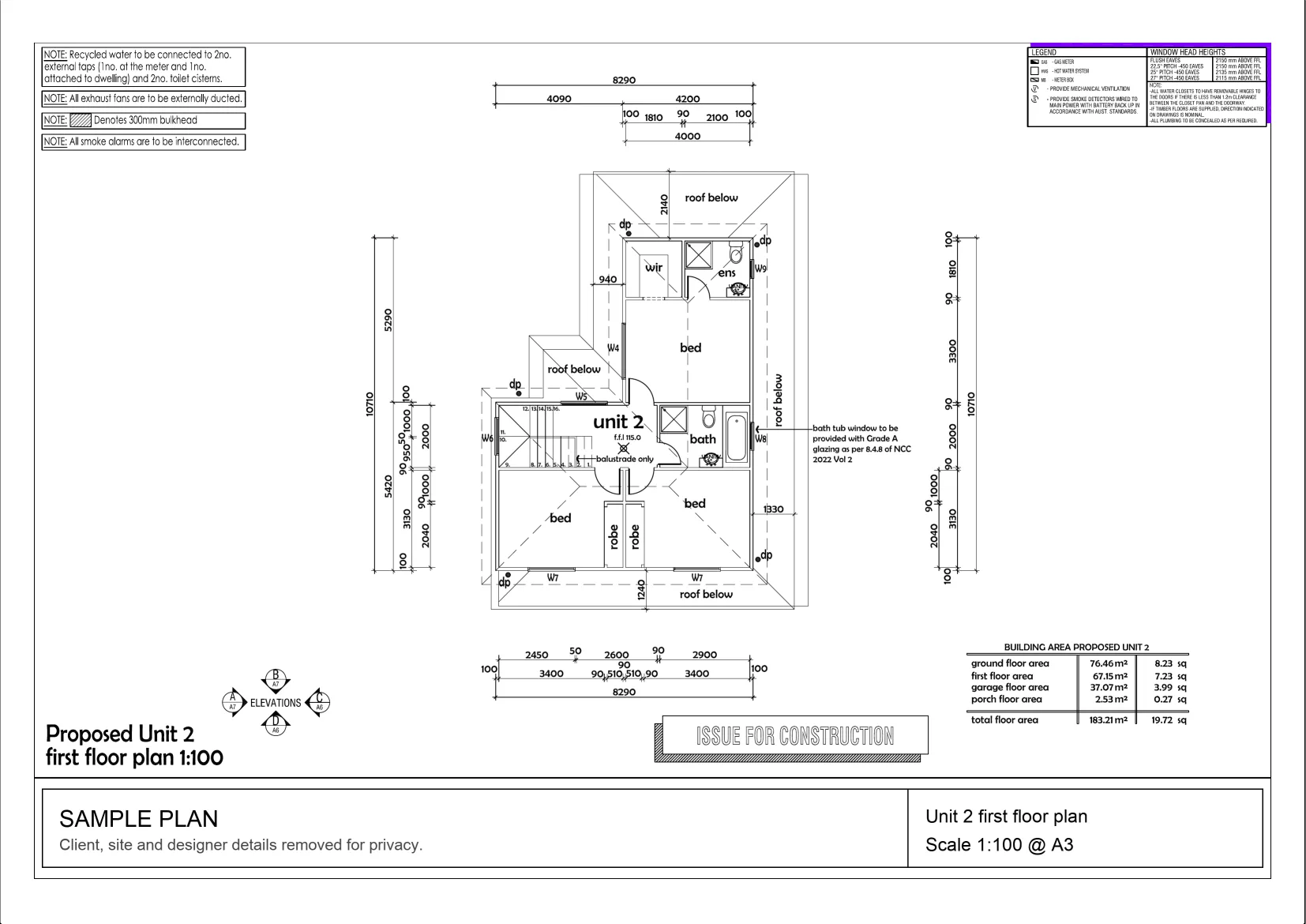
Interactive example on a sample plan. The real MetreMate app does a lot more.
From problem to outcome
Perimeter is for the linear scope, skirting boards, fencing, garden edging and gutter runs, where you need the length around a shape without adding up sides by hand.
Scale the plan so every length reads true, in metres or feet.
Trace an area or a standalone run and the linear length is calculated for you.
The perimeter shows alongside the area and saves to your layer for review.
Key capabilities
Trace an area and its perimeter is worked out at the same time, no second tool.
Best for Skirting and edging
Measure a boundary or edge on its own when you only need the length.
Best for Fencing and boundary runs
The length recalculates in real time as you nudge points, so edits stay accurate.
Best for Fine-tuning scope
Turn traced shapes into skirting, fascia, gutter and edging lengths for quoting.
Best for Material takeoff
Perimeter values sit on your layer beside the area, ready to review and export.
Best for Tidy, reviewable takeoff


The old way
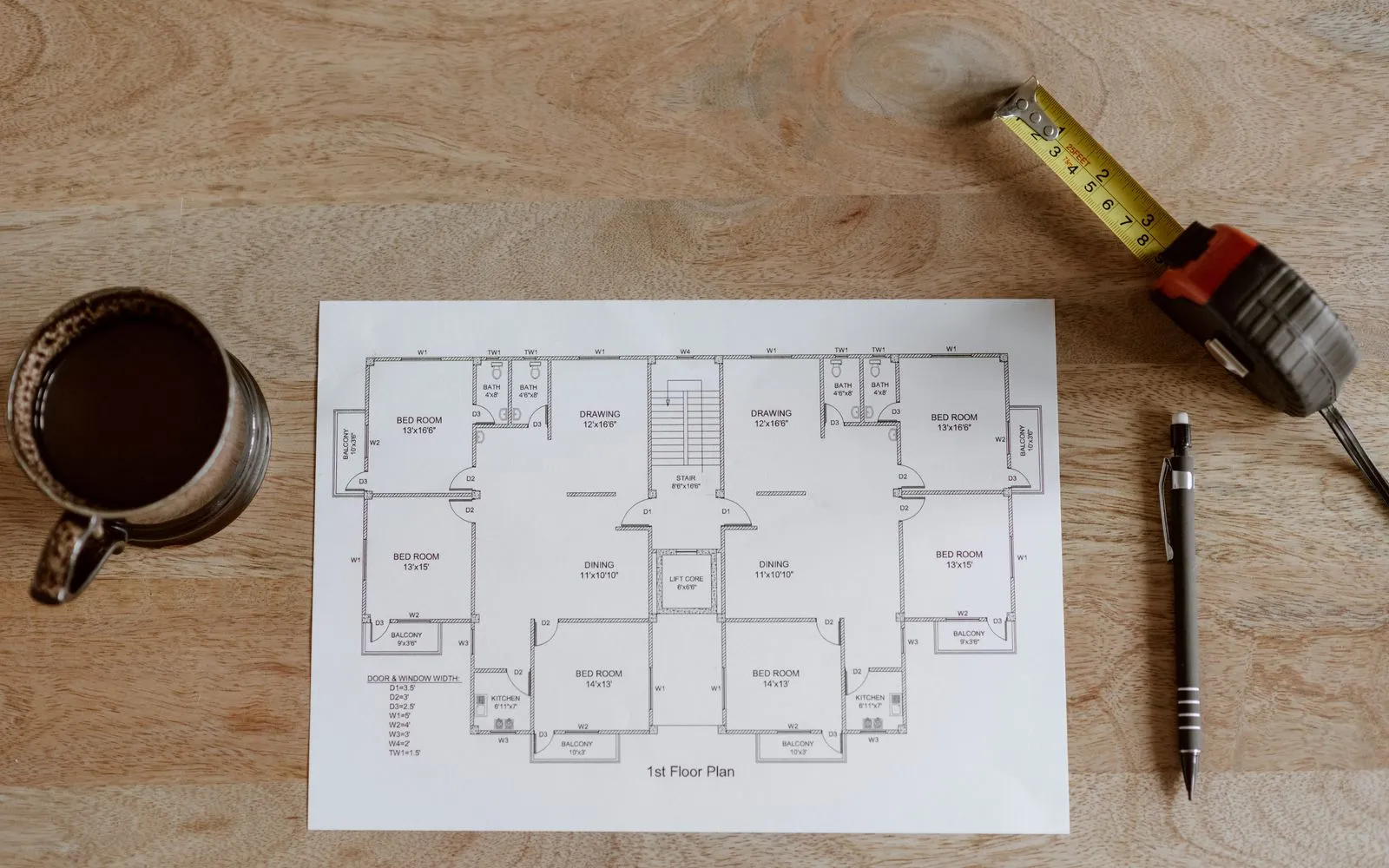
Measuring each side off a printed plan and totalling them with a calculator is slow and easy to fumble, especially on rooms with lots of returns.
Why it’s better with MetreMate
Perimeter rides along with your area trace, so the linear run is there without a second job and stays right as you edit.
Testimonial / proof
“The accuracy is spot-on, and helps me and my tradies. I'm able to quote quicker and more accurately. Absolute lifesaver for every builder.”
Mina E. · Builder · Melbourne, VIC
Built for who
See how Perimeter fits the way your trade already works.

Built for
The problem
Boundaries are rarely straight lines, and every run of fence has to be priced.
What you get
Fence lengths straight off the site plan, ready for your post spacing.
How you'd use it: Use Perimeter to trace the fence line as one run and read the lineal metres.
Workflows for fencersAcross the trades
Perimeter earns its keep right across the trades. Here is how different crews put it to work on real jobs.
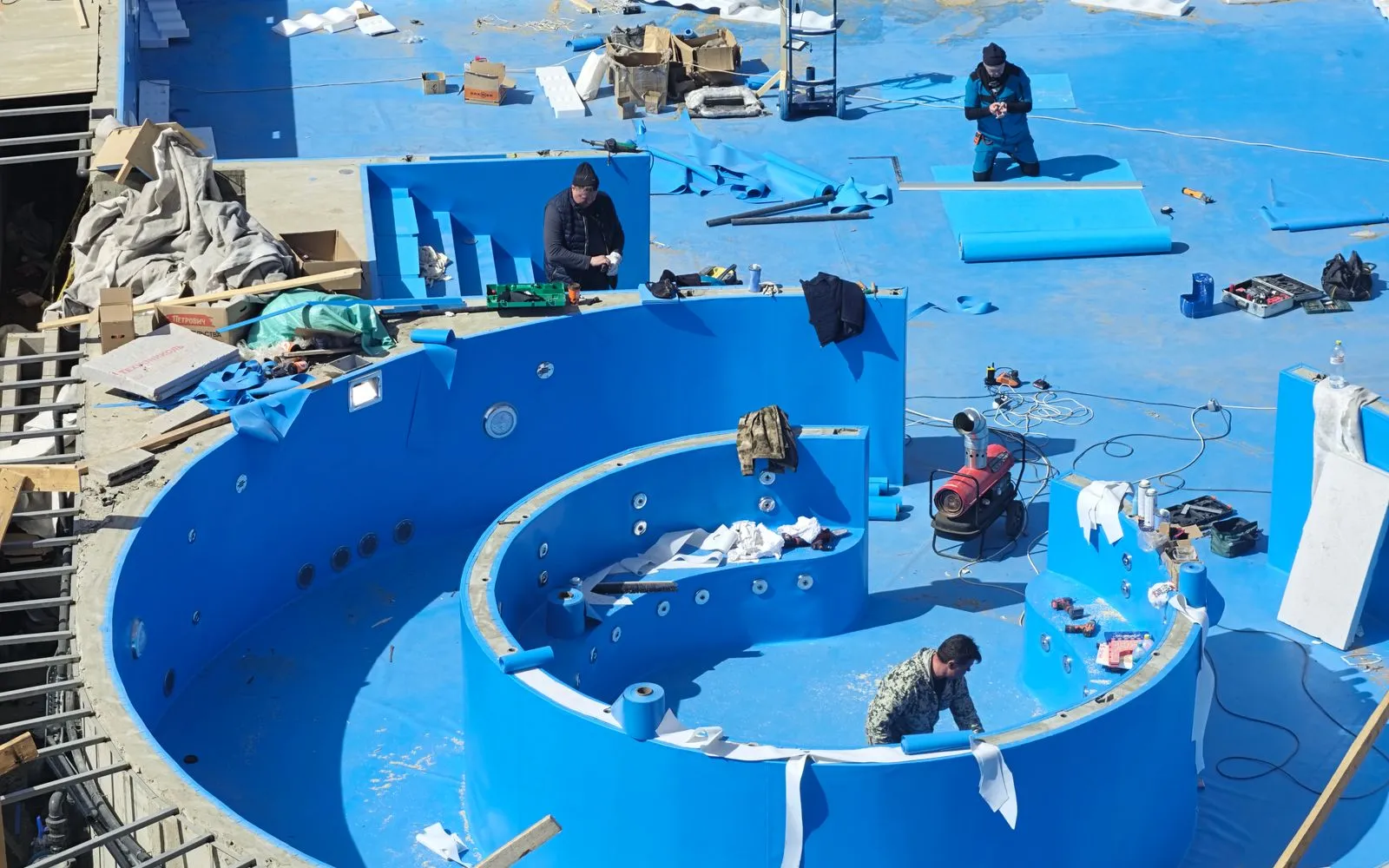
Trace the pool edge for the coping run and the pool fence line in one go.
Workflows for pool builders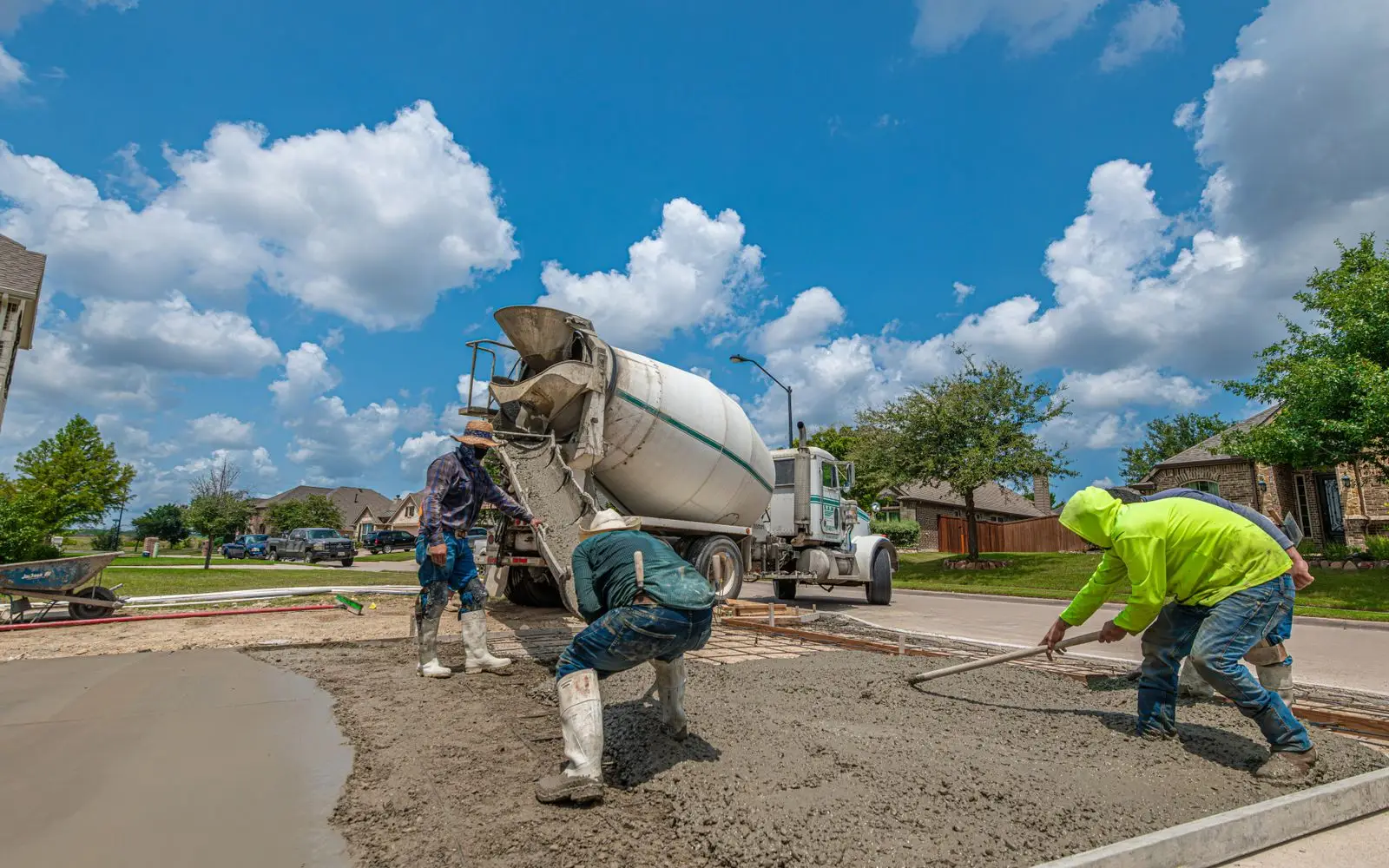
Read the slab edge length for edge formwork before you pour.
Workflows for concreters
Trace garden beds and retaining walls for edging and wall runs.
Workflows for landscapers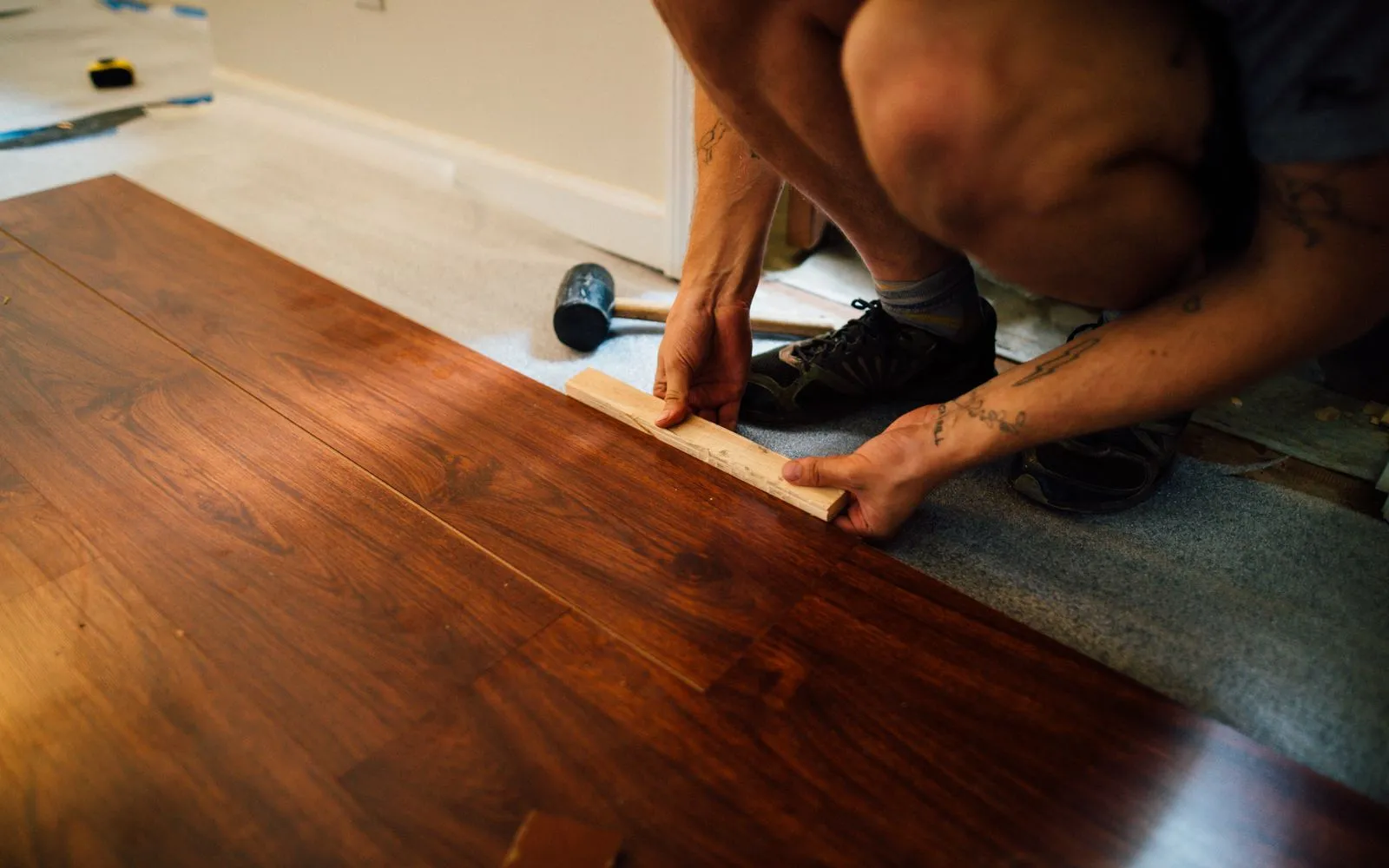
Read room perimeters for scotia and skirting on floating floors, less the doorways.
Workflows for flooring contractors
Multiply each room's perimeter by the ceiling height for wall area, and price the skirting runs.
Workflows for painters
Total the wall runs on the plan for damp-proof course and flashing lengths.
Workflows for bricklayers
Read the perimeter of each tiled room for skirting tiles and edge trims.
Workflows for tilers
Pull slab edges, eaves and wall runs across the whole plan for lineal metres items.
Workflows for buildersKeep exploring
Keep learning
Put it into practice with step-by-step how-tos from the MetreMate team.
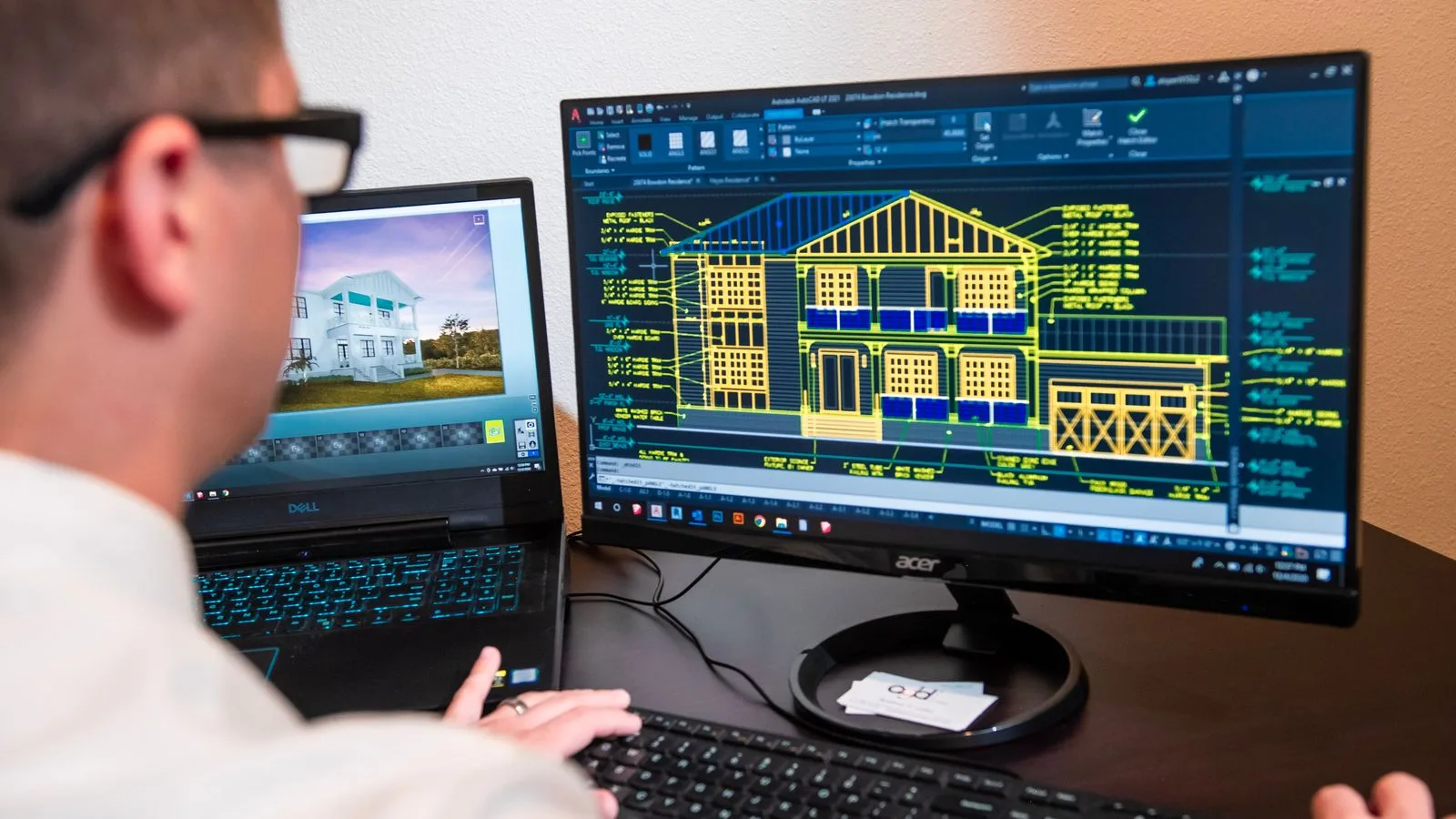
Ditch the printouts and scaled rulers. Upload your floorplan, auto-scale it, and measure in a few clicks.
Read guide
These five mistakes cost trades thousands on every job. Learn how to avoid them with digital measurements.
Read guide
Should you use snapping or freehand measurement? Here is when each approach makes sense and how to get the best results.
Read guide

