
Step 1
Pick Line
Choose Line in the tool list.
 Feature
Draw Lines
Draw Lines puts clean, straight lines on a PDF plan for set-out lines, call-outs and anything you want to point at. Pick the thickness, the colour and solid or dashed, so every line reads at a glance.
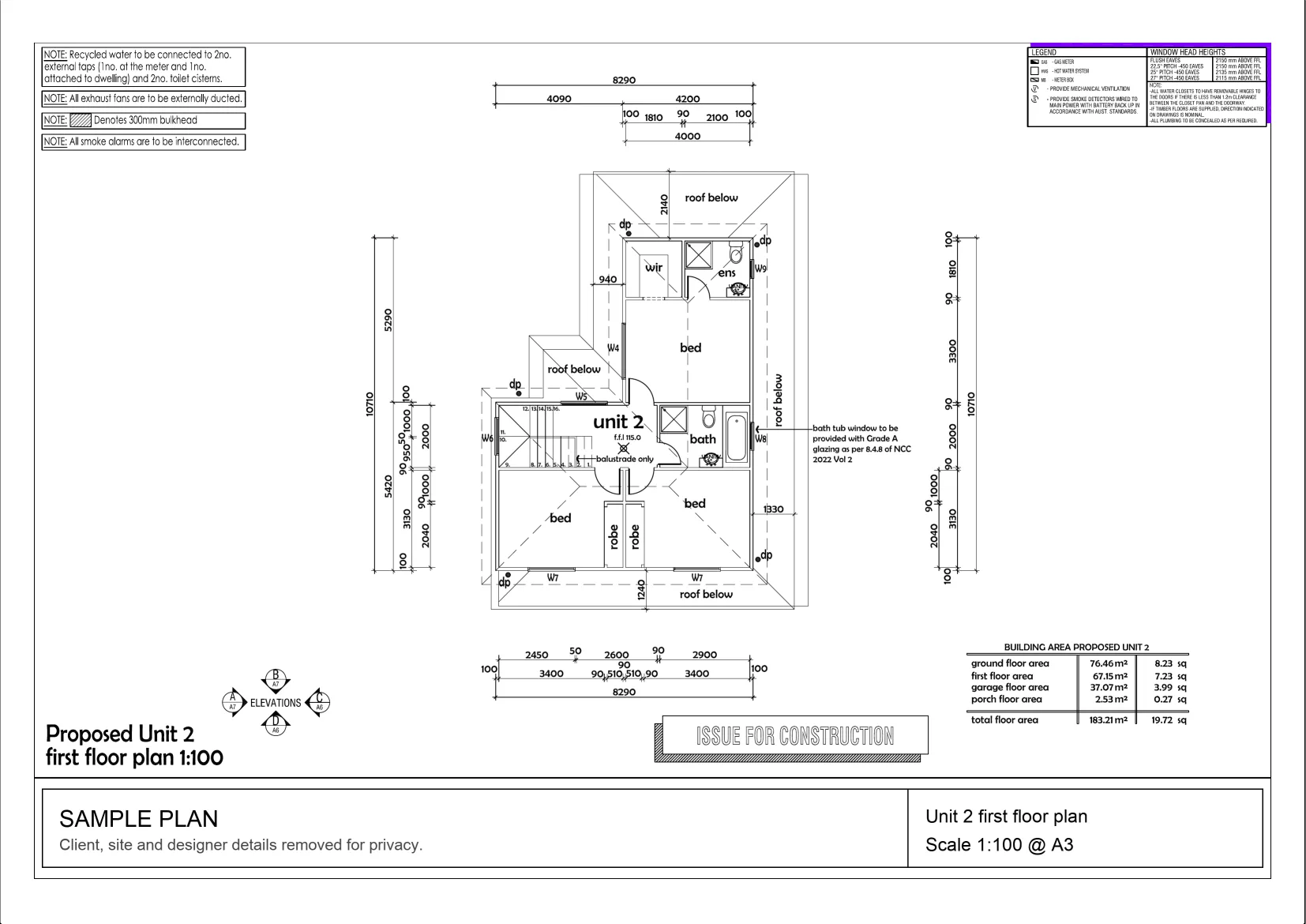
Interactive example on a sample plan. The real MetreMate app does a lot more.
From problem to outcome
Draw Lines is for the marks that need to be straight: a set-out line, a boundary you are checking, or an arrow from a note to the detail it is about.
Choose Line in the tool list.
Click where the line starts, then where it ends, right on top of the drawing.
Use Line Style to pick the thickness, the colour and solid or dashed.
Key capabilities
Click a start and an end point and the line is on the plan, dead straight.
Best for Set-out and reference lines
Hold Shift while you draw and the line stays dead level, plumb or at 45°.
Best for Set-out on square plans
Go from a fine 0.5 px line up to a bold 12 px one, so important lines stand out.
Best for Busy plans
Pick a colour and choose solid or dashed, so different kinds of line are easy to tell apart.
Best for Mark-ups shared with a crew
Draw a line from a note to the part of the drawing it is about.
Best for Questions and instructions
Select a line to move it, drag an end to reshape it, change its style or copy and paste it.
Best for Plans that change

The old way
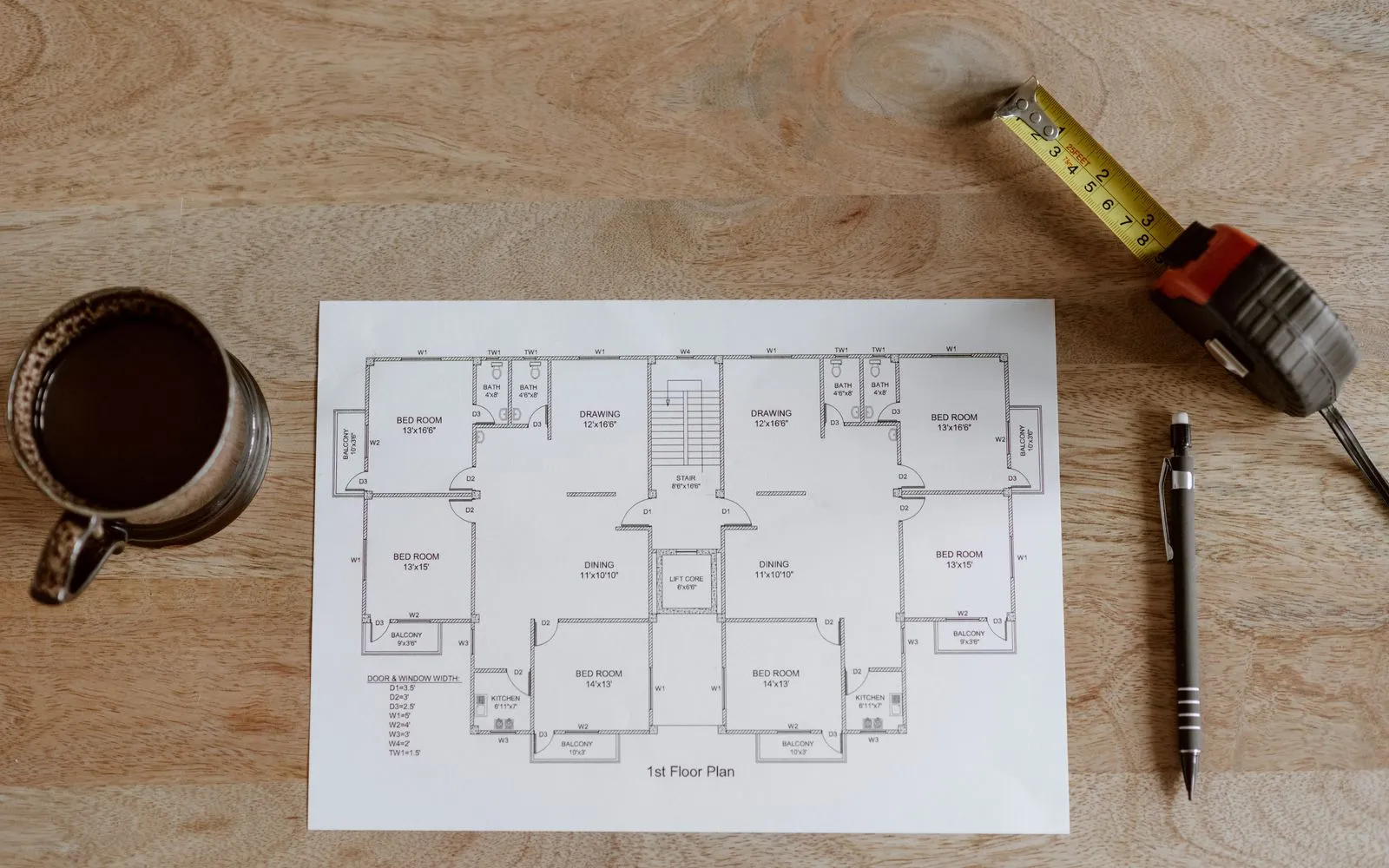
Ruling lines on a printout works until the plan changes or you need to send it to someone. Then it is a phone photo of a marked-up sheet, and nobody is sure which copy is current.
Why it’s better with MetreMate
Draw Lines gives you ruler-straight mark-ups on the digital plan, styled so they read clearly, and easy to change when the job does.
Testimonial / proof
“MetreMate's a real game-changer for me. Knocked off hours of fiddling around with plans and got straight into the real work. It's like having an extra pair of hands on site.”
Mark B. · Bathroom Renovator · Sydney, NSW, Australia
Built for who
See how Draw Lines fits the way your trade already works.

Built for
The problem
Need to show set-out and reference lines without printing the plan.
What you get
Set-out the whole crew can read on screen.
How you'd use it: Use Draw Lines to put clean set-out lines straight onto the drawing.
“Been using MetreMate for a few months now, and I'm wondering how I ever managed without it. The accuracy is spot-on, and helps me and my tradies. I'm able to quote quicker and more accurately. Absolute lifesaver for every builder.”
Across the trades
Draw Lines earns its keep right across the trades. Here is how different crews put it to work on real jobs.
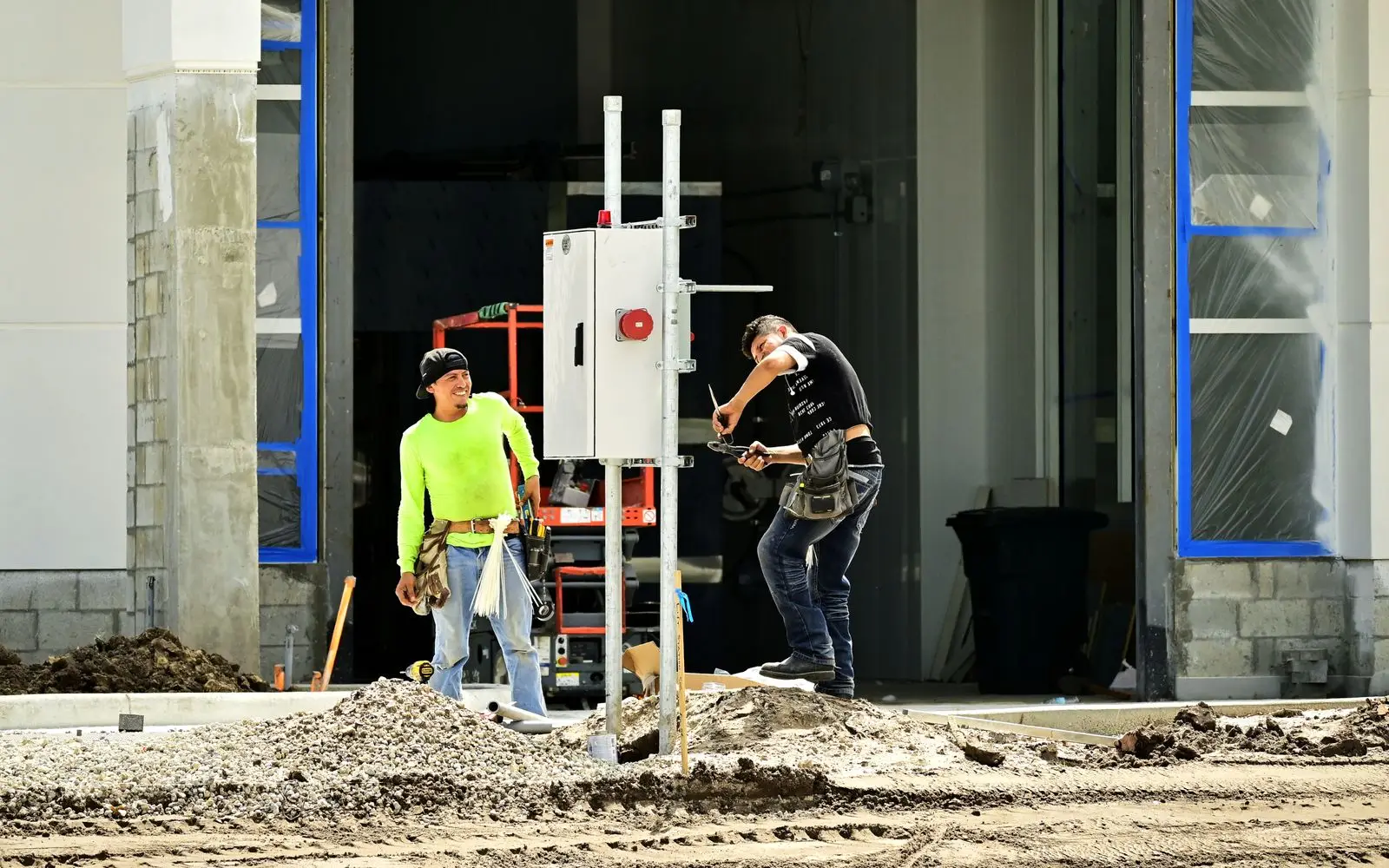
Run a dashed line from a note to the switchboard so the electrician on site knows exactly where it goes.
Workflows for electricians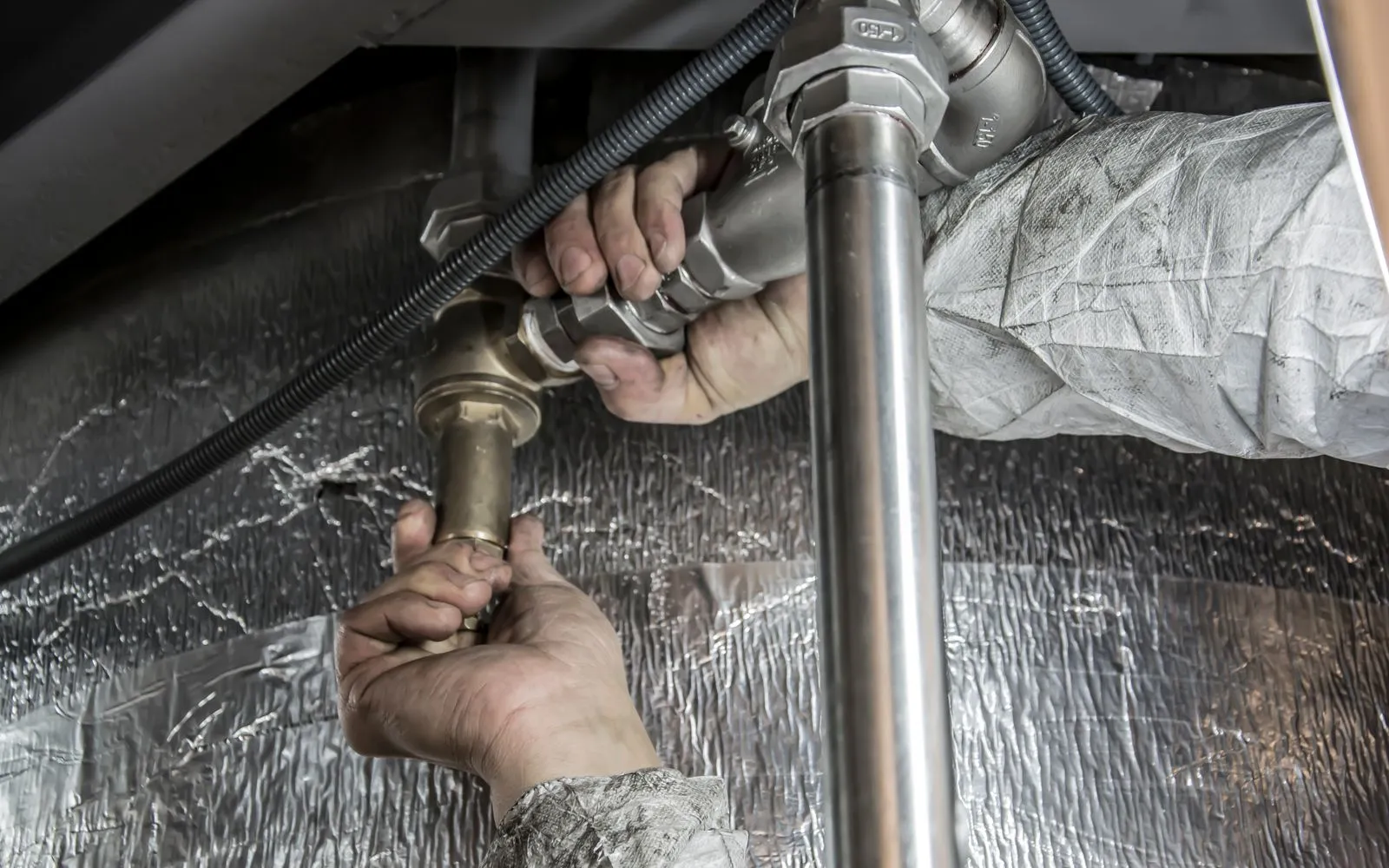
Draw the proposed drain line in a bold colour so it stands out from the existing services.
Workflows for plumbers
Rule the new fence line along the boundary and dash the section that is being replaced later.
Workflows for fencers
Mark control joint lines across the slab so the crew can see where every cut goes.
Workflows for concreters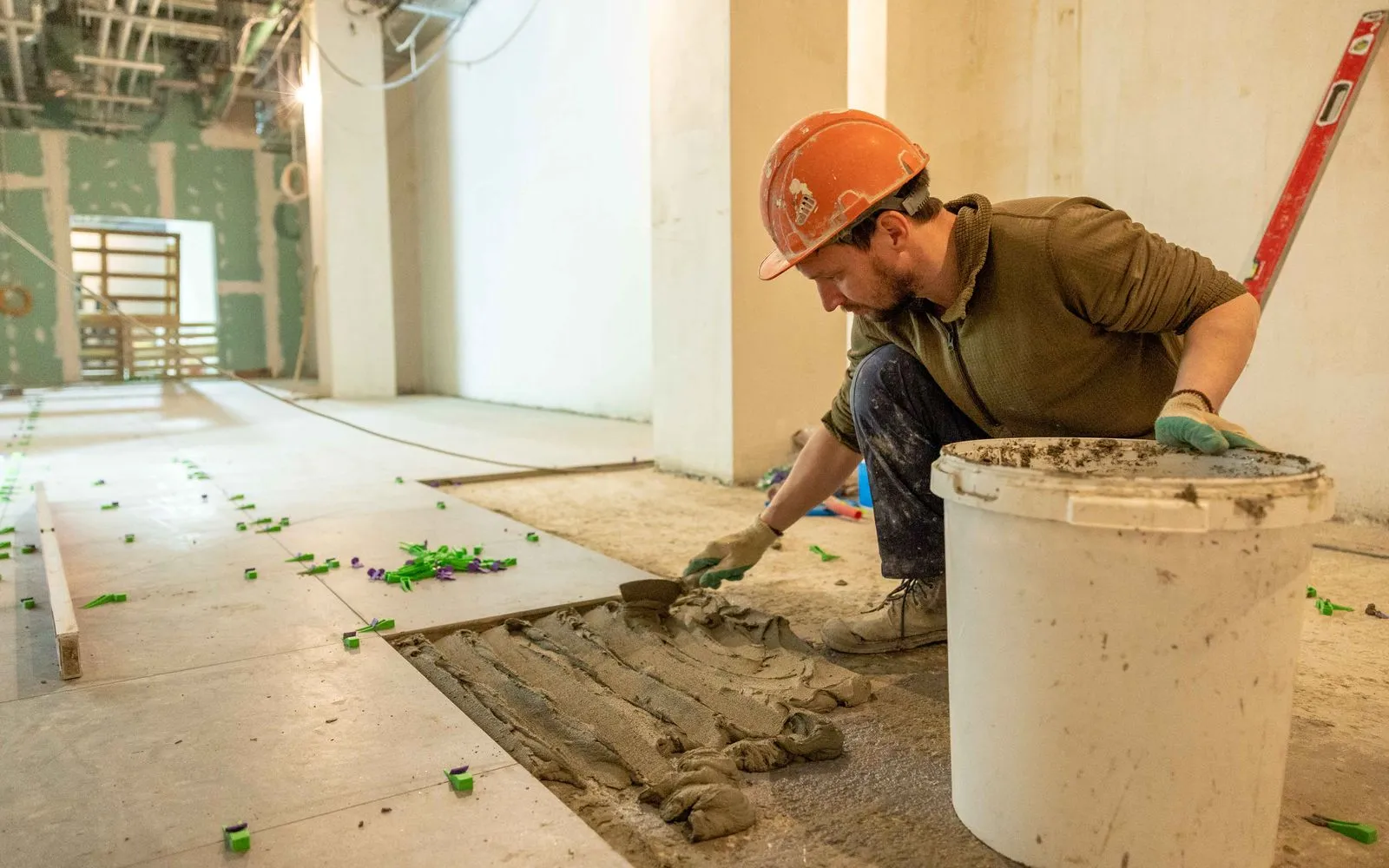
Draw the set-out line the first row of tiles runs from in the bathroom.
Workflows for tilers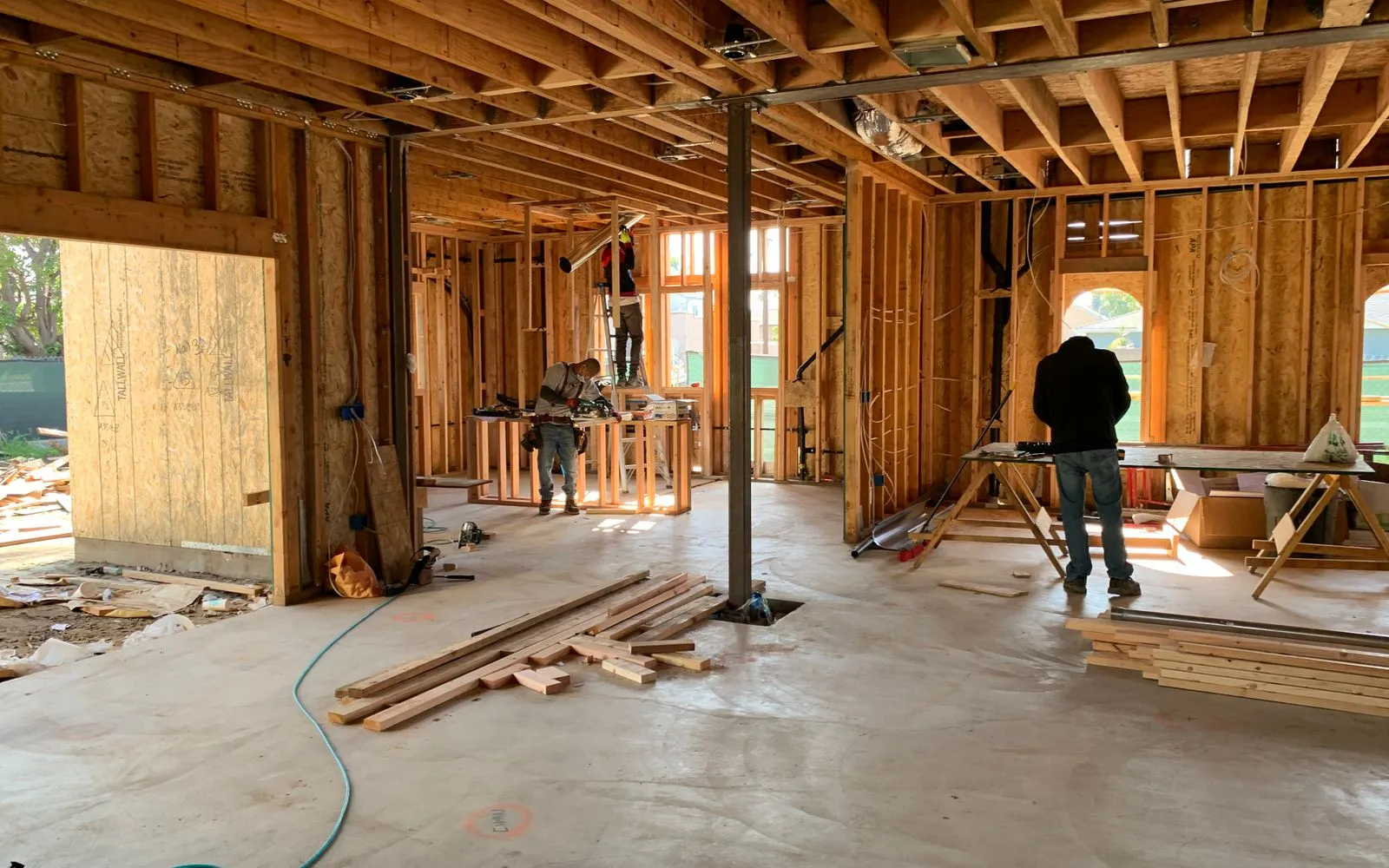
Show new partition lines in one colour and walls being removed as dashed lines.
Workflows for commercial fit-outsKeep exploring
Keep learning
Put it into practice with step-by-step how-tos from the MetreMate team.
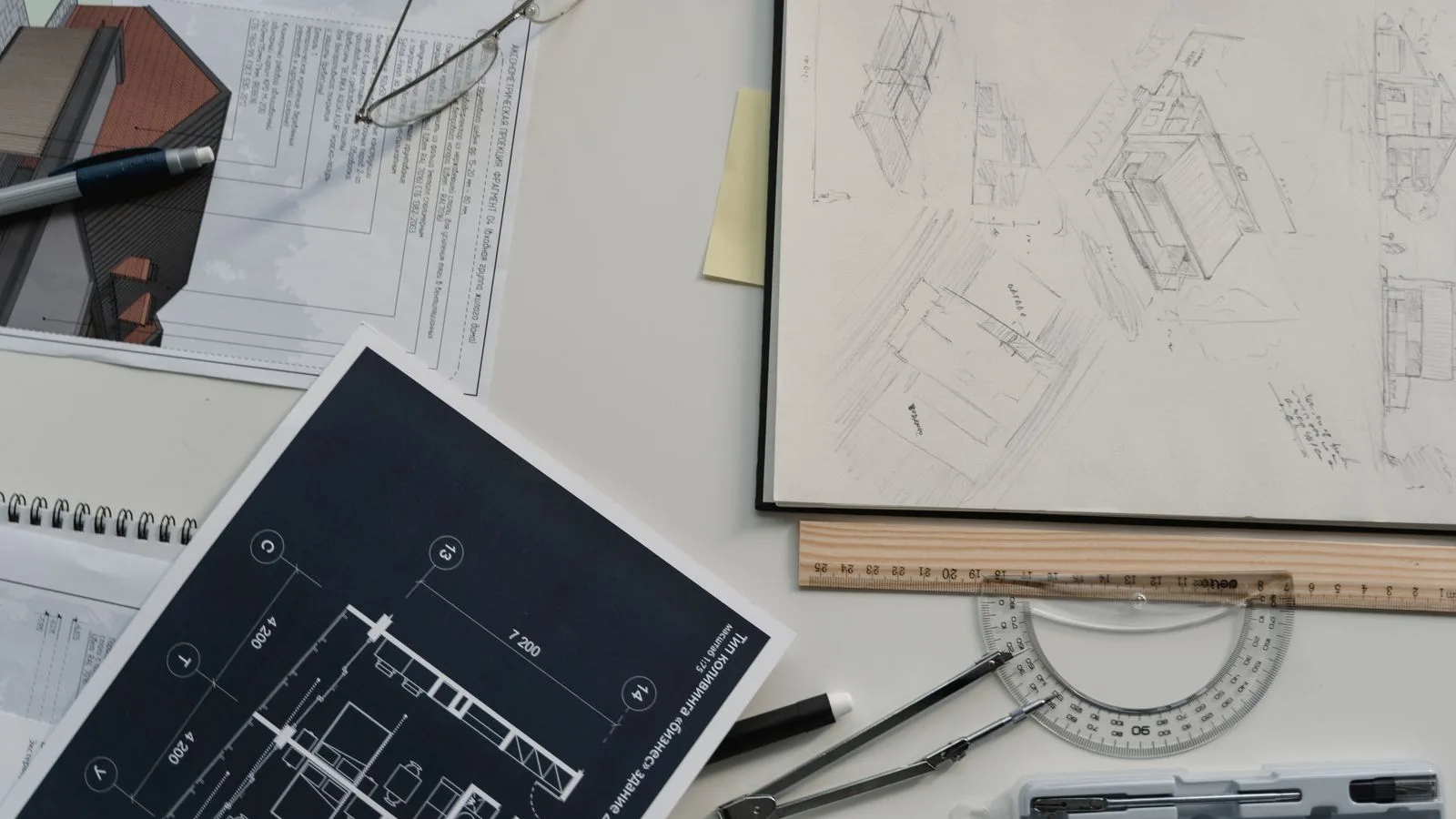
Getting the scale right is the most important step in digital plan measurement. Here is how to do it every time.
Read guide
These five mistakes cost trades thousands on every job. Learn how to avoid them with digital measurements.
Read guide
Should you use snapping or freehand measurement? Here is when each approach makes sense and how to get the best results.
Read guide
