
Step 1
Open the plan
Work on the same sheet you are measuring, no exporting to another tool.
 Feature
Text Annotations
Text Annotations let you add labels, notes and callouts straight onto your PDF alongside your measurements, so flags for RFIs, subbie instructions and reminders all live where the work is.
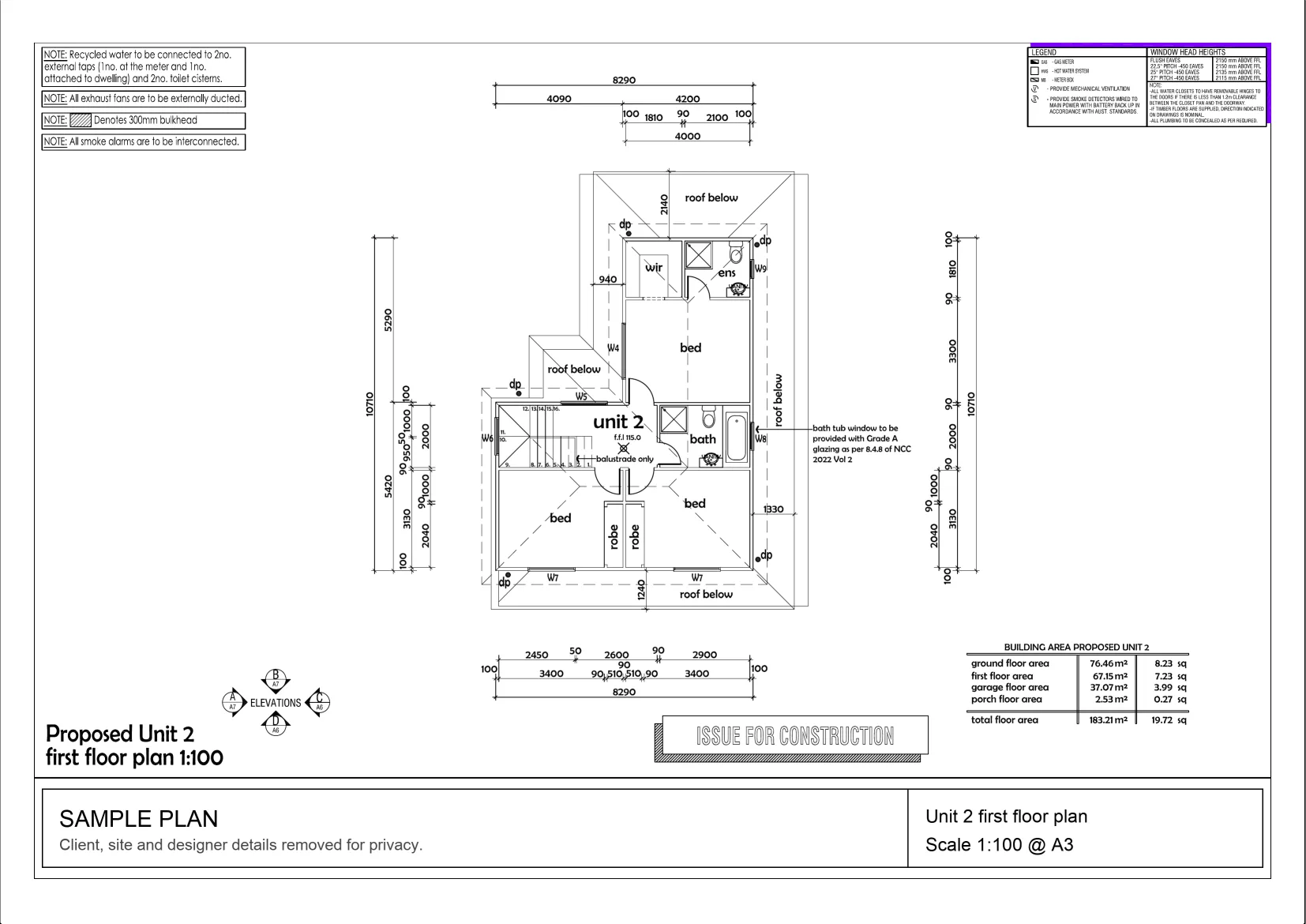
Interactive example on a sample plan. The real MetreMate app does a lot more.
From problem to outcome
Text Annotations are for the moments where a number is not enough, flagging an exclusion, labelling a zone for a subbie, or leaving a reminder, all kept on the plan with the measurements.
Work on the same sheet you are measuring, no exporting to another tool.
Place a label or callout exactly where it matters and type your note.
Notes save with the project and print or export right where you placed them.
Key capabilities
Drop labels and callouts on any part of the plan, right where they belong.
Best for Zone labels and callouts
Mark clashes, gaps and questions on the plan so nothing gets lost before a quote.
Best for RFIs and clarifications
Set the font size and colour so notes read clearly against your mark-ups.
Best for Tidy, readable mark-ups
Every note saves to the project alongside your takeoff, not in a separate file.
Best for One source of truth
Notes appear exactly where you placed them on printouts and exports.
Best for Sharing marked-up plans
The old way
Scribbling on a printout or keeping comments in a separate email means the context drifts away from the drawing, and someone always misses it.
Why it’s better with MetreMate
Text Annotations put the words on the plan with the measurements, so the context stays put through review, print and share.
Testimonial / proof
“MetreMate's a real game-changer for me. Knocked off hours of fiddling around with plans and got straight into the real work.”
Mark B. · Bathroom Renovator · Sydney, NSW, Australia
Built for who
See how Text Annotations fits the way your trade already works.
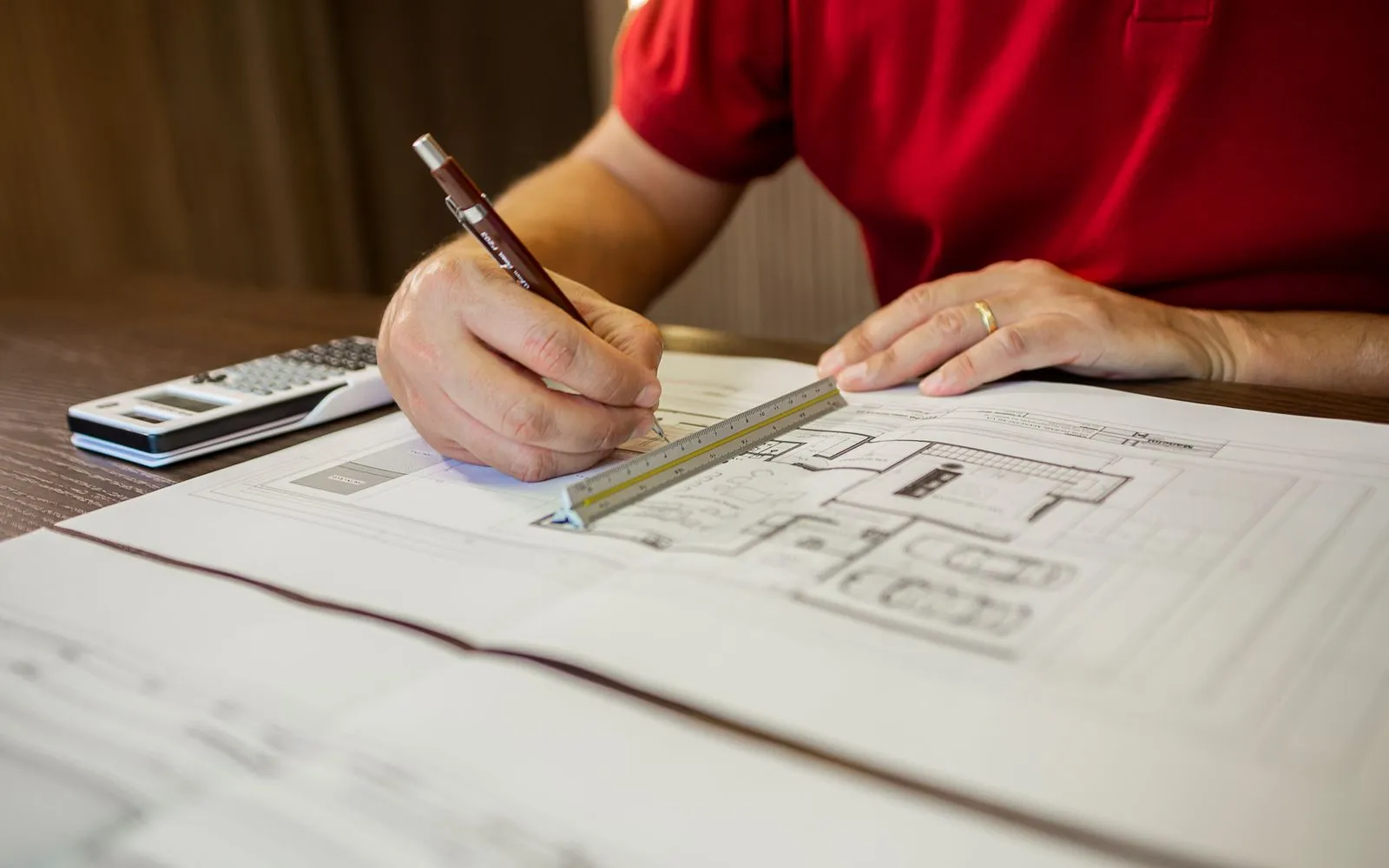
Built for
The problem
Need to record exclusions and assumptions against the takeoff.
What you get
Quotes with the context attached.
How you'd use it: Use Text Annotations to note pricing assumptions beside the measurements.
“MetreMate saved me hours on every tender. I measure three plan sets in the time it used to take me to do one.”
Across the trades
Text Annotations earns its keep right across the trades. Here is how different crews put it to work on real jobs.
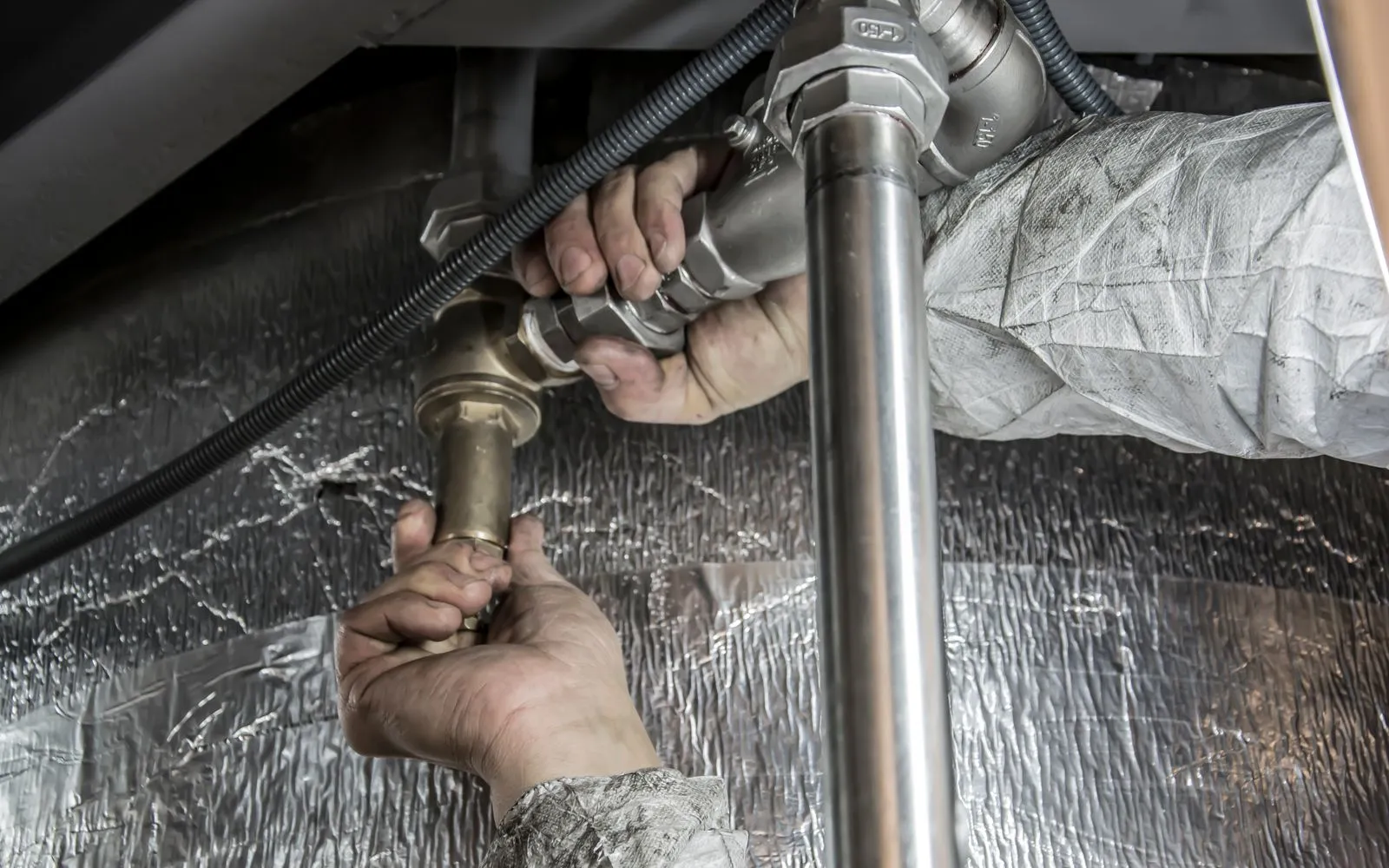
Call out fixture rough-ins and pipe sizes where they belong.
Workflows for plumbers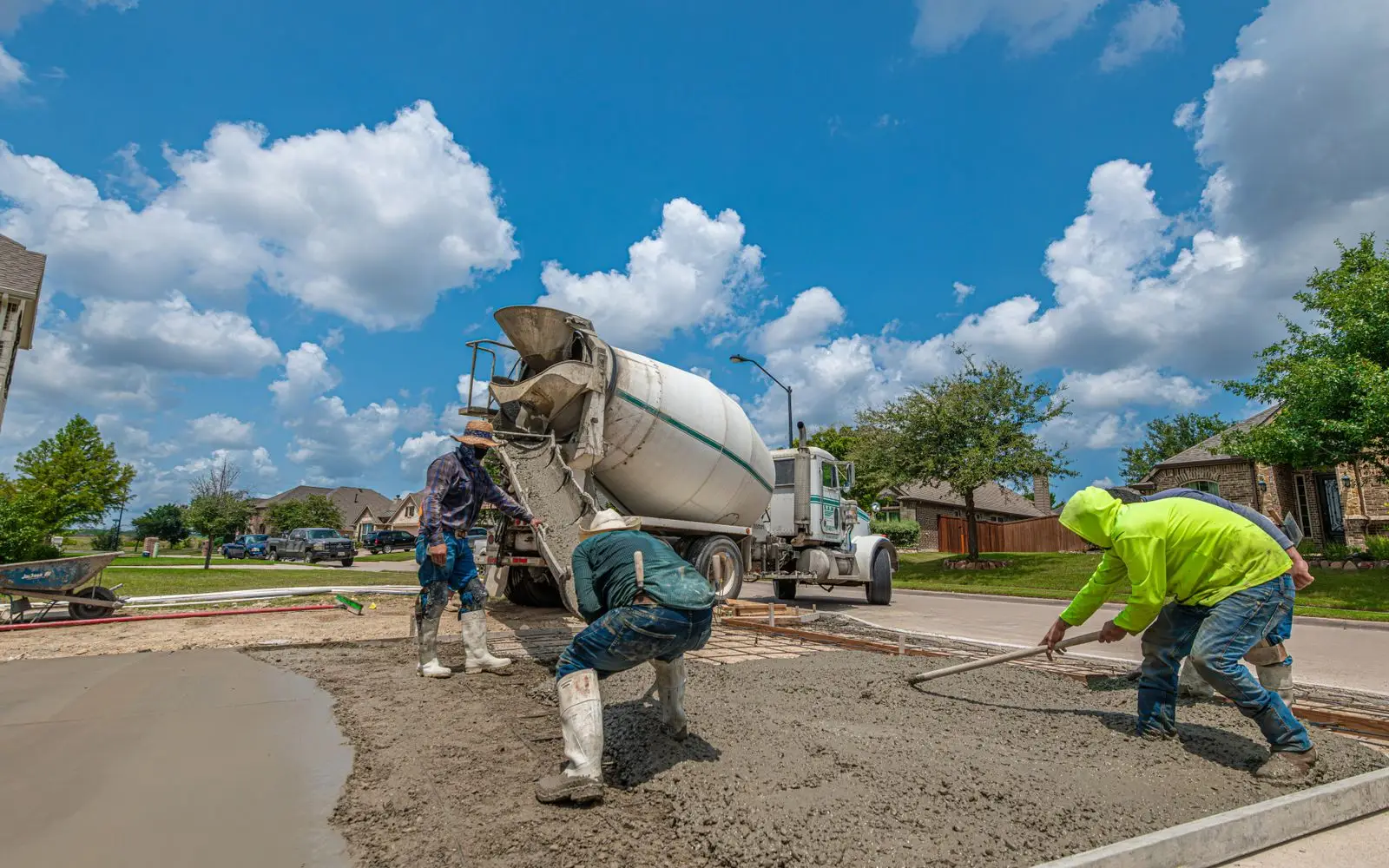
Note slab thickness, reinforcement and finish on each pour area.
Workflows for concreters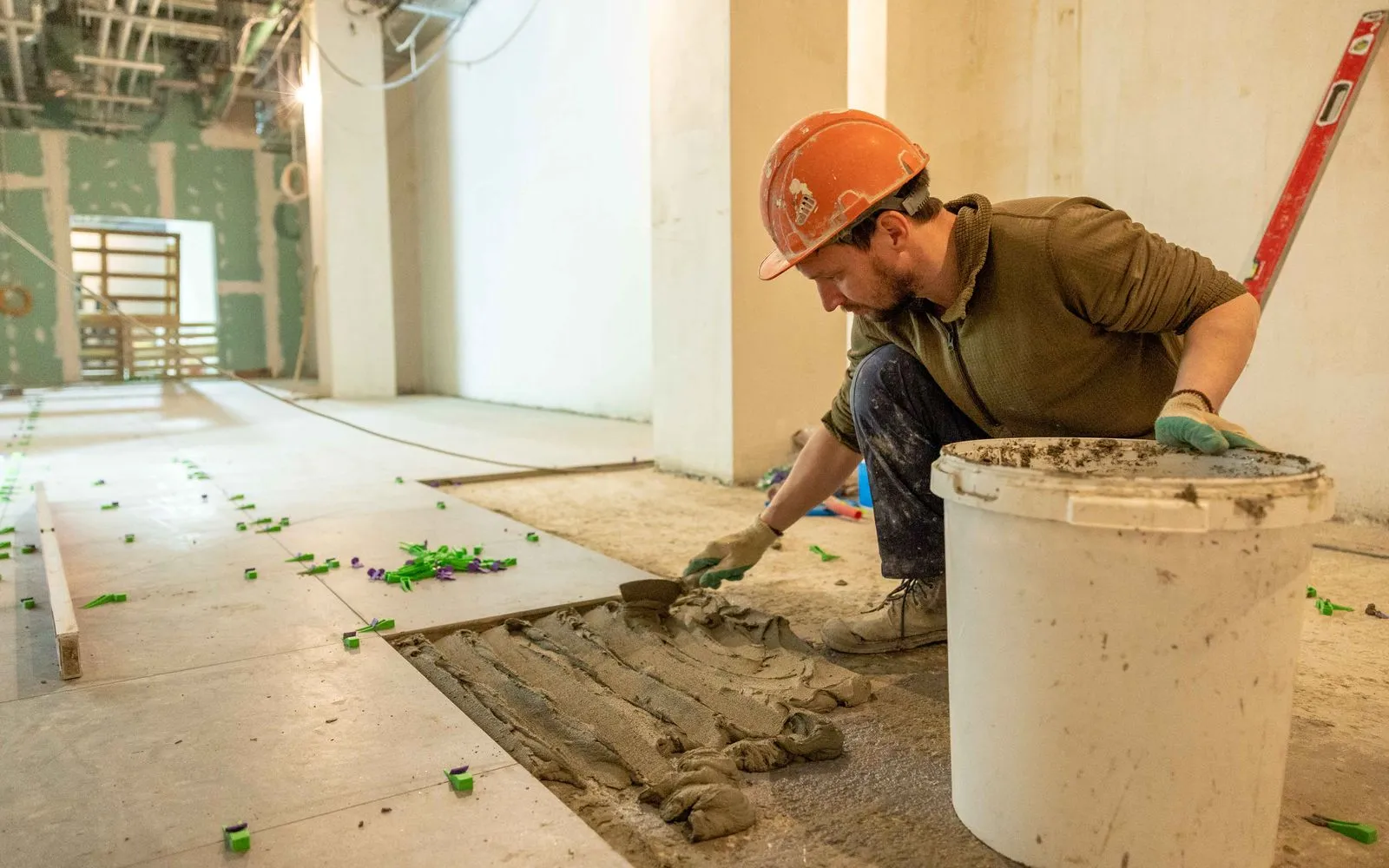
Note tile sizes, patterns, and set-out points per room.
Workflows for tilers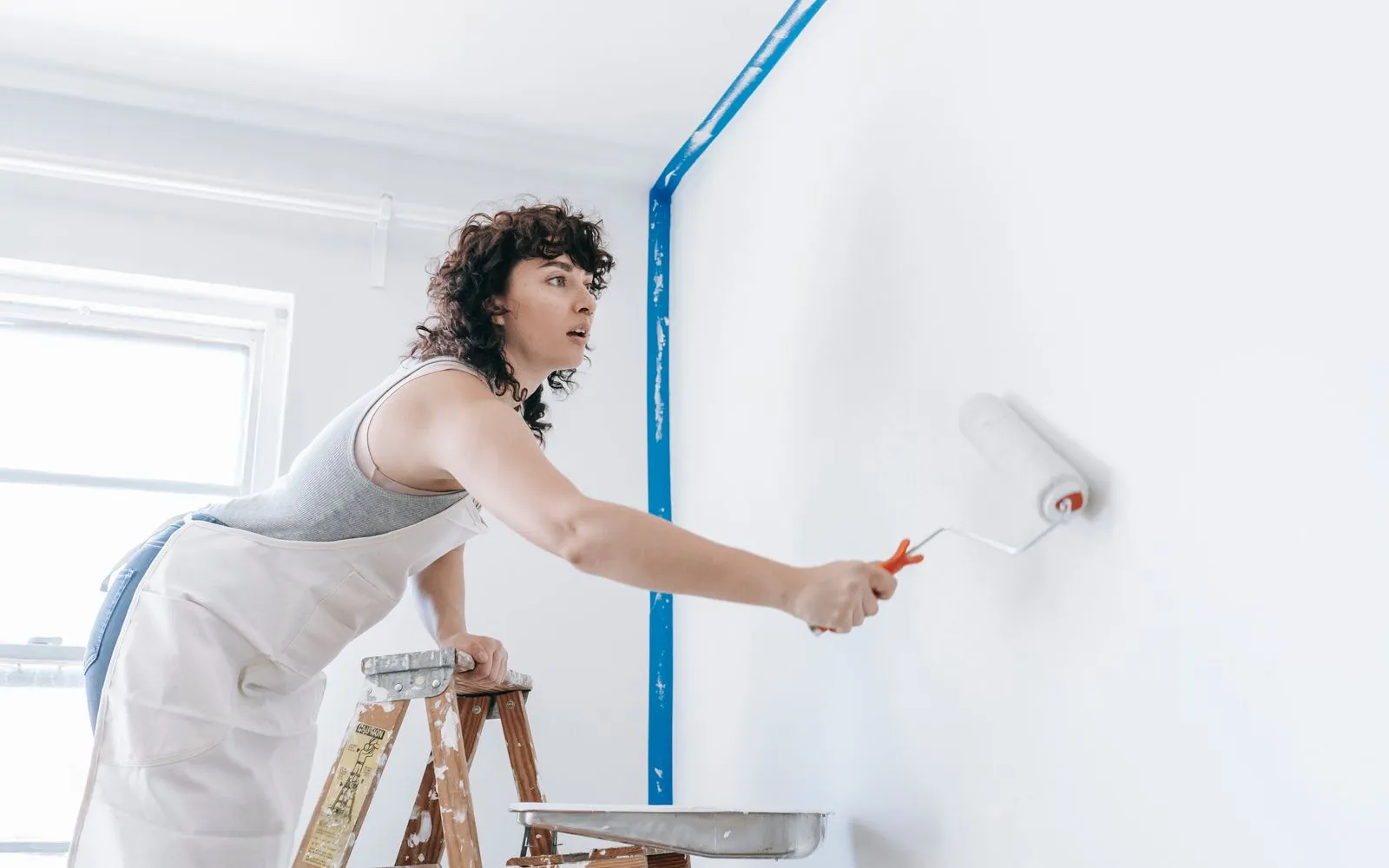
Note the paint system and colour for each room right on the plan.
Workflows for painters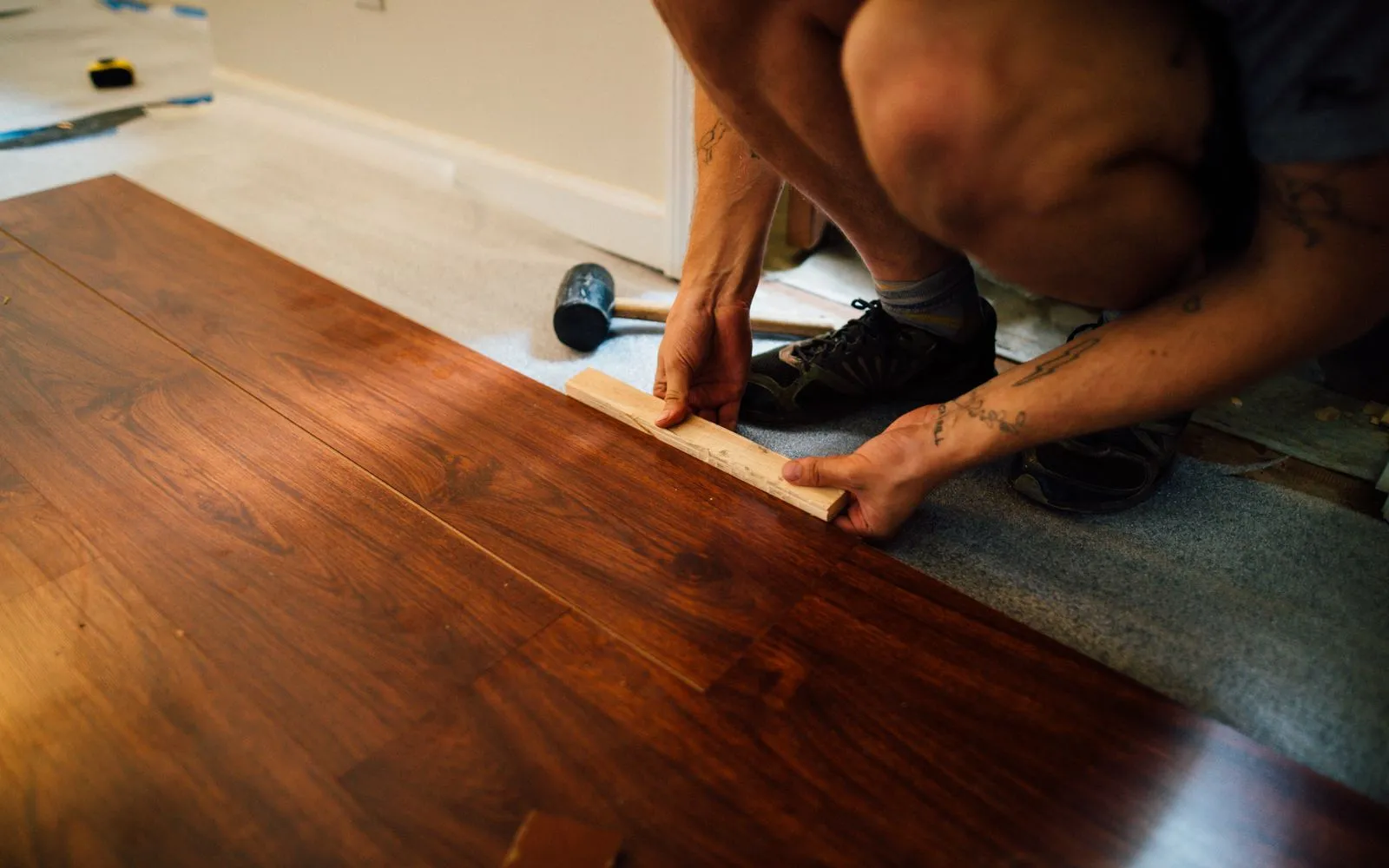
Note the product and board direction for each room.
Workflows for flooring contractors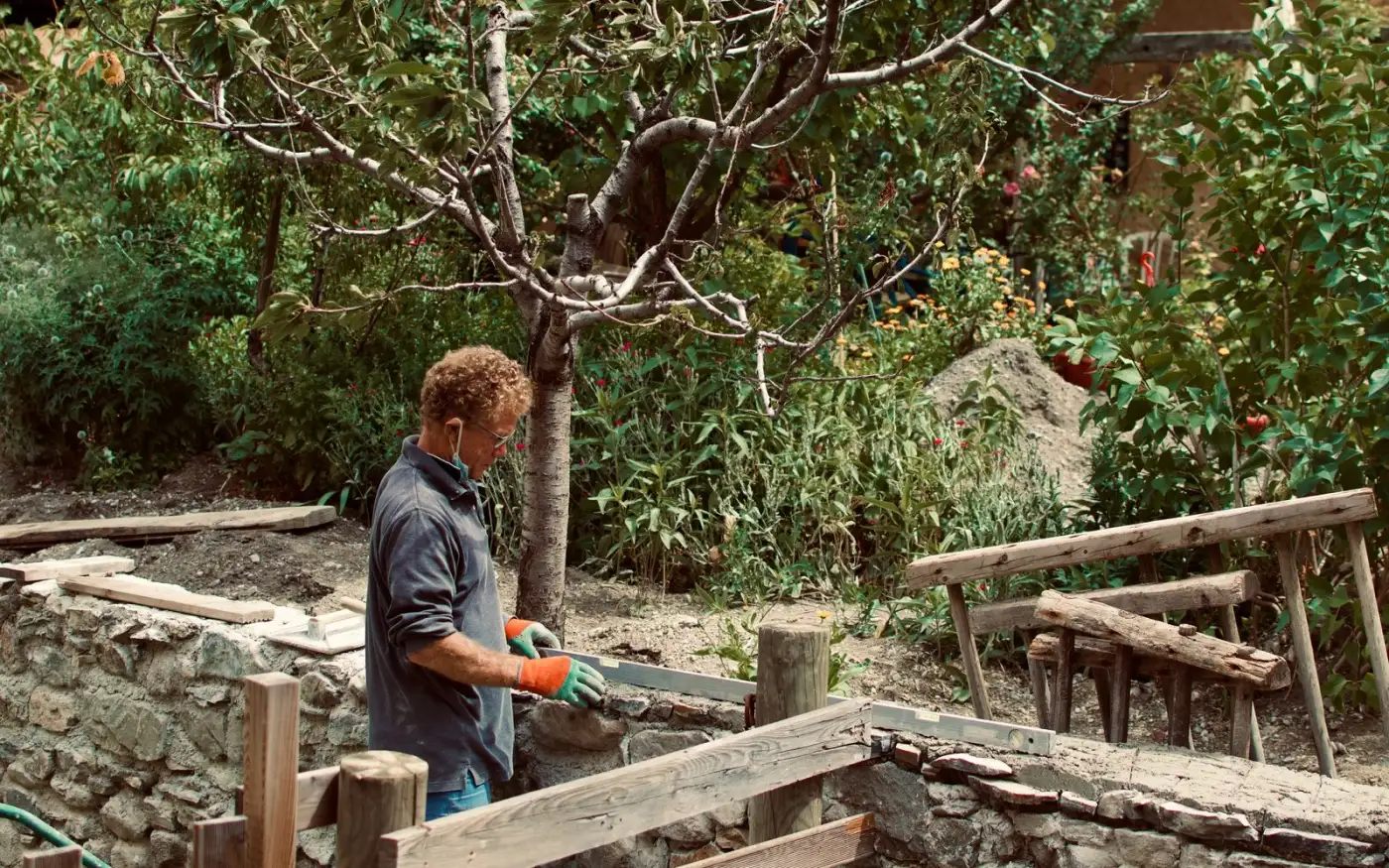
Note plant species, pot sizes and mulch depth on each bed.
Workflows for landscapers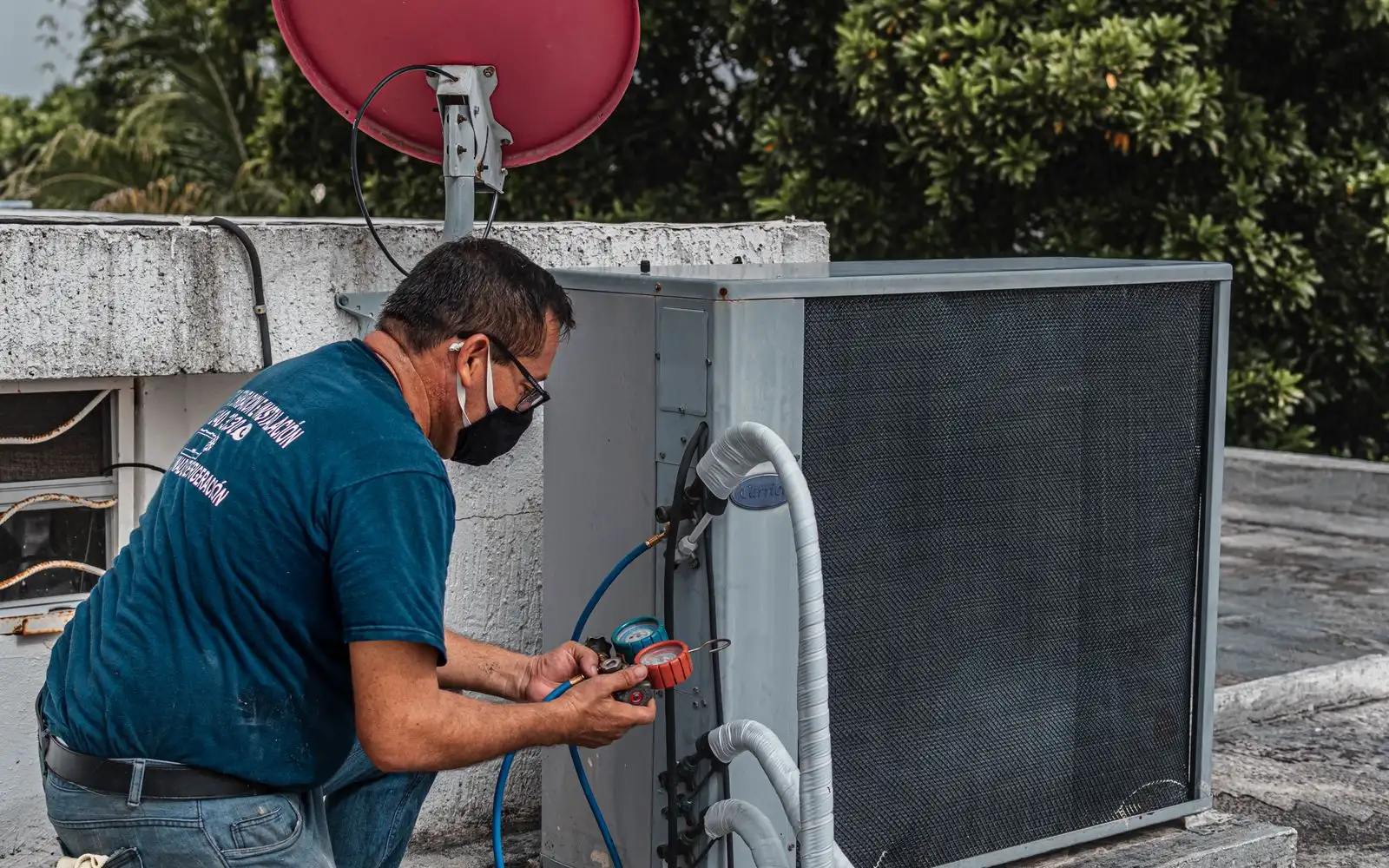
Note the unit size planned for each room or zone.
Workflows for heating & cooling technicians
Tag finishes, joinery, and services across a fitout layout.
Workflows for commercial fit-outsKeep exploring
Keep learning
Put it into practice with step-by-step how-tos from the MetreMate team.
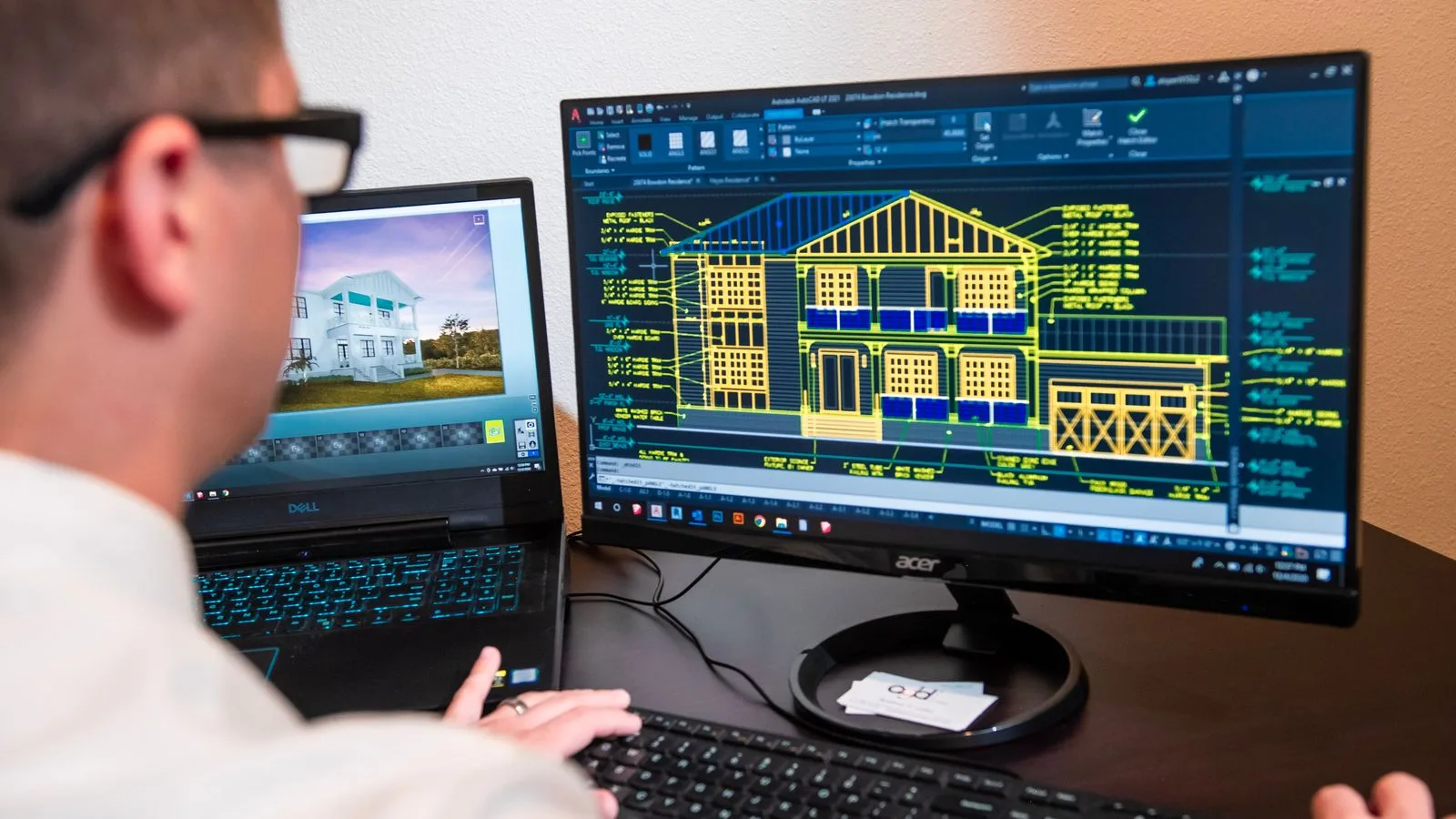
Ditch the printouts and scaled rulers. Upload your floorplan, auto-scale it, and measure in a few clicks.
Read guide
These five mistakes cost trades thousands on every job. Learn how to avoid them with digital measurements.
Read guide
Should you use snapping or freehand measurement? Here is when each approach makes sense and how to get the best results.
Read guide

'%3e%3crect%20x='3.39703'%20y='3.39709'%20width='60.378'%20height='61'%20rx='5.94485'%20fill='%2300DD9B'/%3e%3c/g%3e%3cpath%20d='M43.228%2024.6568H40.3584V22.0269C40.3584%2020.5805%2039.1749%2019.3971%2037.7285%2019.3971H29.0655C27.6191%2019.3971%2026.4357%2020.5805%2026.4357%2022.0269V24.6568H23.5661C21.2689%2024.6568%2019.397%2026.5673%2019.397%2028.8722V36.7617C19.397%2039.0667%2021.2689%2040.9772%2023.5661%2040.9772H24.8887V45.2313C24.8887%2046.6778%2026.0722%2047.8612%2027.5186%2047.8612H39.2755C40.7219%2047.8612%2041.9053%2046.6778%2041.9053%2045.2313V40.9772H43.228C45.5329%2040.9772%2047.397%2039.0667%2047.397%2036.7617V28.8722C47.397%2026.5673%2045.5252%2024.6568%2043.228%2024.6568ZM28.6015%2022.0269C28.6015%2021.7717%2028.8103%2021.5628%2029.0655%2021.5628H37.7285C37.9838%2021.5628%2038.1926%2021.7717%2038.1926%2022.0269V24.6568H28.6015V22.0269ZM39.7396%2045.2313C39.7396%2045.4866%2039.5307%2045.6954%2039.2755%2045.6954H27.5186C27.2633%2045.6954%2027.0545%2045.4866%2027.0545%2045.2313V35.6402H39.7396V45.2313ZM43.228%2038.8115H41.9053V34.5264C41.9053%2033.9308%2041.418%2033.4744%2040.8224%2033.4744H25.9716C25.376%2033.4744%2024.8887%2033.9308%2024.8887%2034.5264V38.8115H23.5661C22.46%2038.8115%2021.5628%2037.8755%2021.5628%2036.7617V28.8722C21.5628%2027.7662%2022.46%2026.8225%2023.5661%2026.8225H43.2202C44.3263%2026.8225%2045.2236%2027.7584%2045.2236%2028.8722V36.7617H45.2313C45.2313%2037.8678%2044.3341%2038.8115%2043.228%2038.8115Z'%20fill='white'/%3e%3cpath%20d='M26.5904%2028.8336H24.8887V30.9994H26.5904V28.8336Z'%20fill='white'/%3e%3cdefs%3e%3cfilter%20id='filter0_d_4803_6878'%20x='-2.38419e-05'%20y='3.71933e-05'%20width='67.1722'%20height='67.7941'%20filterUnits='userSpaceOnUse'%20color-interpolation-filters='sRGB'%3e%3cfeFlood%20flood-opacity='0'%20result='BackgroundImageFix'/%3e%3cfeColorMatrix%20in='SourceAlpha'%20type='matrix'%20values='0%200%200%200%200%200%200%200%200%200%200%200%200%200%200%200%200%200%20127%200'%20result='hardAlpha'/%3e%3cfeOffset/%3e%3cfeGaussianBlur%20stdDeviation='1.69853'/%3e%3cfeComposite%20in2='hardAlpha'%20operator='out'/%3e%3cfeColorMatrix%20type='matrix'%20values='0%200%200%200%200%200%200%200%200%200%200%200%200%200%200%200%200%200%200.25%200'/%3e%3cfeBlend%20mode='normal'%20in2='BackgroundImageFix'%20result='effect1_dropShadow_4803_6878'/%3e%3cfeBlend%20mode='normal'%20in='SourceGraphic'%20in2='effect1_dropShadow_4803_6878'%20result='shape'/%3e%3c/filter%3e%3c/defs%3e%3c/svg%3e)