
Step 1
Trace the curve
Follow the curved edge on the plan and let the arc bow onto the printed line.
 Feature
Arc
Arc Tool traces the curved runs a straight line cannot, so curved walls, radius driveways, cul-de-sacs, and pool edges come off the plan as real numbers instead of rough guesses.
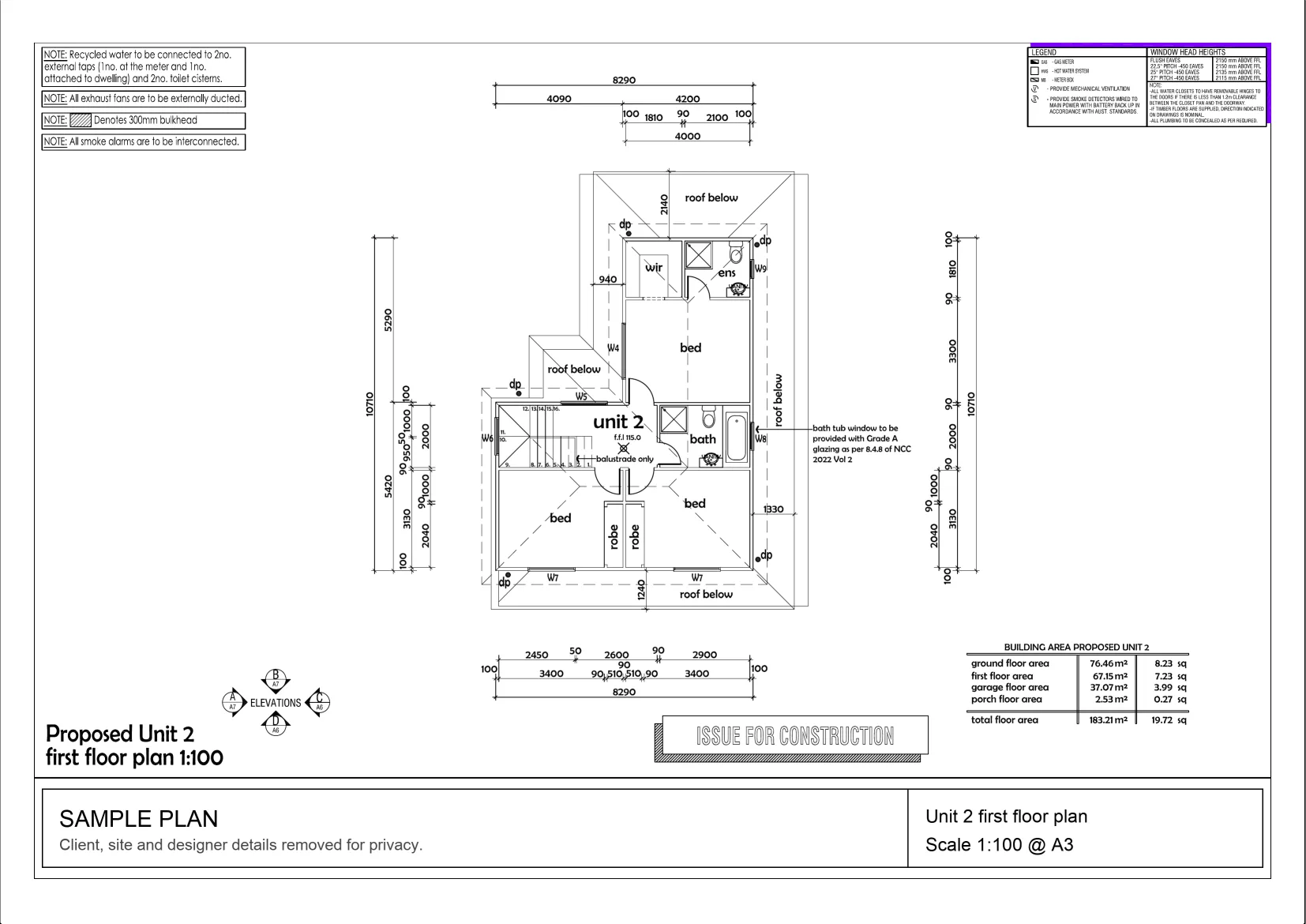
Interactive example on a sample plan. The real MetreMate app does a lot more.
From problem to outcome
Arc Tool is for the parts of a plan that refuse to be straight, curved walls, radius edges, rounded slabs, and sweeping driveways, where measuring point to point would undercook the length every time.
Follow the curved edge on the plan and let the arc bow onto the printed line.
Get the true length along the curve at the correct scale, not the straight-line chord.
Save the curved run with your other measurements, ready for materials and quoting.
Key capabilities
Measure the real length along a curve instead of the straight line between its ends.
Best for Curved walls and edges
Follow radius driveways, paths, and cul-de-sacs so linear quantities come out right.
Trace rounded slab and pool edges to keep perimeters honest on curved work.
Best for Slabs, pools, patios
Curved lengths come off a properly scaled plan, so the number matches the real job.
Best for Scaled PDF plans
Keep curved runs on the same plan as your lengths, areas, and counts.
Best for Full takeoff in one place

The old way
Measuring a curve as a series of straight hops, or measuring the chord end to end, always comes up short, and short measurements on edging, kerbing, and cladding turn into money left on the table.
Why it’s better with MetreMate
Arc Tool follows the curve the way the material will, so curved edges stop being the thing you round off and hope for the best on.
Testimonial / proof
“Mate, MetreMate is no joke. It actually helps me get more work done which means I get to make more money. This is such a nifty little tool. Recommend it to all tradies that work with plans.”
Gary P. · Concreter · Essendon, VIC, Australia
Built for who
See how Arc fits the way your trade already works.
Built for
The problem
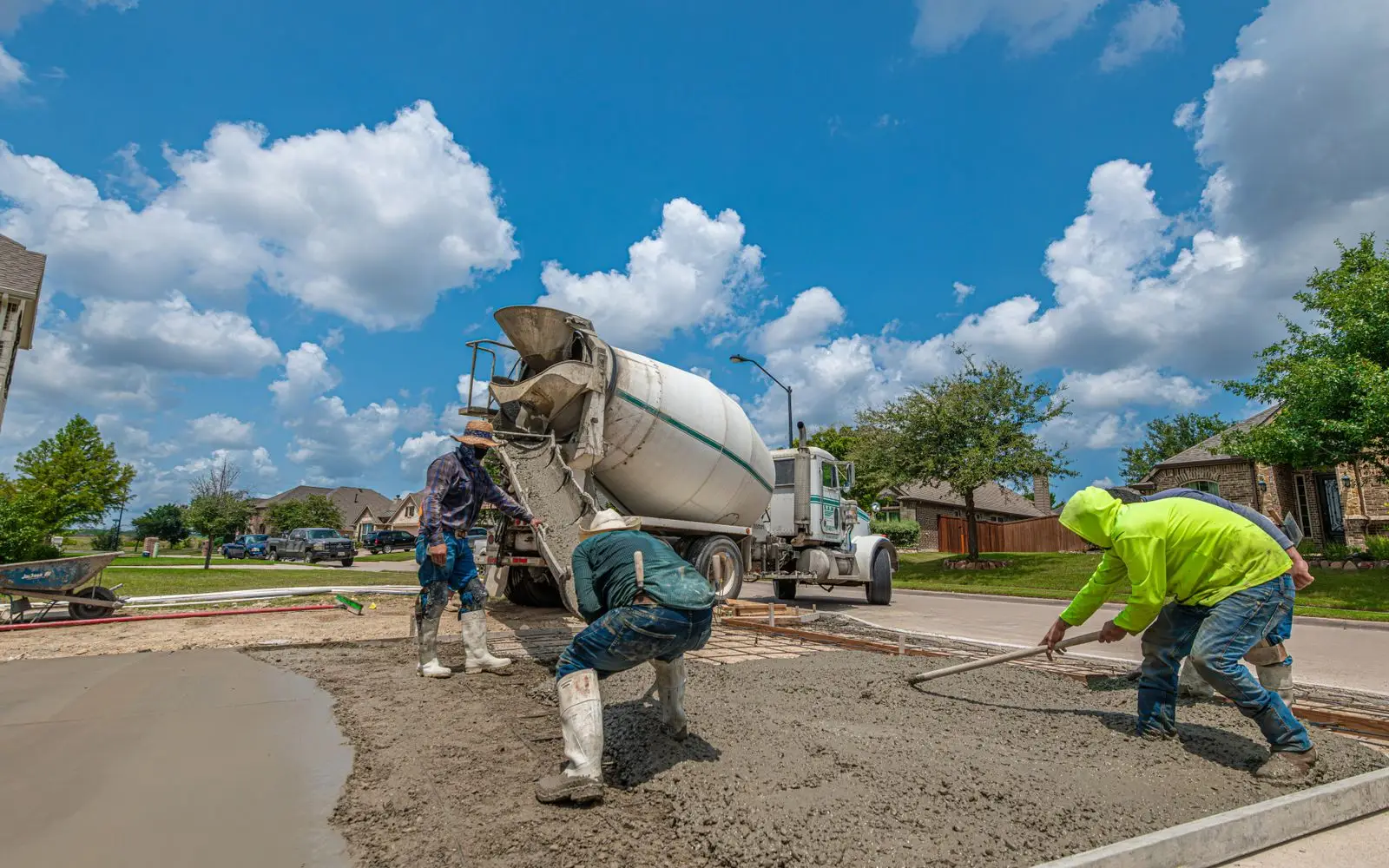
Need real lengths on curved driveways, kerbs, and rounded slab edges before pouring.
What you get
Accurate edge and formwork quantities on curved pours.
How you'd use it: Use Arc Tool to trace each curve and read the true arc length at scale.
“Mate, MetreMate is no joke. It actually helps me get more work done which means I get to make more money. This is such a nifty little tool. Recommend it to all tradies that work with plans and run their own businesses!”
Across the trades
Arc earns its keep right across the trades. Here is how different crews put it to work on real jobs.

Read the radius and true length of curved walls before you work out bricks and set-out.
Workflows for bricklayers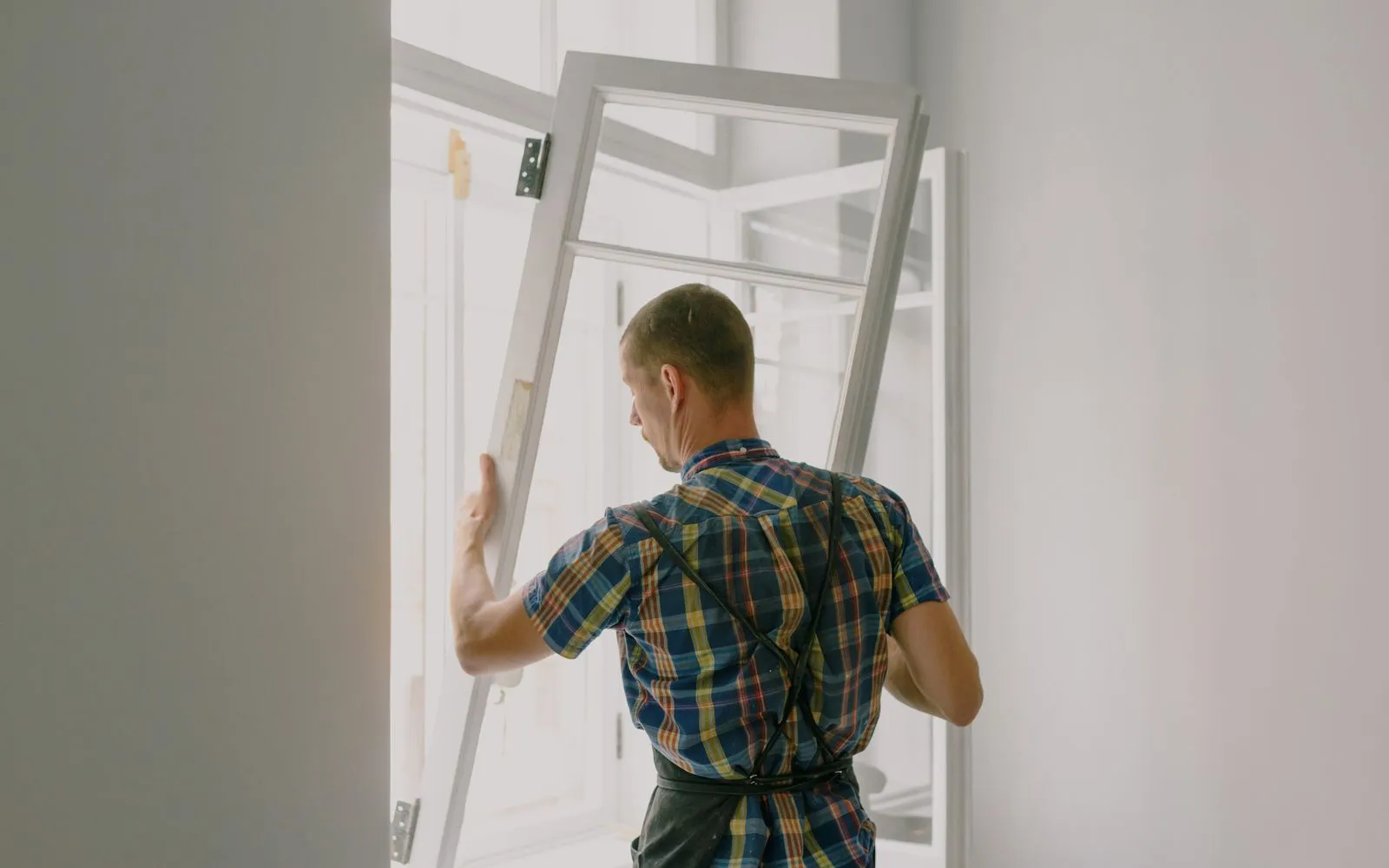
Read the radius and length of curved balustrades and shower screens before ordering curved glass.
Workflows for glaziers
Check a curved frontage's length and radius against the survey plan before pricing the fence.
Workflows for fencers
Read the radius and length of curved bulkheads and walls for flexible board.
Workflows for plasterers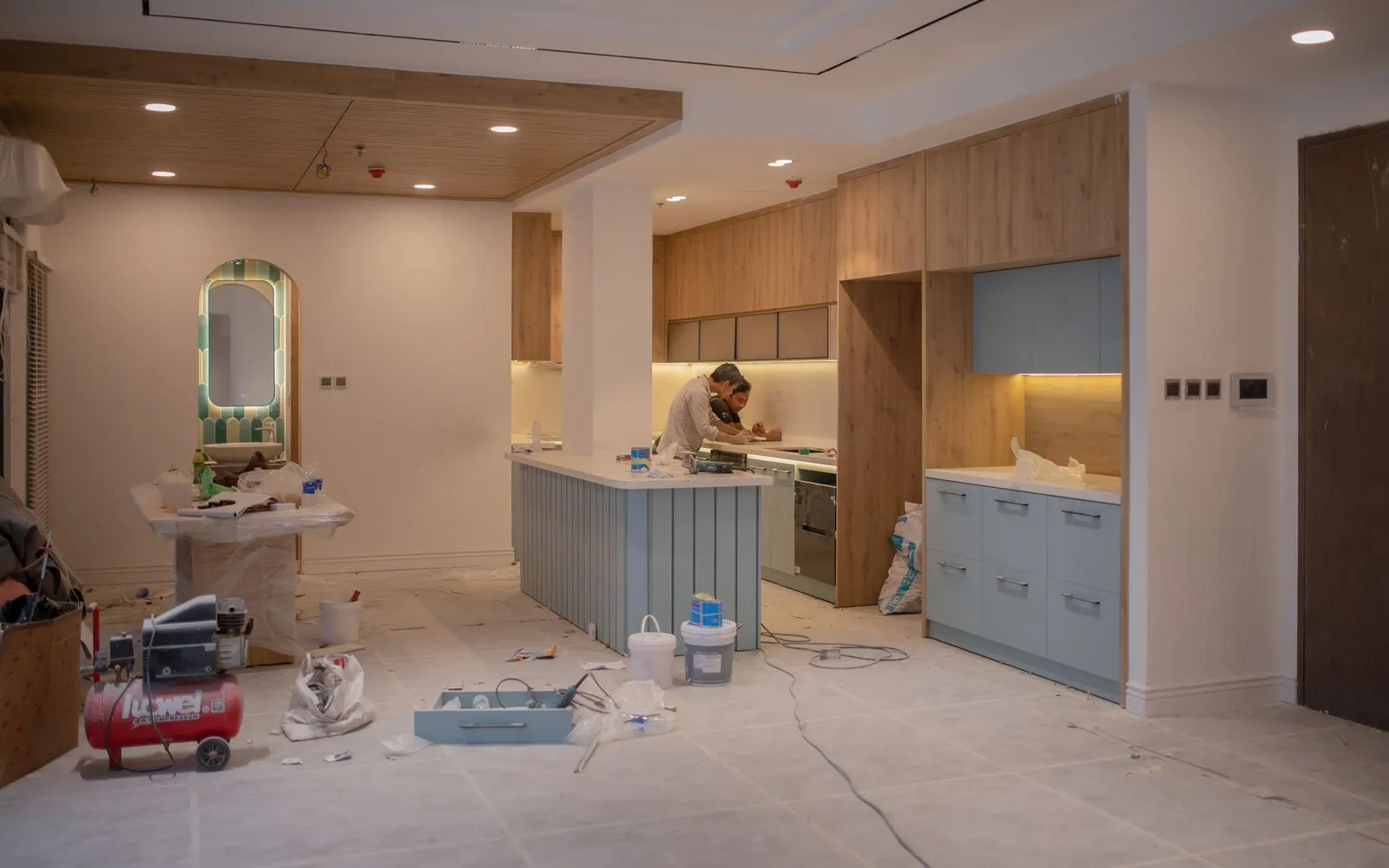
Measure curved island worktops and bulkheads at their true length.
Workflows for kitchen renovators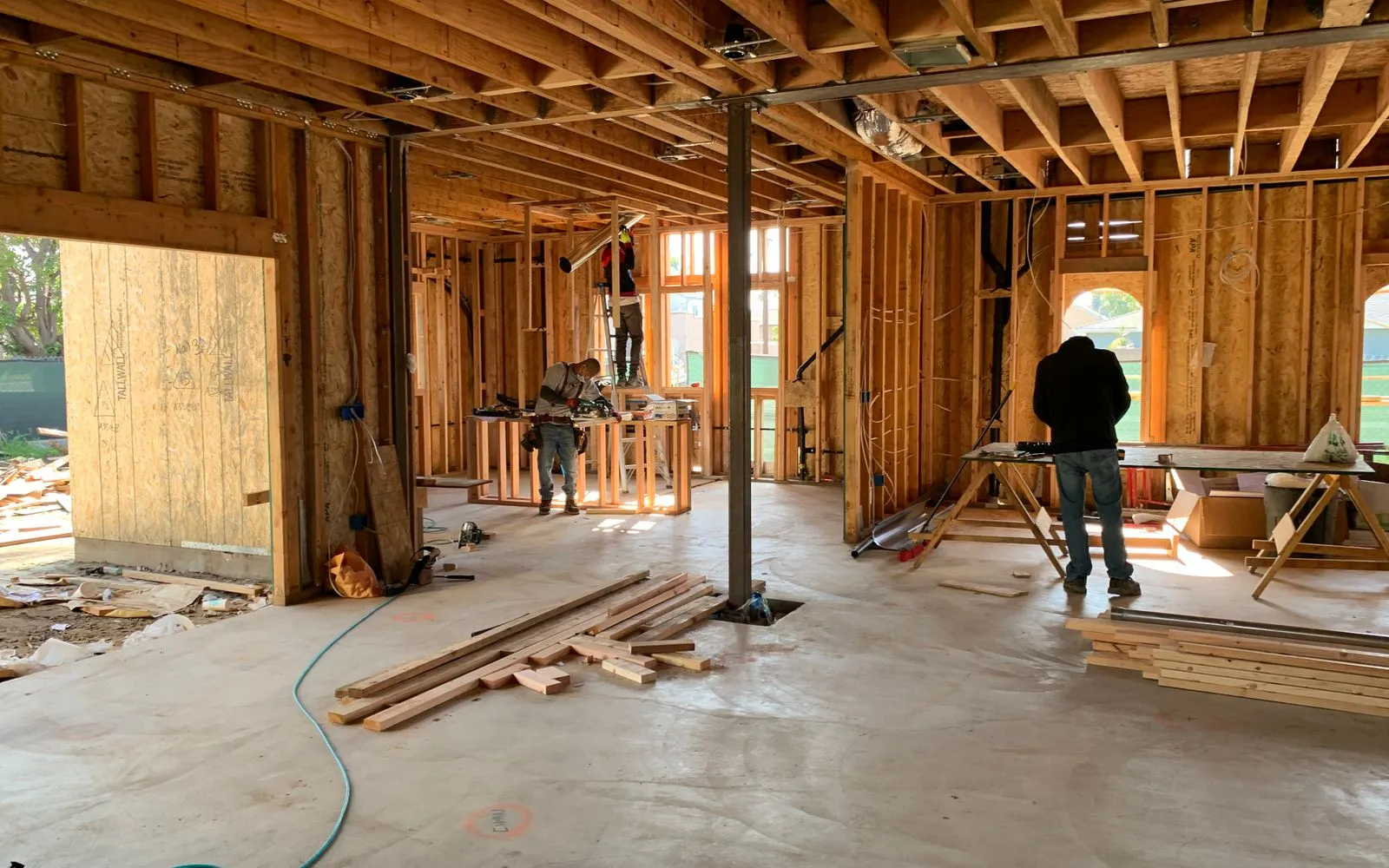
Measure curved partitions, counters and bulkheads at their true length.
Workflows for commercial fit-outs
Measure curved stone edging and retaining walls without straight-line guesswork.
Workflows for stonemasons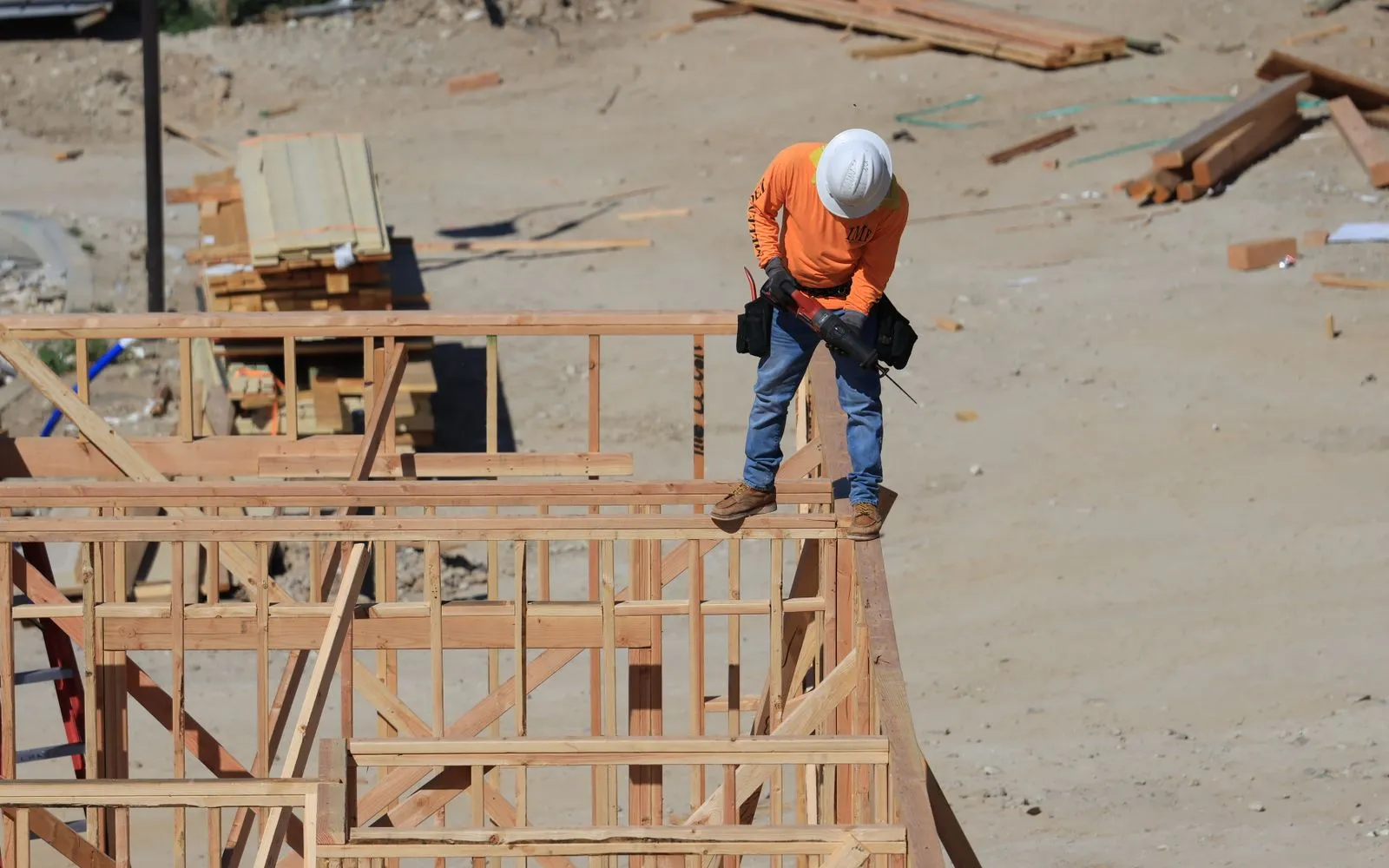
Get the true length of curved walls and bays for cladding and lining.
Workflows for buildersKeep exploring
Keep learning
Put it into practice with step-by-step how-tos from the MetreMate team.
Getting the scale right is the most important step in digital plan measurement. Here is how to do it every time.
Read guide
These five mistakes cost trades thousands on every job. Learn how to avoid them with digital measurements.
Read guide
Should you use snapping or freehand measurement? Here is when each approach makes sense and how to get the best results.
Read guide

