
Step 1
Log in
Land on your Dashboard with your project, plan and measurement counts.
Dashboard
Dashboard is your home base in MetreMate. It shows how many projects, plans and measurements you have, your most recent projects, and one-click ways to start a new job.
From problem to outcome
Dashboard is for when you have a few jobs on and want to get back into the right one fast, instead of digging through folders to find the plan you were working on.
Land on your Dashboard with your project, plan and measurement counts.
Open one of your recent projects straight from its card.
Create a new project and upload a plan from the quick actions.
Key capabilities
See how many projects, plans and measurements you have without opening anything.
Best for A quick read on your workload
Your latest projects sit up front, so the job you were on is one click away.
Best for Picking up where you left off
Start a new project, jump to all your projects, or get help straight from the Dashboard.
Best for Getting started fast
Got a fresh plan to measure? Create the project and upload the PDF from the Dashboard.
Best for New jobs coming in
The Dashboard is there from day one, including on the free plan.
Best for Anyone trying MetreMate
The old way
When every plan lives in a different folder, getting back into the right job means remembering where you saved it, and new jobs start with a round of file shuffling.
Why it’s better with MetreMate
Dashboard puts your numbers, your recent projects and the way to start a new one on the first screen, so you spend your time measuring rather than looking for the plan.
Testimonial / proof
“MetreMate saved me hours on every tender. I measure three plan sets in the time it used to take me to do one.”
Sam R. · Estimator
Built for who
See how Dashboard fits the way your trade already works.
Built for
The problem
Juggle multiple tenders and waste time finding the right plan set.
What you get
Back into the right tender fast.
How you'd use it: Use the Dashboard to reopen recent projects in one click.
“MetreMate saved me hours on every tender. I measure three plan sets in the time it used to take me to do one.”
Across the trades
Dashboard earns its keep right across the trades. Here is how different crews put it to work on real jobs.
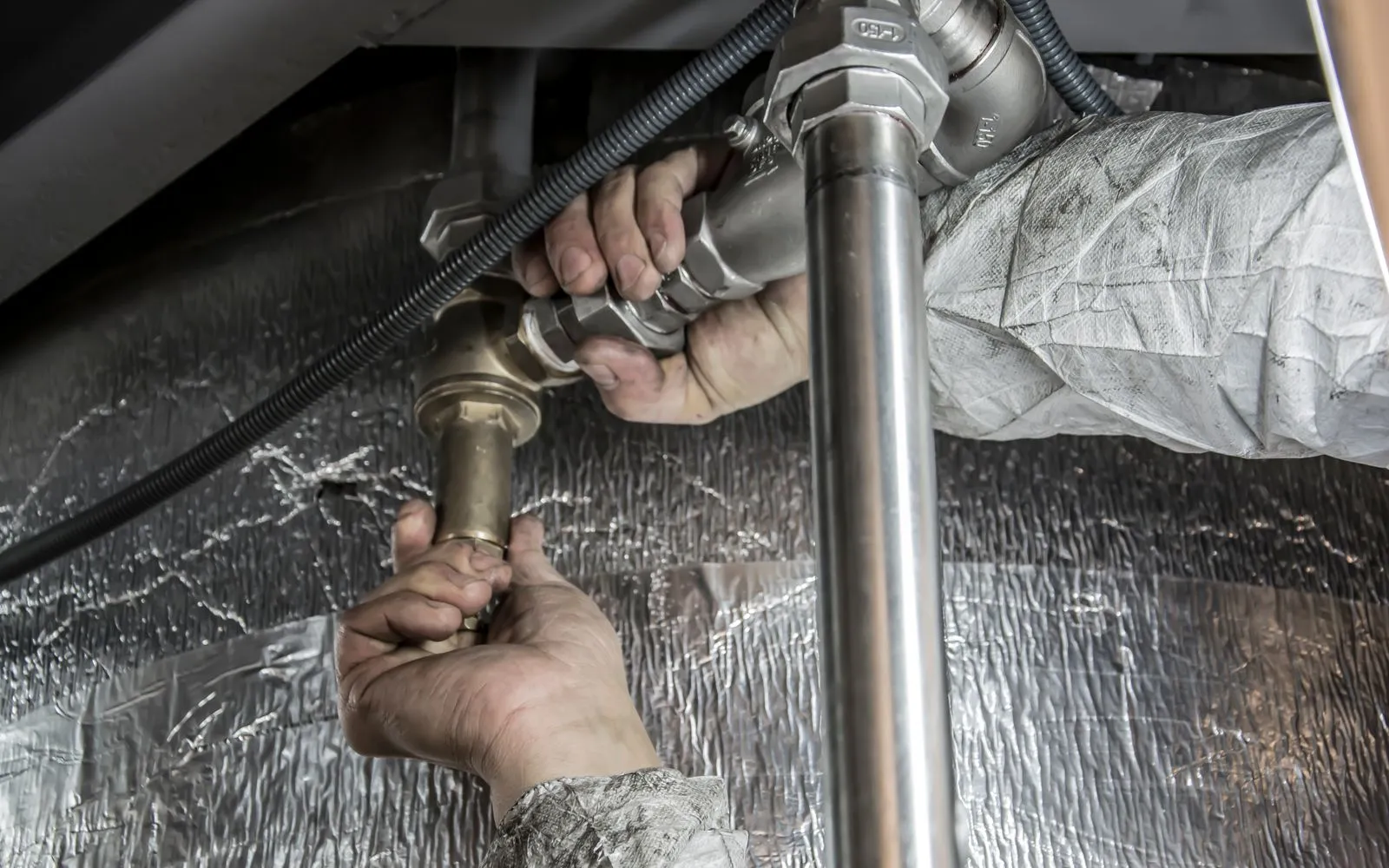
Jump back into your latest jobs from one screen between site visits.
Workflows for plumbers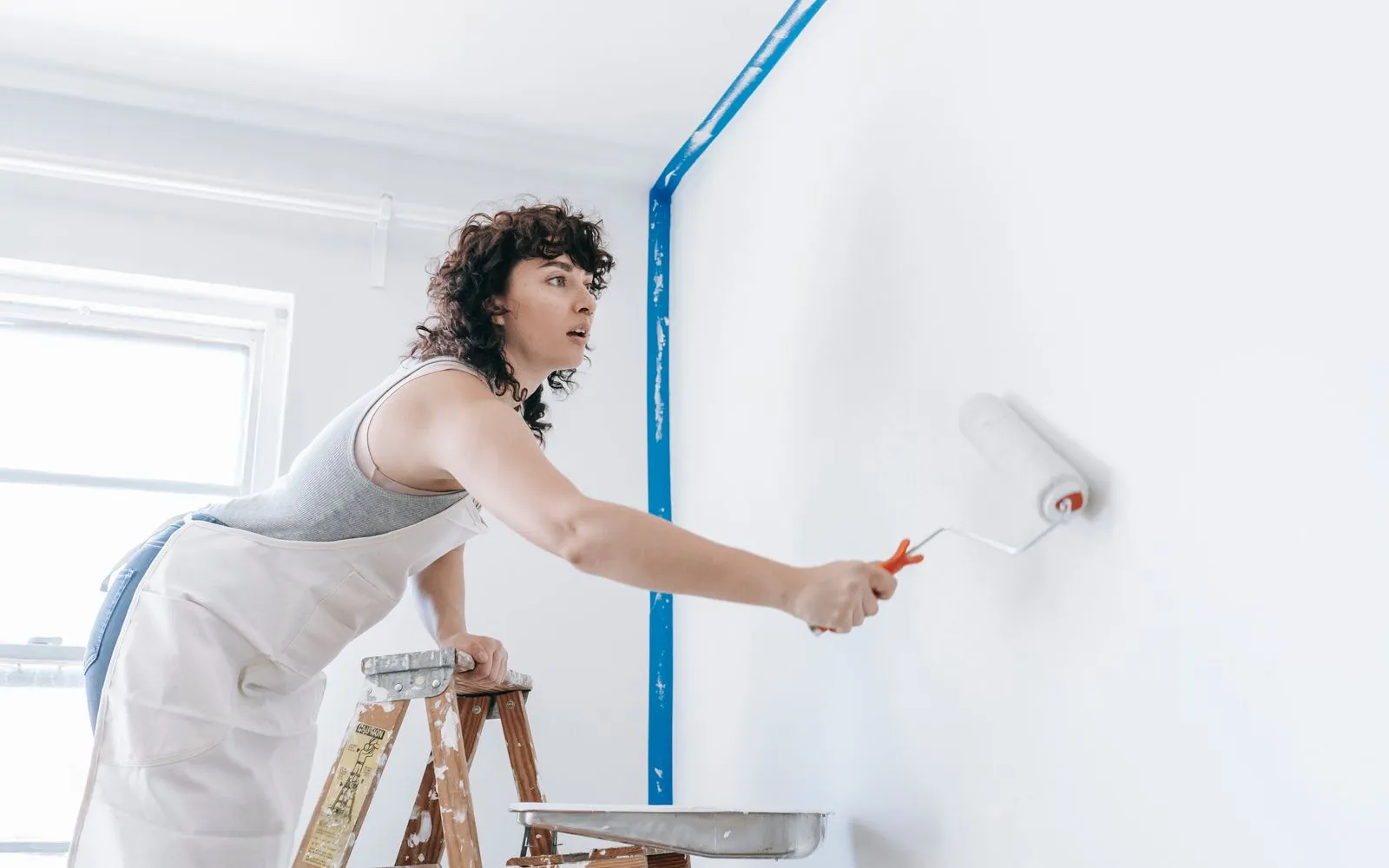
Start a new project from the dashboard the moment a set of plans comes in.
Workflows for painters & decorators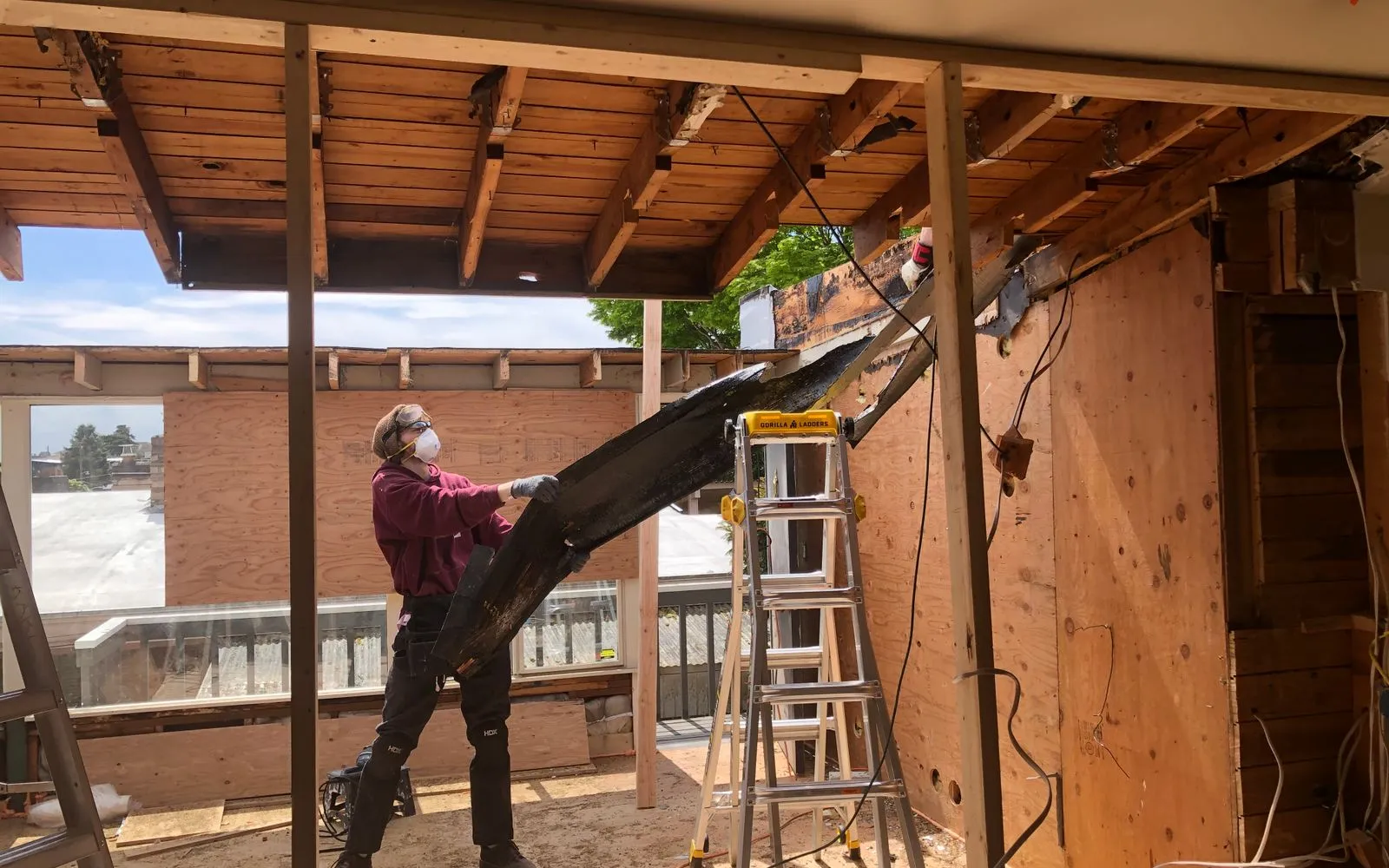
See every renovation on the go and pick up the next quote where you left off.
Workflows for renovators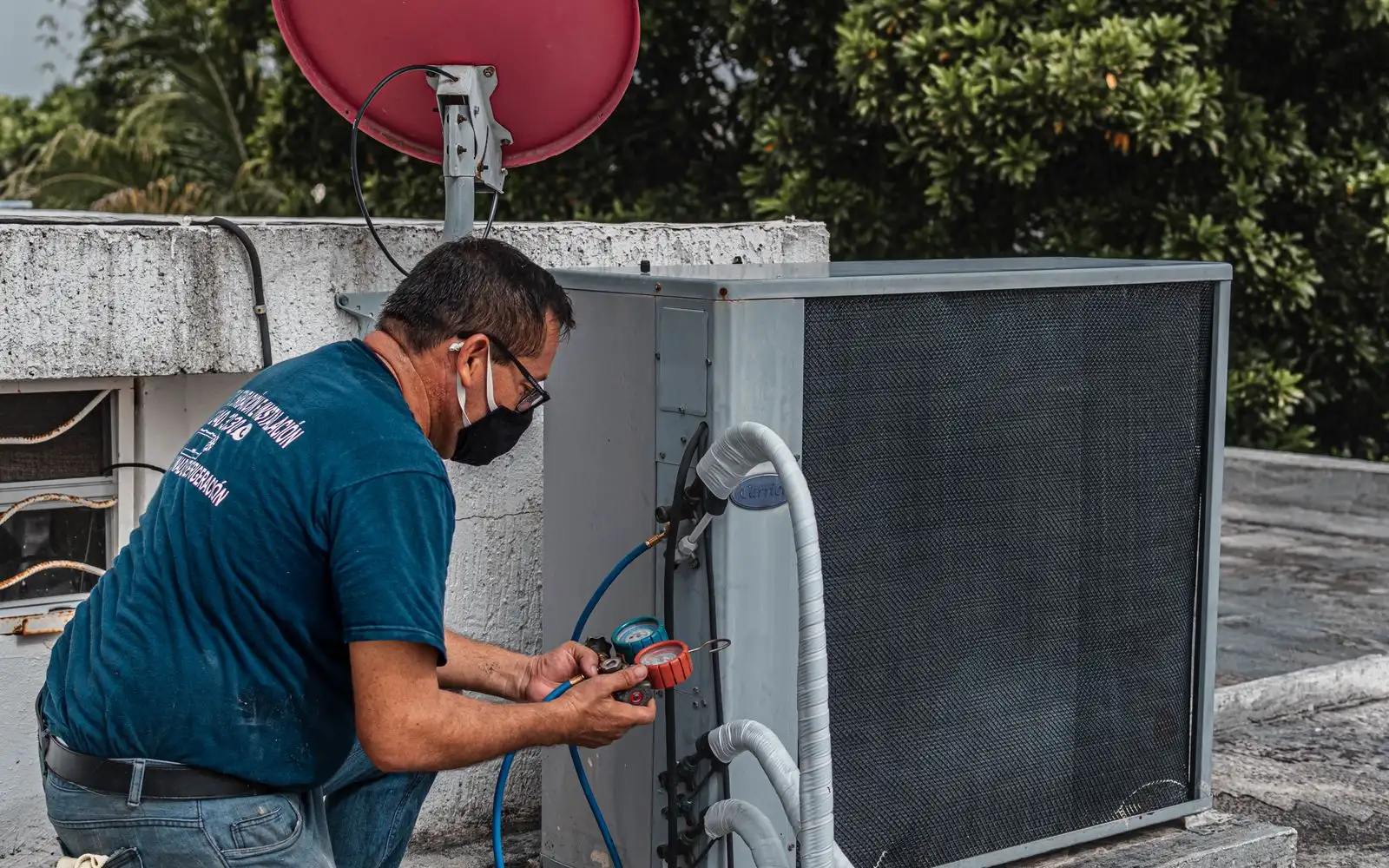
Reopen the latest install from recent projects instead of digging through folders.
Workflows for heating & air conditioning engineersKeep exploring
Keep learning
Put it into practice with step-by-step how-tos from the MetreMate team.
Getting the scale right is the most important step in digital plan measurement. Here is how to do it every time.
Read guide
These five mistakes cost trades thousands on every job. Learn how to avoid them with digital measurements.
Read guide
Should you use snapping or freehand measurement? Here is when each approach makes sense and how to get the best results.
Read guide'%3e%3crect%20x='3.39703'%20y='3.39709'%20width='60.378'%20height='61'%20rx='5.94485'%20fill='%23A60CEE'/%3e%3c/g%3e%3cpath%20fill-rule='evenodd'%20clip-rule='evenodd'%20d='M22.397%2024.604V22.5345C22.397%2020.2492%2024.1867%2018.3971%2026.396%2018.3971H33.8966C34.784%2018.3971%2035.7931%2018.9571%2036.2862%2019.7222L37.172%2021.0967C37.2952%2021.2879%2037.678%2021.5005%2037.8988%2021.5005H46.395C48.6071%2021.5005%2050.397%2023.35%2050.397%2025.6412V38.0495C50.397%2040.3353%2048.6049%2042.1902%2046.3976%2042.1902H44.397V44.2564C44.397%2046.542%2042.6074%2048.3971%2040.4018%2048.3971H20.3923C18.1866%2048.3971%2016.397%2046.5428%2016.397%2044.2616V28.7395C16.397%2026.4551%2018.1868%2024.604%2020.396%2024.604H22.397ZM46.3976%2040.1212C47.5001%2040.1212%2048.397%2039.1929%2048.397%2038.0495V25.6412C48.397%2024.4932%2047.5031%2023.5695%2046.395%2023.5695H37.8988C37.0083%2023.5695%2036.0014%2023.0103%2035.5079%2022.2444L34.6221%2020.8699C34.4996%2020.6797%2034.1145%2020.4661%2033.8966%2020.4661H26.396C25.2914%2020.4661%2024.397%2021.3917%2024.397%2022.5345V24.604H27.8966C28.784%2024.604%2029.7931%2025.164%2030.2862%2025.9291L31.172%2027.3036C31.2952%2027.4948%2031.678%2027.7074%2031.8988%2027.7074H40.395C42.6071%2027.7074%2044.397%2029.5569%2044.397%2031.8481V40.1275L46.3976%2040.1212ZM20.3923%2046.3281H40.4018C41.5019%2046.3281%2042.397%2045.4003%2042.397%2044.2564V31.8481C42.397%2030.7001%2041.5031%2029.7764%2040.395%2029.7764H31.8988C31.0083%2029.7764%2030.0014%2029.2172%2029.5079%2028.4513L28.6221%2027.0768C28.4996%2026.8866%2028.1145%2026.673%2027.8966%2026.673H20.396C19.2913%2026.673%2018.397%2027.5979%2018.397%2028.7395V44.2616C18.397%2045.4009%2019.2919%2046.3281%2020.3923%2046.3281Z'%20fill='white'/%3e%3cdefs%3e%3cfilter%20id='filter0_d_4803_6881'%20x='-2.38419e-05'%20y='3.71933e-05'%20width='67.1722'%20height='67.7941'%20filterUnits='userSpaceOnUse'%20color-interpolation-filters='sRGB'%3e%3cfeFlood%20flood-opacity='0'%20result='BackgroundImageFix'/%3e%3cfeColorMatrix%20in='SourceAlpha'%20type='matrix'%20values='0%200%200%200%200%200%200%200%200%200%200%200%200%200%200%200%200%200%20127%200'%20result='hardAlpha'/%3e%3cfeOffset/%3e%3cfeGaussianBlur%20stdDeviation='1.69853'/%3e%3cfeComposite%20in2='hardAlpha'%20operator='out'/%3e%3cfeColorMatrix%20type='matrix'%20values='0%200%200%200%200%200%200%200%200%200%200%200%200%200%200%200%200%200%200.25%200'/%3e%3cfeBlend%20mode='normal'%20in2='BackgroundImageFix'%20result='effect1_dropShadow_4803_6881'/%3e%3cfeBlend%20mode='normal'%20in='SourceGraphic'%20in2='effect1_dropShadow_4803_6881'%20result='shape'/%3e%3c/filter%3e%3c/defs%3e%3c/svg%3e)