
Step 1
Pick Pencil
Choose the colour and line thickness that suit the mark you want to make.
Pencil
Pencil lets you draw freehand on a PDF plan: circle an issue, sketch a change, or add your initials by hand. Pick the colour and line thickness, and it prints and exports with the plan.
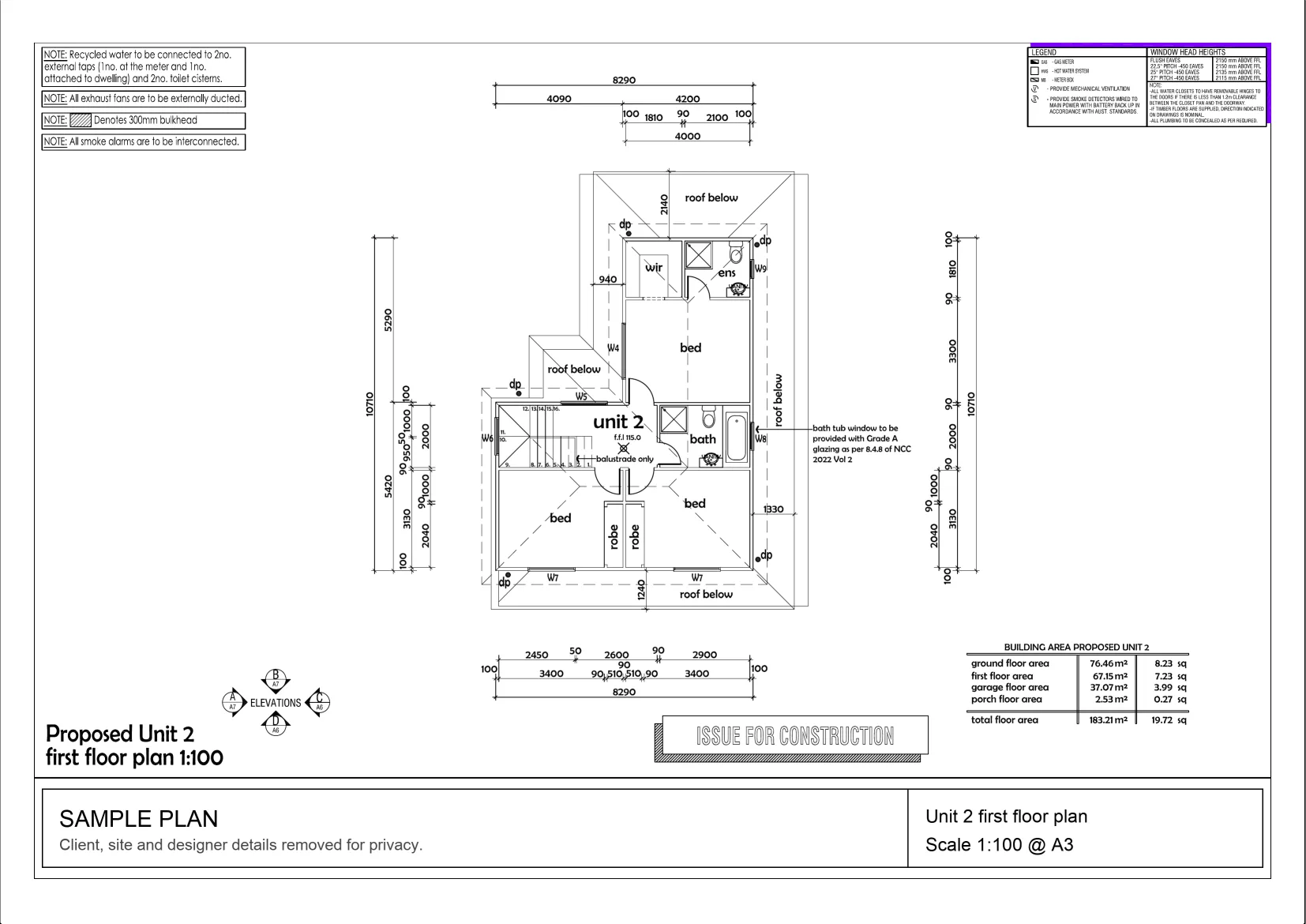
Interactive example on a sample plan. The real MetreMate app does a lot more.
From problem to outcome
Pencil is for the marks that do not fit a straight line or a text box: circling a clash, sketching a change on the spot, or putting your initials on a sheet you have checked.
Choose the colour and line thickness that suit the mark you want to make.
Circle, sketch or initial by hand, right on top of the drawing and your measurements.
Your freehand marks go out with the plan, so everyone sees what you drew.
Key capabilities
Draw any shape you need, not just straight lines, directly on the plan.
Best for Quick sketches and call-outs
Ring a clash, a missing dimension or a detail you want someone to look at.
Best for Flagging issues
Pick a colour and line weight so different marks are easy to tell apart.
Best for Busy mark-ups
Add your initials or signature by hand to show a sheet has been checked.
Best for Checked drawings
Freehand marks print and export with the plan unless you hide them.
Best for Sharing with the team
The old way
Circling problems on a printout works until you need to send it to someone. Then it is a phone photo of a crumpled sheet, and nobody is sure which copy has the latest marks.
Why it’s better with MetreMate
Pencil gives you the freedom of a pen with the tidiness of a digital plan, so your sketches and call-outs travel with the drawing instead of living on one printout.
Testimonial / proof
“MetreMate's a real game-changer for me. Knocked off hours of fiddling around with plans and got straight into the real work. It's like having an extra pair of hands on site.”
Mark B. · Bathroom Renovator · Sydney, NSW, Australia
Built for who
See how Pencil fits the way your trade already works.
Built for
The problem
Need to point out changes and problems on the plan without printing it.
What you get
Clear mark-ups the whole crew can read.
How you'd use it: Use Pencil to circle issues and sketch changes right on the drawing.
“Been using MetreMate for a few months now, and I'm wondering how I ever managed without it. The accuracy is spot-on, and helps me and my tradies. I'm able to quote quicker and more accurately. Absolute lifesaver for every builder.”
Across the trades
Pencil earns its keep right across the trades. Here is how different crews put it to work on real jobs.
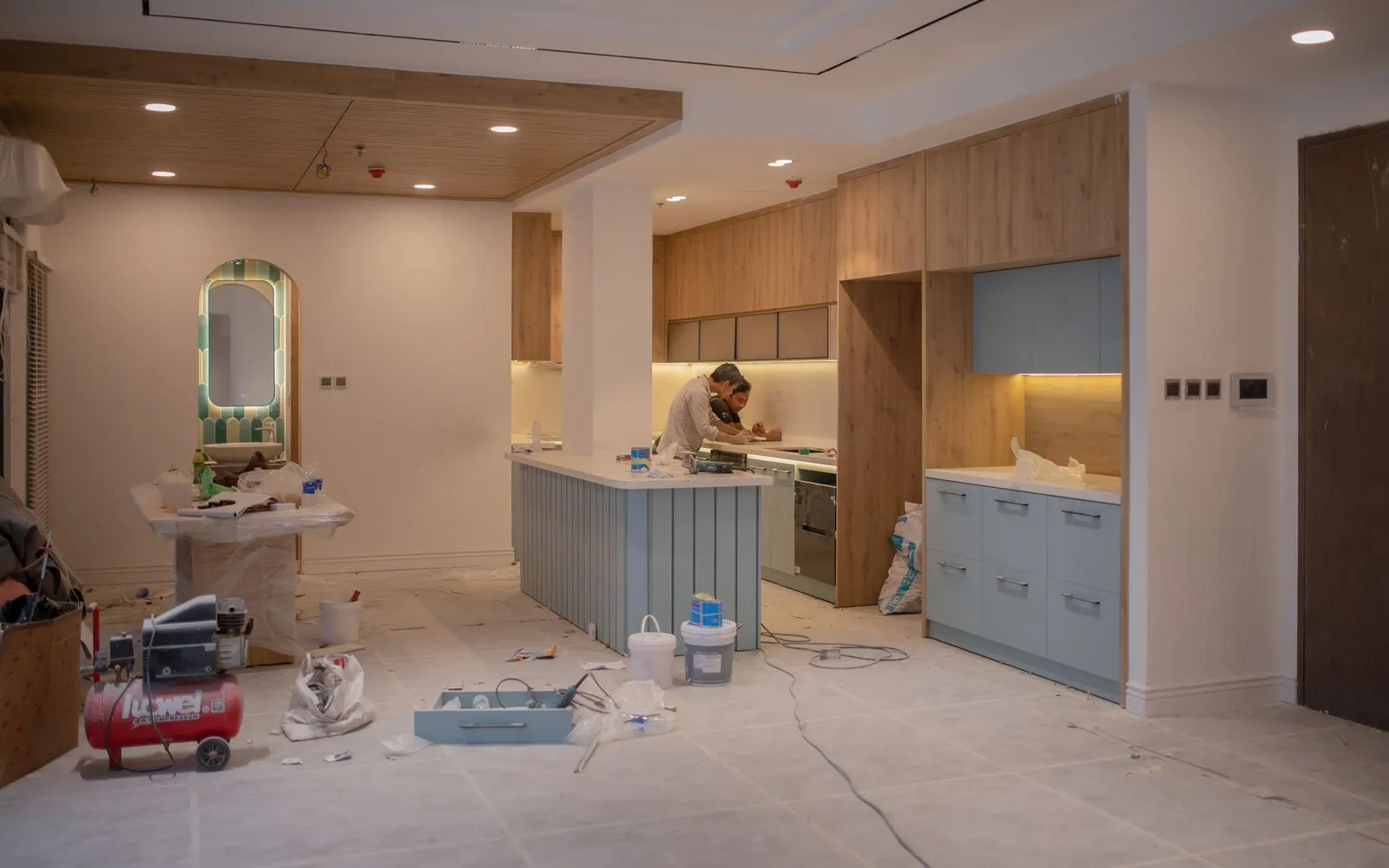
Sketch a new island or appliance position over the existing kitchen layout.
Workflows for kitchen renovators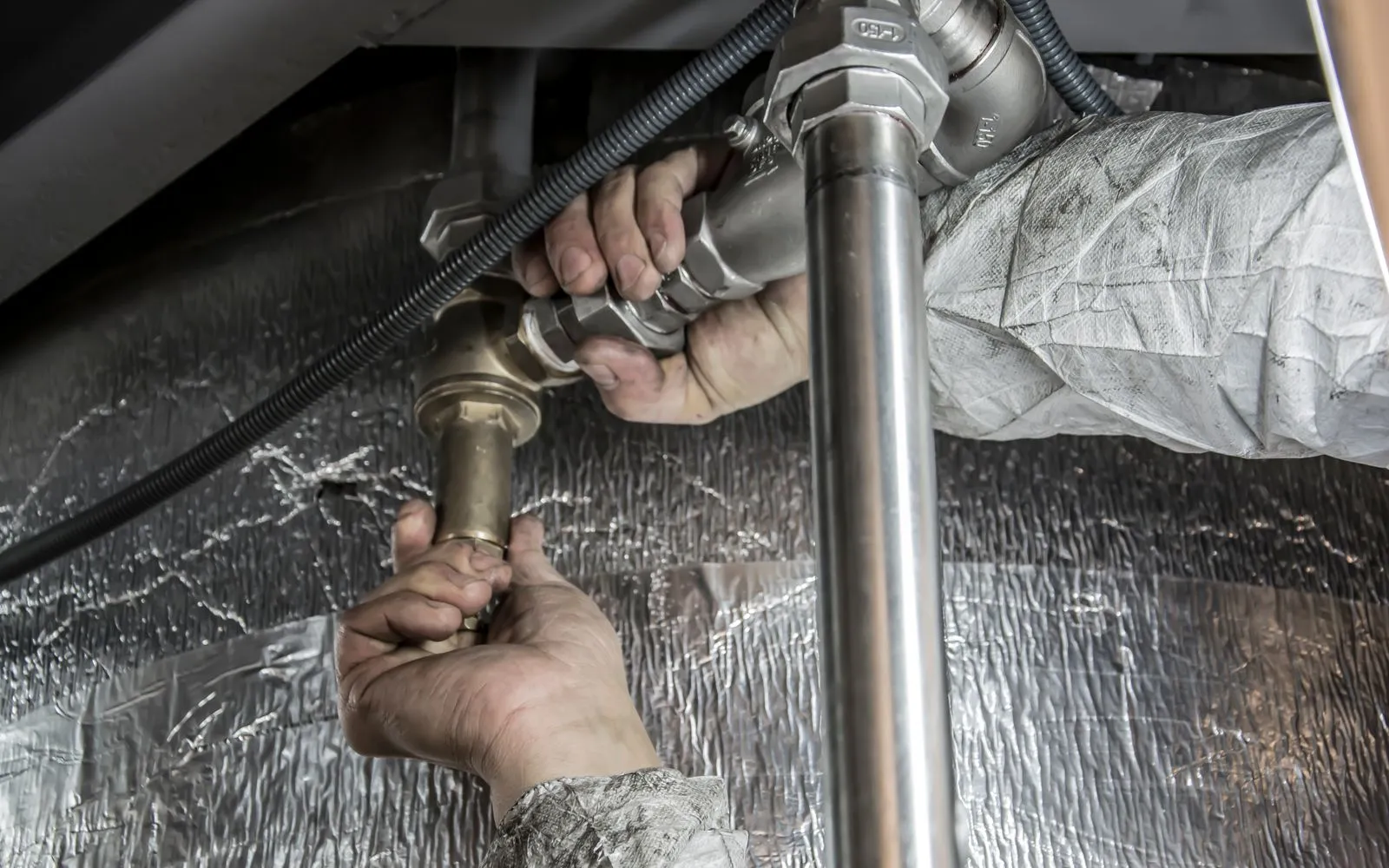
Ring clashes between pipe runs and framing so they are sorted before first fix.
Workflows for plumbers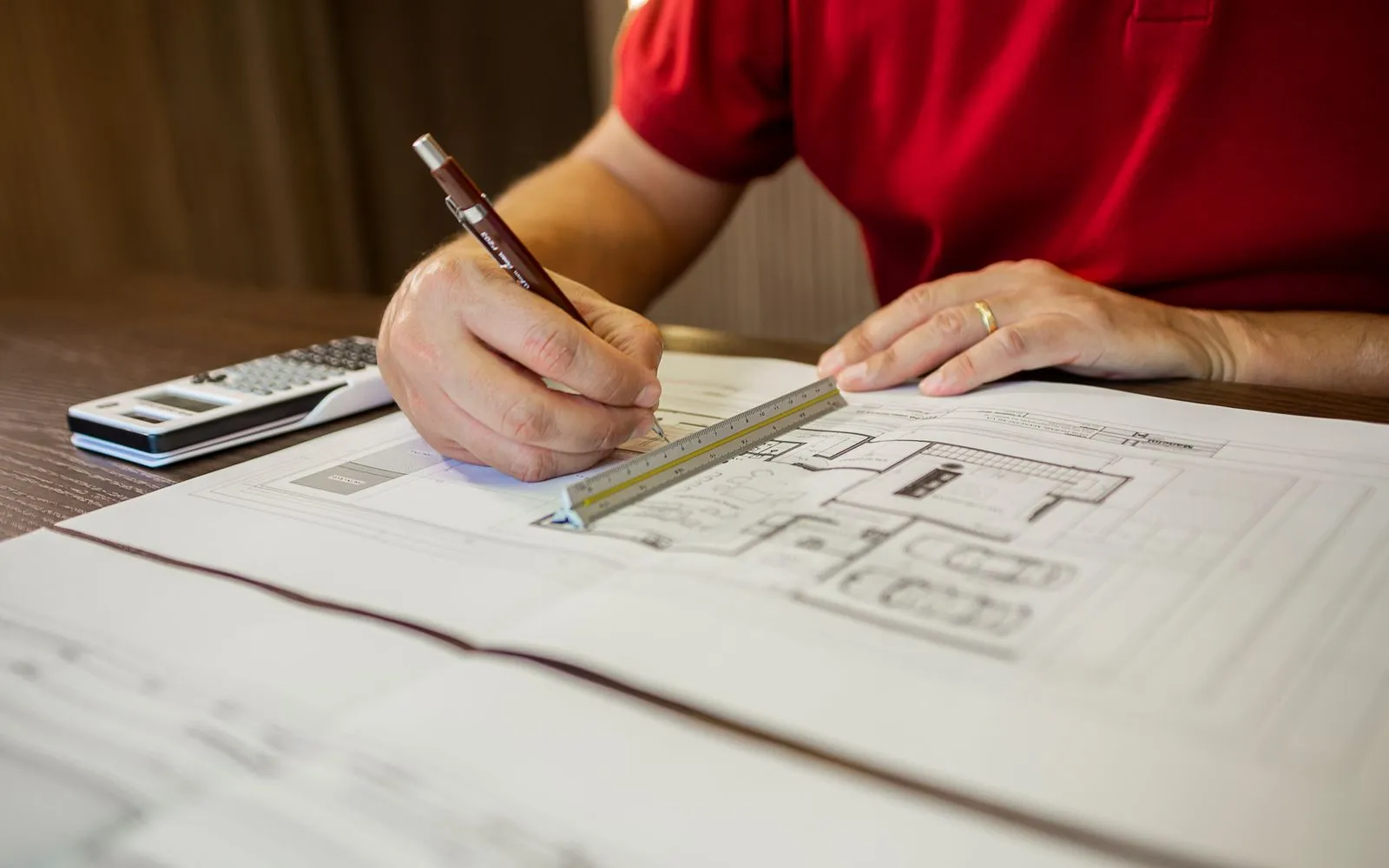
Ring the items that need an answer before the tender set goes back out.
Workflows for estimators & quantity surveyors
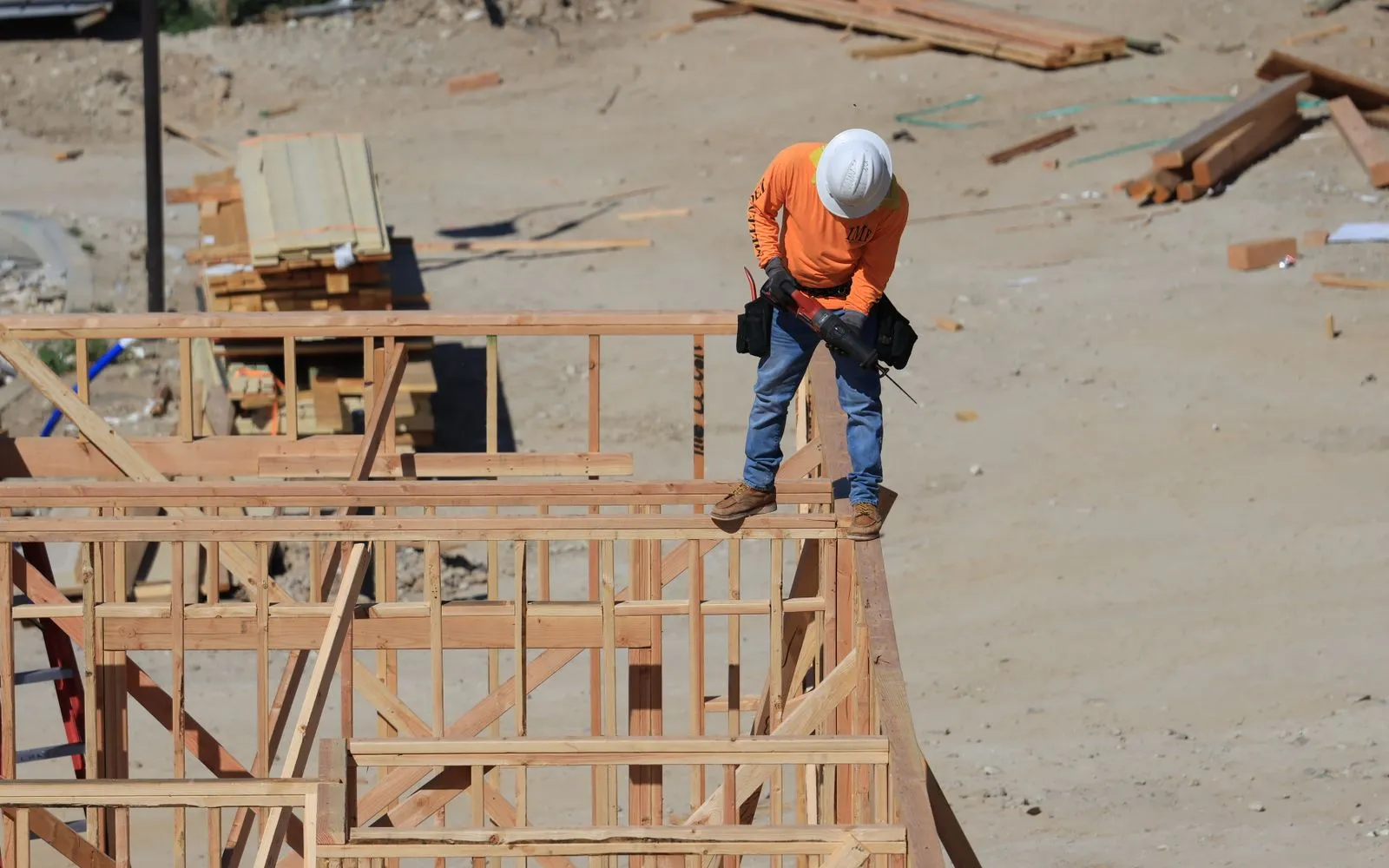
Sketch a framing detail freehand right where it goes on the plan.
Workflows for carpenters & joiners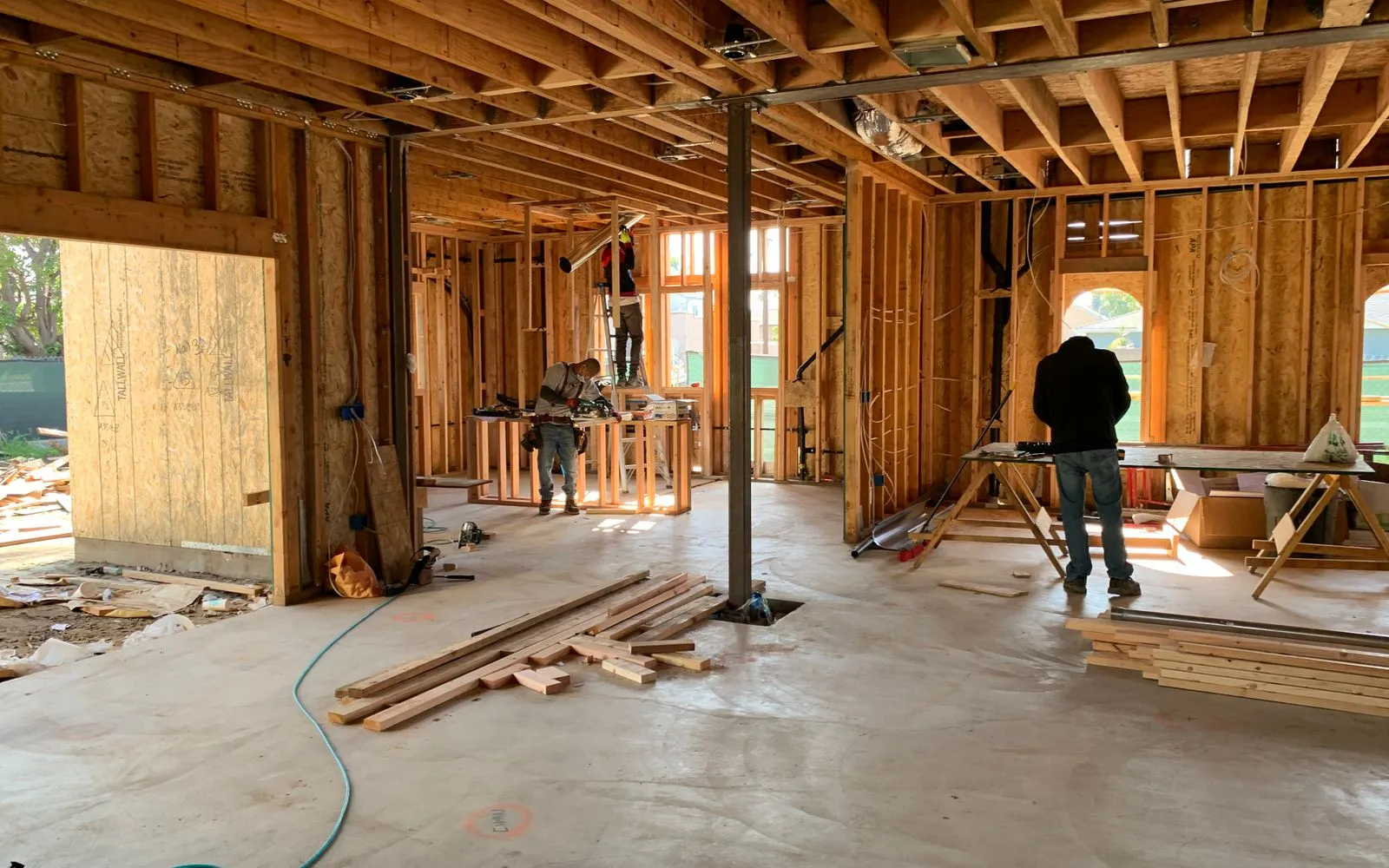
Initial each sheet once it is checked, and circle anything that still needs an answer.
Workflows for commercial fit-outs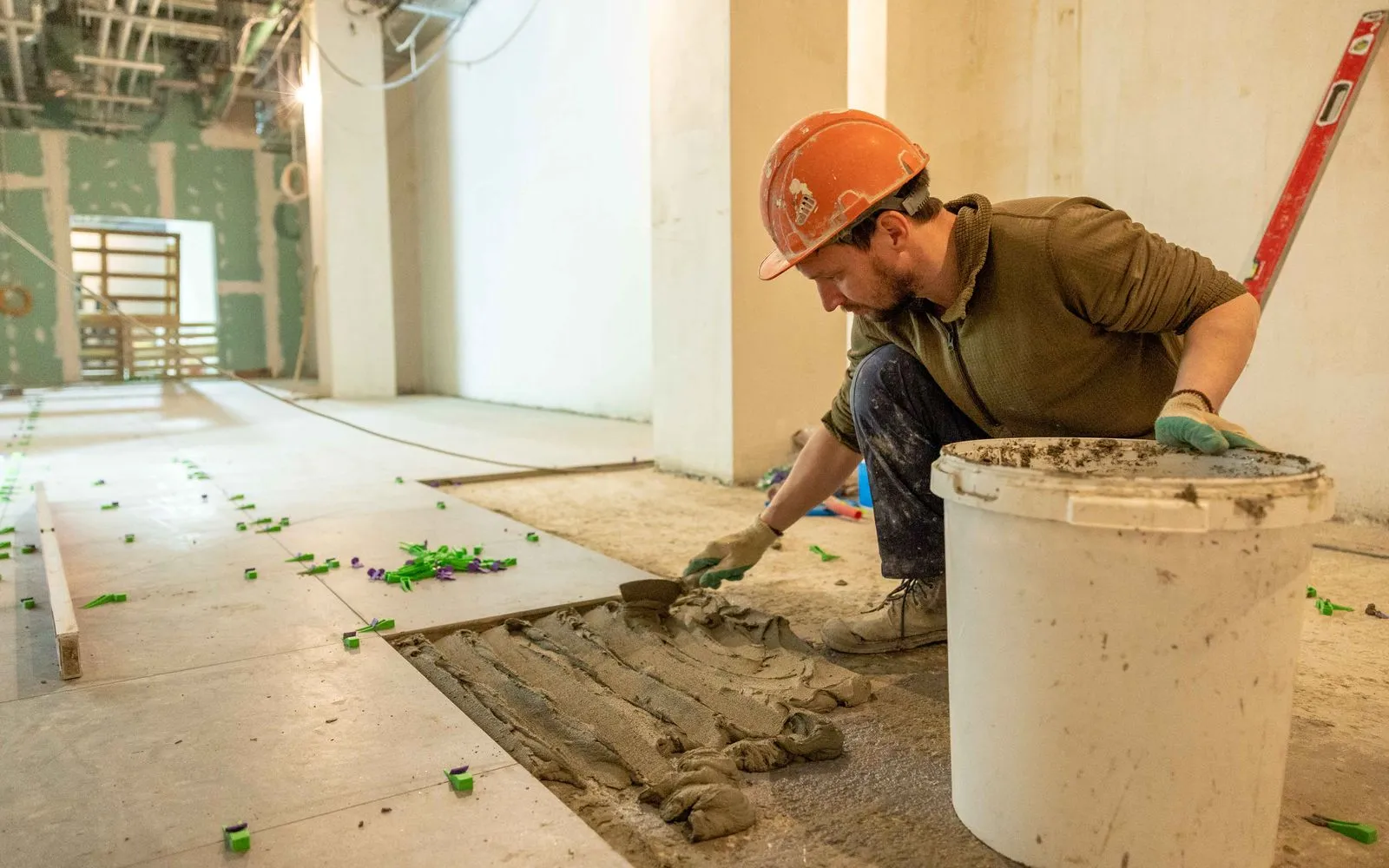
Mark set-out points and tile direction by hand on the bathroom plan.
Workflows for tilers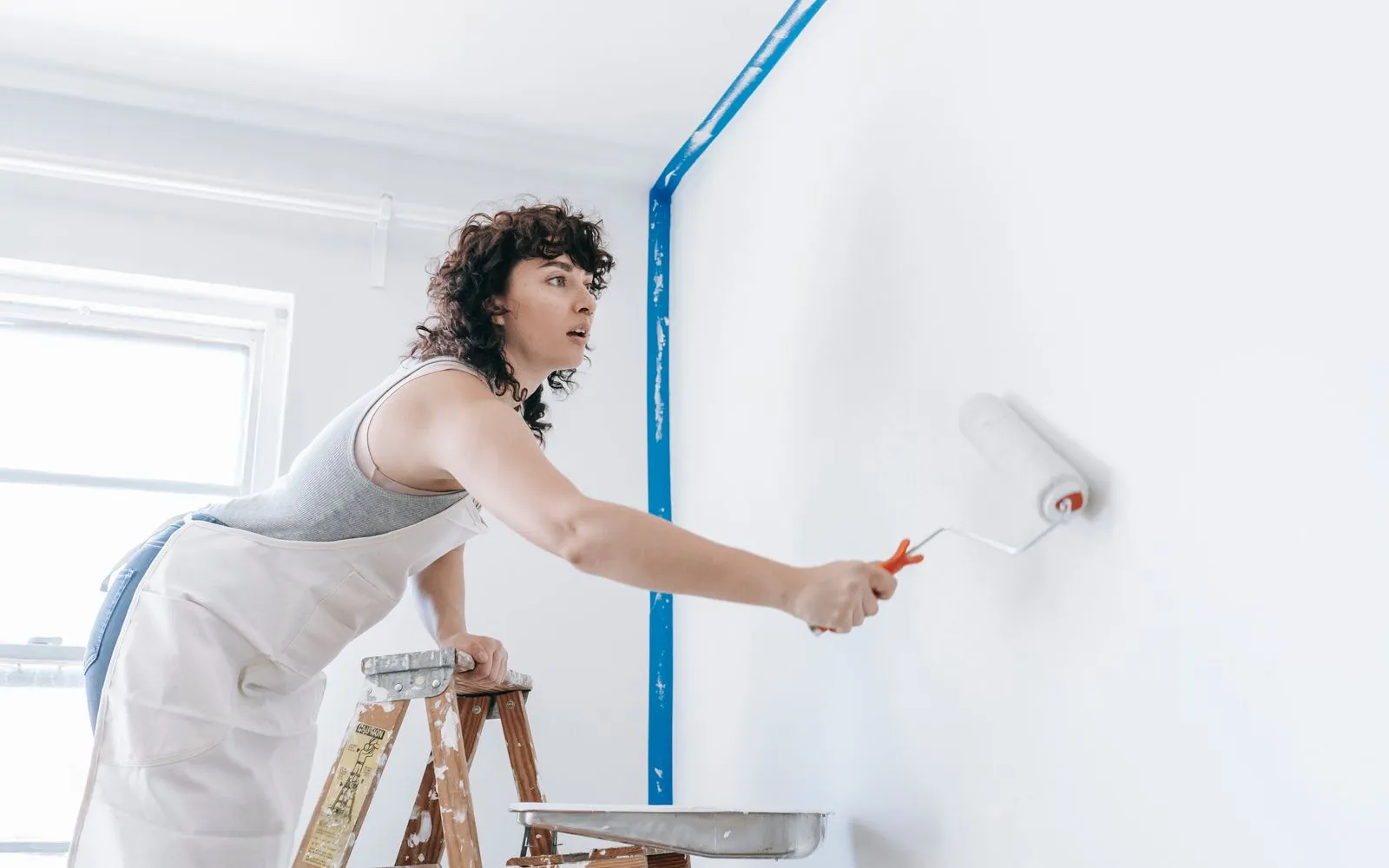
Circle the feature walls and ceilings that get a different finish.
Workflows for painters & decorators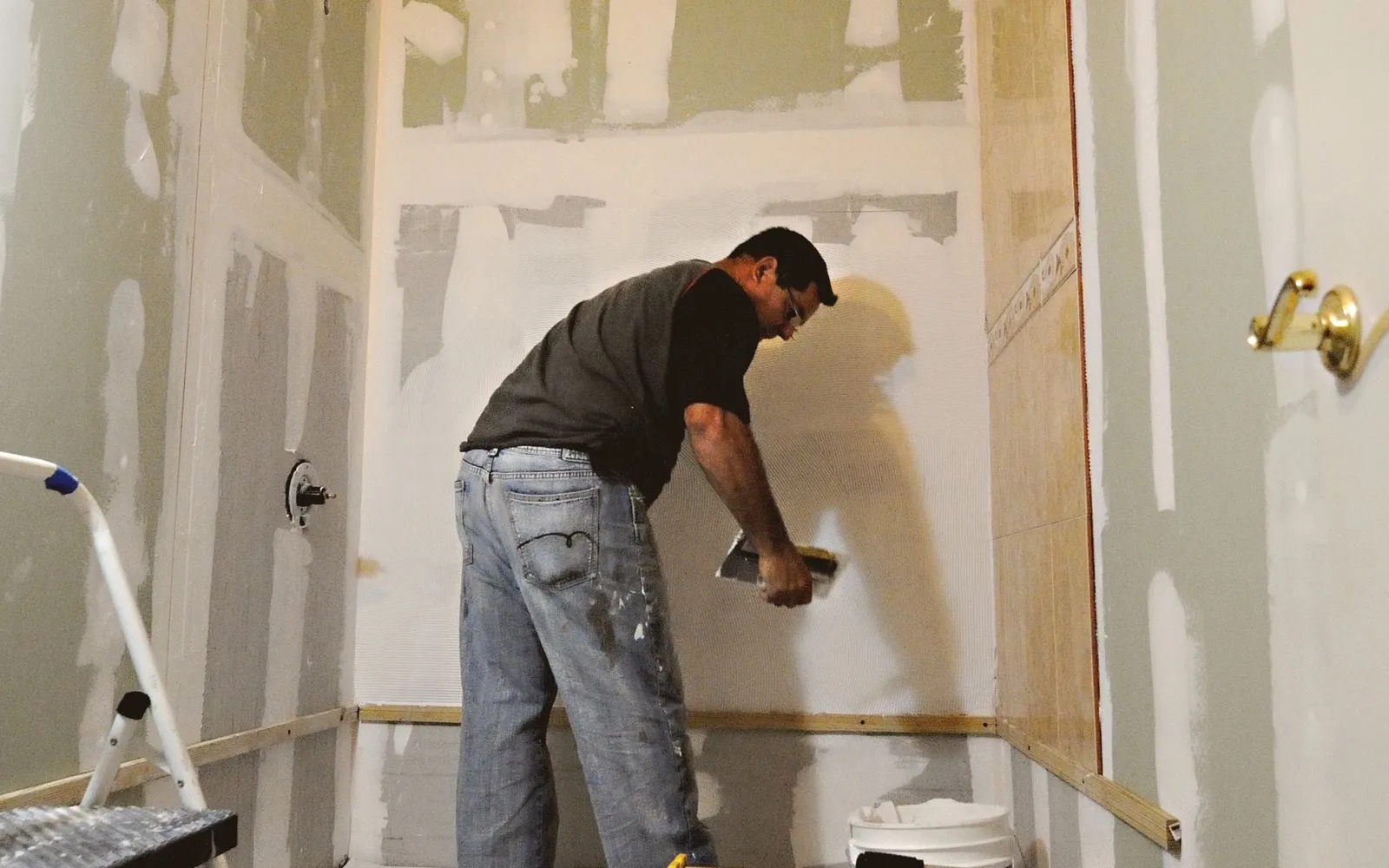
Sketch the niche, shower and vanity positions so the client can agree the layout.
Workflows for bathroom renovatorsKeep exploring
Keep learning
Put it into practice with step-by-step how-tos from the MetreMate team.
Getting the scale right is the most important step in digital plan measurement. Here is how to do it every time.
Read guide
These five mistakes cost trades thousands on every job. Learn how to avoid them with digital measurements.
Read guide
Should you use snapping or freehand measurement? Here is when each approach makes sense and how to get the best results.
Read guide

'%3e%3crect%20x='3.39703'%20y='3.39709'%20width='60.378'%20height='61'%20rx='5.94485'%20fill='%2300DD9B'/%3e%3c/g%3e%3cpath%20d='M43.228%2024.6568H40.3584V22.0269C40.3584%2020.5805%2039.1749%2019.3971%2037.7285%2019.3971H29.0655C27.6191%2019.3971%2026.4357%2020.5805%2026.4357%2022.0269V24.6568H23.5661C21.2689%2024.6568%2019.397%2026.5673%2019.397%2028.8722V36.7617C19.397%2039.0667%2021.2689%2040.9772%2023.5661%2040.9772H24.8887V45.2313C24.8887%2046.6778%2026.0722%2047.8612%2027.5186%2047.8612H39.2755C40.7219%2047.8612%2041.9053%2046.6778%2041.9053%2045.2313V40.9772H43.228C45.5329%2040.9772%2047.397%2039.0667%2047.397%2036.7617V28.8722C47.397%2026.5673%2045.5252%2024.6568%2043.228%2024.6568ZM28.6015%2022.0269C28.6015%2021.7717%2028.8103%2021.5628%2029.0655%2021.5628H37.7285C37.9838%2021.5628%2038.1926%2021.7717%2038.1926%2022.0269V24.6568H28.6015V22.0269ZM39.7396%2045.2313C39.7396%2045.4866%2039.5307%2045.6954%2039.2755%2045.6954H27.5186C27.2633%2045.6954%2027.0545%2045.4866%2027.0545%2045.2313V35.6402H39.7396V45.2313ZM43.228%2038.8115H41.9053V34.5264C41.9053%2033.9308%2041.418%2033.4744%2040.8224%2033.4744H25.9716C25.376%2033.4744%2024.8887%2033.9308%2024.8887%2034.5264V38.8115H23.5661C22.46%2038.8115%2021.5628%2037.8755%2021.5628%2036.7617V28.8722C21.5628%2027.7662%2022.46%2026.8225%2023.5661%2026.8225H43.2202C44.3263%2026.8225%2045.2236%2027.7584%2045.2236%2028.8722V36.7617H45.2313C45.2313%2037.8678%2044.3341%2038.8115%2043.228%2038.8115Z'%20fill='white'/%3e%3cpath%20d='M26.5904%2028.8336H24.8887V30.9994H26.5904V28.8336Z'%20fill='white'/%3e%3cdefs%3e%3cfilter%20id='filter0_d_4803_6878'%20x='-2.38419e-05'%20y='3.71933e-05'%20width='67.1722'%20height='67.7941'%20filterUnits='userSpaceOnUse'%20color-interpolation-filters='sRGB'%3e%3cfeFlood%20flood-opacity='0'%20result='BackgroundImageFix'/%3e%3cfeColorMatrix%20in='SourceAlpha'%20type='matrix'%20values='0%200%200%200%200%200%200%200%200%200%200%200%200%200%200%200%200%200%20127%200'%20result='hardAlpha'/%3e%3cfeOffset/%3e%3cfeGaussianBlur%20stdDeviation='1.69853'/%3e%3cfeComposite%20in2='hardAlpha'%20operator='out'/%3e%3cfeColorMatrix%20type='matrix'%20values='0%200%200%200%200%200%200%200%200%200%200%200%200%200%200%200%200%200%200.25%200'/%3e%3cfeBlend%20mode='normal'%20in2='BackgroundImageFix'%20result='effect1_dropShadow_4803_6878'/%3e%3cfeBlend%20mode='normal'%20in='SourceGraphic'%20in2='effect1_dropShadow_4803_6878'%20result='shape'/%3e%3c/filter%3e%3c/defs%3e%3c/svg%3e)