
Step 1
Add the client
Create a record with their details, the site address and a short description.
Clients
Clients gives each customer one record with their details, site address and a description, and ties every project you measure for them back to it.
From problem to outcome
Clients is for when customer details live in your phone, plans live in folders, and working out which job belongs to who means hunting across both.
Create a record with their details, the site address and a short description.
Tie each project you measure for them to their record, however many there are.
Open the client and see every project you have done for them.
Key capabilities
Keep each customer's details in MetreMate, where the plans already live.
Best for Repeat customers
Link as many projects as you need to the one client, so nothing floats loose.
Best for Contractors with repeat work
Add the jobsite address and a description so the context sits with the client.
Best for Jobs across different sites
Update a client's details as they change, and their projects stay linked.
Best for Keeping records current
Pull up a customer and see what you have already measured for them.
Best for Follow-up and change orders

The old way
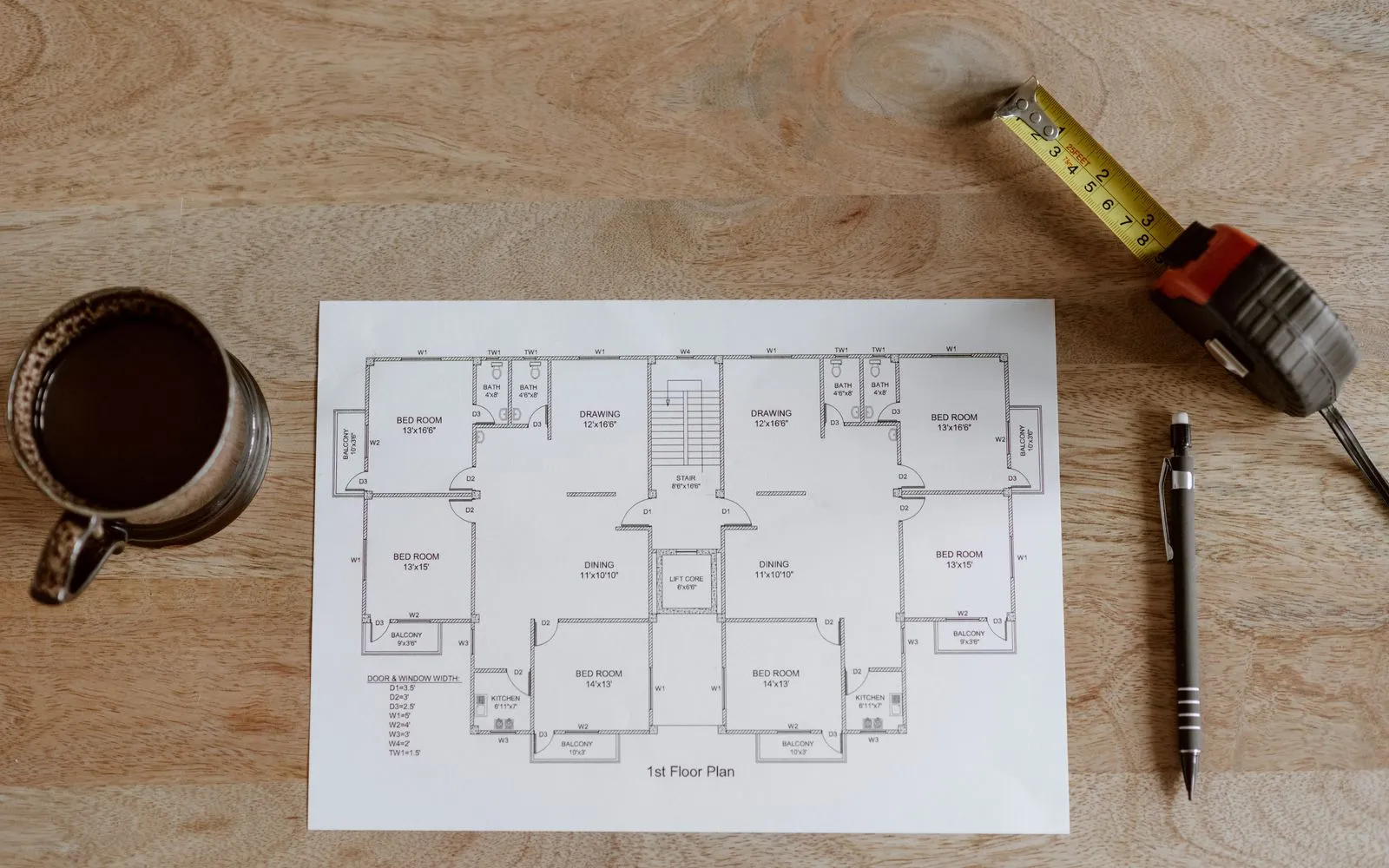
When contacts sit in your phone and plans sit in folders, working out a customer's history is slow, and it looks disorganized when you cannot find the job you did for them last time.
Why it’s better with MetreMate
Clients ties each customer to the projects you measure for them, so their whole history is one click away instead of a scavenger hunt.
Testimonial / proof
“Mate, MetreMate is no joke. It actually helps me get more work done which means I get to make more money. This is such a nifty little tool. Recommend it to all tradies that work with plans.”
Gary P. · Concreter · Essendon, VIC, Australia
Built for who
See how Clients fits the way your trade already works.
Built for
The problem
Juggle repeat owners across many jobs and lose track of which plans belong to whom.
What you get
A clear history for every client you work with.
How you'd use it: Use Clients to tie each project to the right customer.
“Been using MetreMate for a few months now, and I'm wondering how I ever managed without it. The accuracy is spot-on, and helps me and my tradies. I'm able to quote quicker and more accurately. Absolute lifesaver for every builder.”
Across the trades
Clients earns its keep right across the trades. Here is how different crews put it to work on real jobs.
Find every project you have measured for a customer before you ring them back.
Workflows for electrical contractors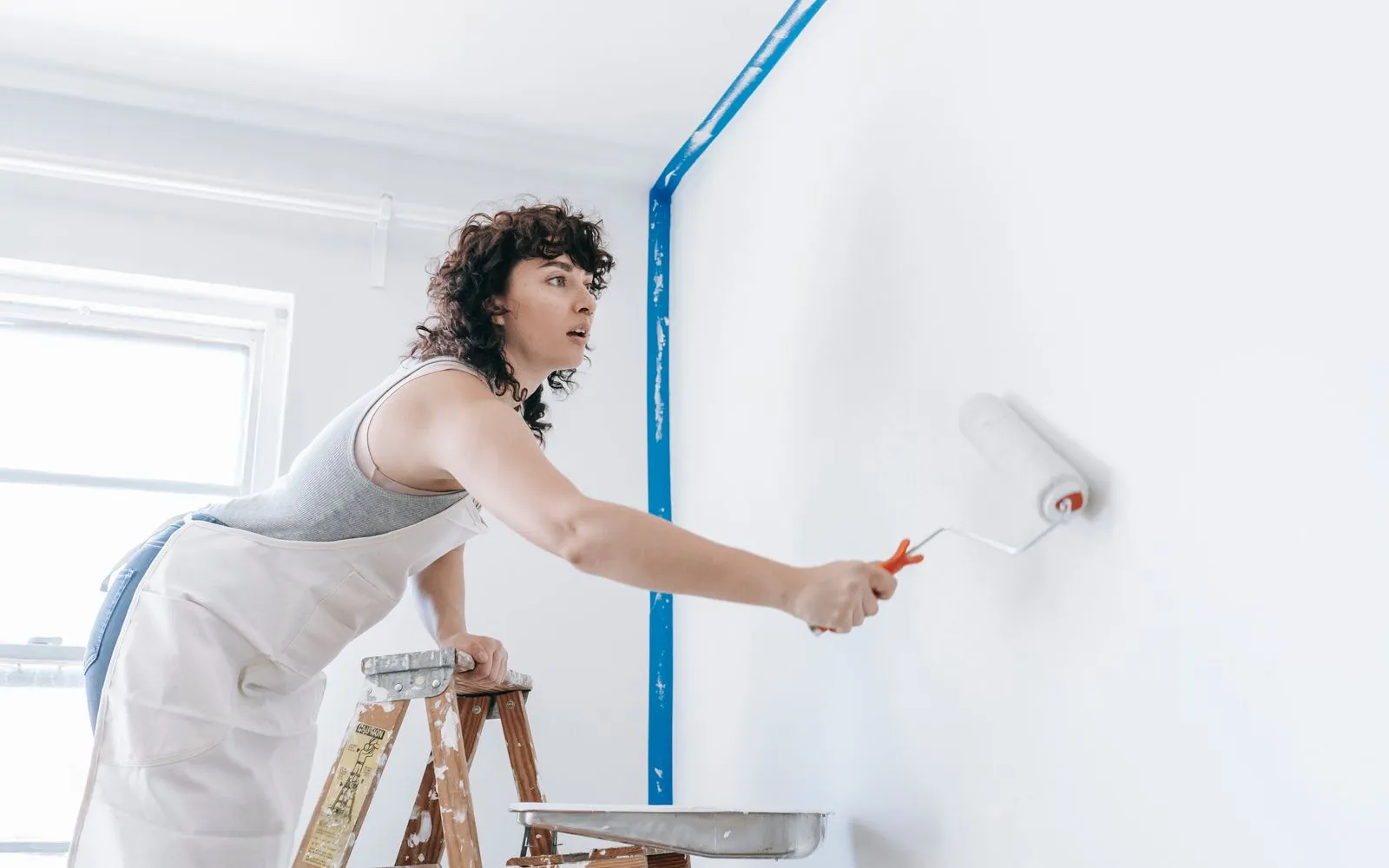
Keep a property manager's addresses and projects under one client.
Workflows for painting contractors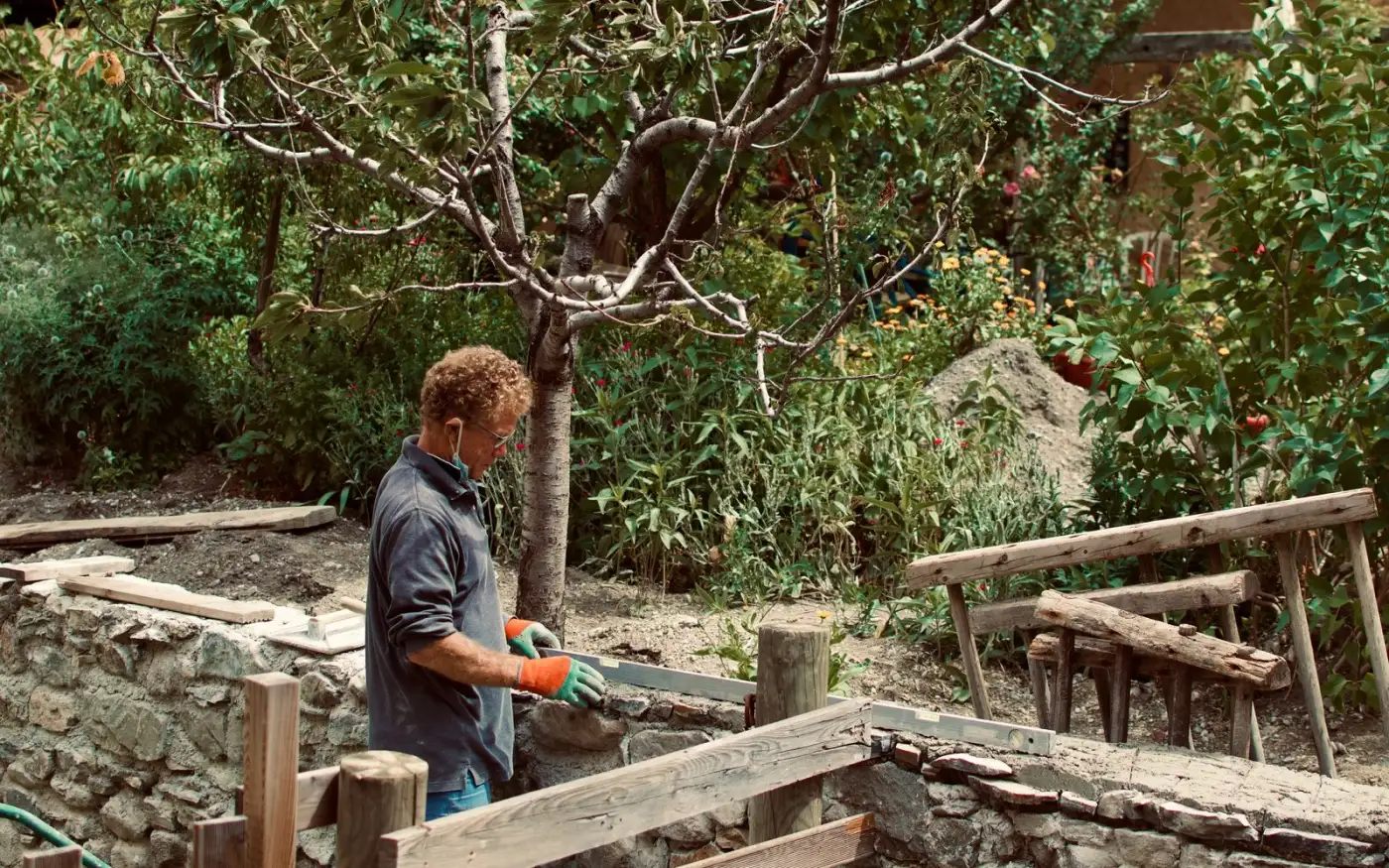
Keep every garden job tied to the client so stage two starts from what you measured.
Workflows for landscape contractorsKeep exploring
Keep learning
Put it into practice with step-by-step how-tos from the MetreMate team.
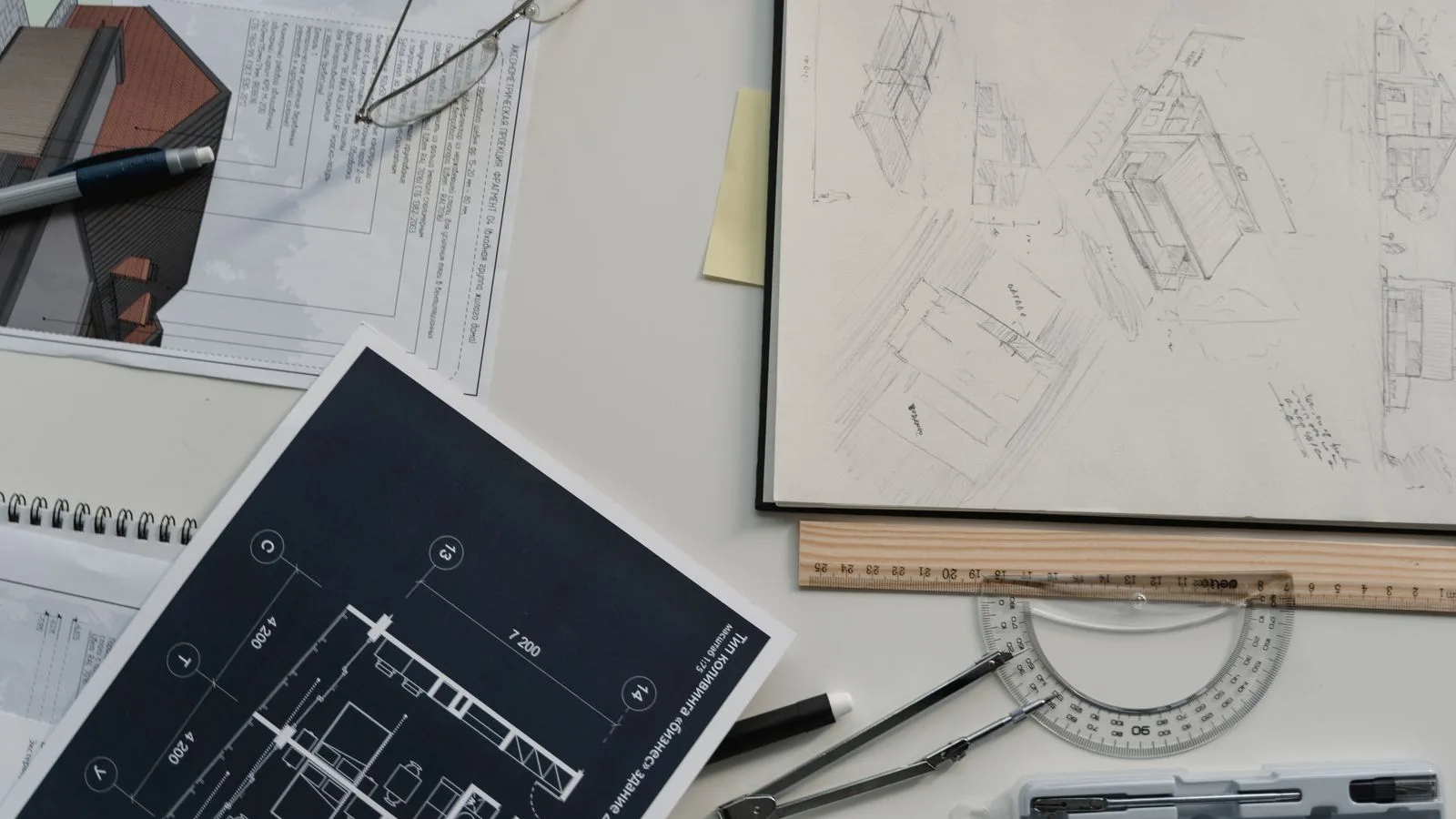
Getting the scale right is the most important step in digital plan measurement. Here is how to do it every time.
Read guide
These five mistakes cost trades thousands on every job. Learn how to avoid them with digital measurements.
Read guide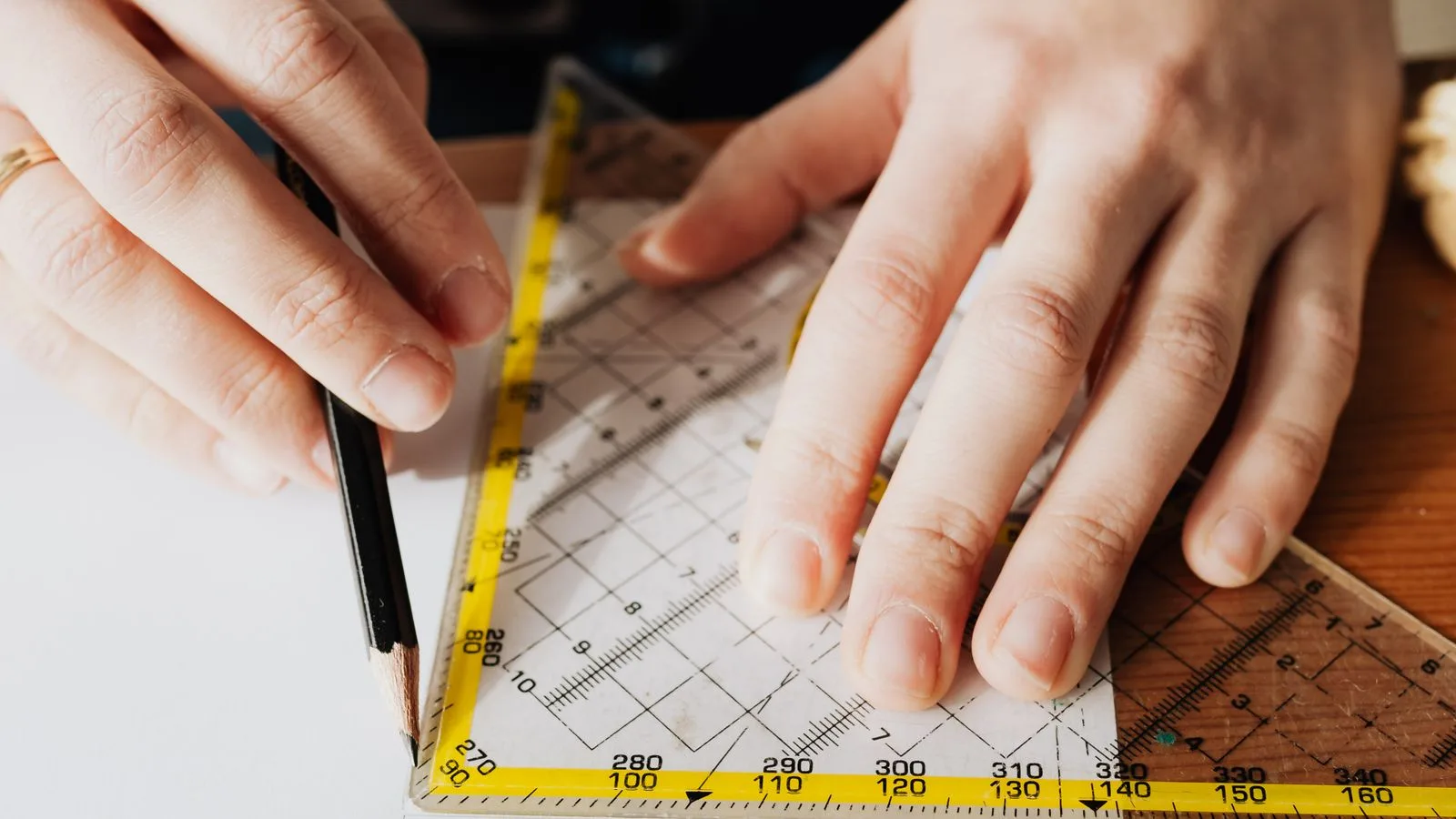
Should you use snapping or freehand measurement? Here is when each approach makes sense and how to get the best results.
Read guideNo credit card to start. Built for contractors and estimators.
'%3e%3crect%20x='3.39703'%20y='3.39709'%20width='60.378'%20height='61'%20rx='5.94485'%20fill='%23A60CEE'/%3e%3c/g%3e%3cpath%20fill-rule='evenodd'%20clip-rule='evenodd'%20d='M22.397%2024.604V22.5345C22.397%2020.2492%2024.1867%2018.3971%2026.396%2018.3971H33.8966C34.784%2018.3971%2035.7931%2018.9571%2036.2862%2019.7222L37.172%2021.0967C37.2952%2021.2879%2037.678%2021.5005%2037.8988%2021.5005H46.395C48.6071%2021.5005%2050.397%2023.35%2050.397%2025.6412V38.0495C50.397%2040.3353%2048.6049%2042.1902%2046.3976%2042.1902H44.397V44.2564C44.397%2046.542%2042.6074%2048.3971%2040.4018%2048.3971H20.3923C18.1866%2048.3971%2016.397%2046.5428%2016.397%2044.2616V28.7395C16.397%2026.4551%2018.1868%2024.604%2020.396%2024.604H22.397ZM46.3976%2040.1212C47.5001%2040.1212%2048.397%2039.1929%2048.397%2038.0495V25.6412C48.397%2024.4932%2047.5031%2023.5695%2046.395%2023.5695H37.8988C37.0083%2023.5695%2036.0014%2023.0103%2035.5079%2022.2444L34.6221%2020.8699C34.4996%2020.6797%2034.1145%2020.4661%2033.8966%2020.4661H26.396C25.2914%2020.4661%2024.397%2021.3917%2024.397%2022.5345V24.604H27.8966C28.784%2024.604%2029.7931%2025.164%2030.2862%2025.9291L31.172%2027.3036C31.2952%2027.4948%2031.678%2027.7074%2031.8988%2027.7074H40.395C42.6071%2027.7074%2044.397%2029.5569%2044.397%2031.8481V40.1275L46.3976%2040.1212ZM20.3923%2046.3281H40.4018C41.5019%2046.3281%2042.397%2045.4003%2042.397%2044.2564V31.8481C42.397%2030.7001%2041.5031%2029.7764%2040.395%2029.7764H31.8988C31.0083%2029.7764%2030.0014%2029.2172%2029.5079%2028.4513L28.6221%2027.0768C28.4996%2026.8866%2028.1145%2026.673%2027.8966%2026.673H20.396C19.2913%2026.673%2018.397%2027.5979%2018.397%2028.7395V44.2616C18.397%2045.4009%2019.2919%2046.3281%2020.3923%2046.3281Z'%20fill='white'/%3e%3cdefs%3e%3cfilter%20id='filter0_d_4803_6881'%20x='-2.38419e-05'%20y='3.71933e-05'%20width='67.1722'%20height='67.7941'%20filterUnits='userSpaceOnUse'%20color-interpolation-filters='sRGB'%3e%3cfeFlood%20flood-opacity='0'%20result='BackgroundImageFix'/%3e%3cfeColorMatrix%20in='SourceAlpha'%20type='matrix'%20values='0%200%200%200%200%200%200%200%200%200%200%200%200%200%200%200%200%200%20127%200'%20result='hardAlpha'/%3e%3cfeOffset/%3e%3cfeGaussianBlur%20stdDeviation='1.69853'/%3e%3cfeComposite%20in2='hardAlpha'%20operator='out'/%3e%3cfeColorMatrix%20type='matrix'%20values='0%200%200%200%200%200%200%200%200%200%200%200%200%200%200%200%200%200%200.25%200'/%3e%3cfeBlend%20mode='normal'%20in2='BackgroundImageFix'%20result='effect1_dropShadow_4803_6881'/%3e%3cfeBlend%20mode='normal'%20in='SourceGraphic'%20in2='effect1_dropShadow_4803_6881'%20result='shape'/%3e%3c/filter%3e%3c/defs%3e%3c/svg%3e)