
Step 1
Choose what you are counting
Set the category or layer you need before you start tapping through the sheet.
'%3e%3crect%20x='3.39706'%20y='3.39709'%20width='60.378'%20height='61'%20rx='5.94485'%20fill='%23FF0000'/%3e%3c/g%3e%3cpath%20d='M22.4637%2048.3972L23.4171%2043.0238H19.4737L19.9937%2039.8605H23.9804L25.8437%2029.0271H21.9004L22.4204%2025.8638H26.4071L27.3604%2020.4905H30.8271L29.8737%2025.8638H38.3671L39.3204%2020.4905H42.7871L41.8337%2025.8638H45.8204L45.3004%2029.0271H41.2704L39.4071%2039.8605H43.3504L42.8304%2043.0238H38.8437L37.8904%2048.3972H34.4237L35.3771%2043.0238H26.8837L25.9304%2048.3972H22.4637ZM27.4471%2039.8605H35.9404L37.8037%2029.0271H29.3104L27.4471%2039.8605Z'%20fill='white'/%3e%3cdefs%3e%3cfilter%20id='filter0_d_4804_8589'%20x='-9.53674e-07'%20y='3.71933e-05'%20width='67.1721'%20height='67.7941'%20filterUnits='userSpaceOnUse'%20color-interpolation-filters='sRGB'%3e%3cfeFlood%20flood-opacity='0'%20result='BackgroundImageFix'/%3e%3cfeColorMatrix%20in='SourceAlpha'%20type='matrix'%20values='0%200%200%200%200%200%200%200%200%200%200%200%200%200%200%200%200%200%20127%200'%20result='hardAlpha'/%3e%3cfeOffset/%3e%3cfeGaussianBlur%20stdDeviation='1.69853'/%3e%3cfeComposite%20in2='hardAlpha'%20operator='out'/%3e%3cfeColorMatrix%20type='matrix'%20values='0%200%200%200%200%200%200%200%200%200%200%200%200%200%200%200%200%200%200.25%200'/%3e%3cfeBlend%20mode='normal'%20in2='BackgroundImageFix'%20result='effect1_dropShadow_4804_8589'/%3e%3cfeBlend%20mode='normal'%20in='SourceGraphic'%20in2='effect1_dropShadow_4804_8589'%20result='shape'/%3e%3c/filter%3e%3c/defs%3e%3c/svg%3e) Feature
FeatureCount Tool
Count Tool helps you tap through symbols, fixtures, and repeated items on PDF plans without losing track or building a messy tally.
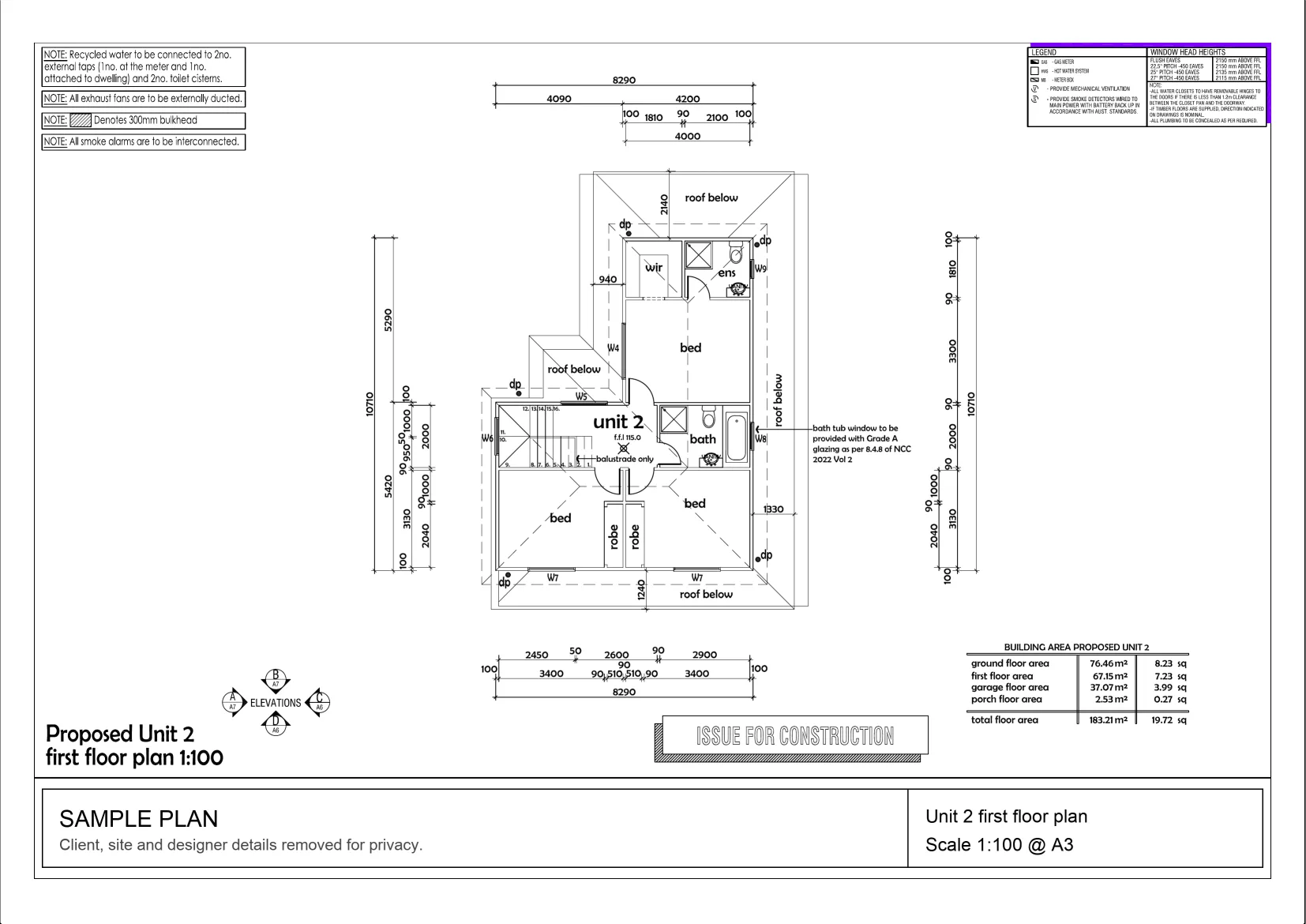
Interactive example on a sample plan. The real MetreMate app does a lot more.
From problem to outcome
Count Tool is built for the moments where a plan is full of repeated items and you need a practical way to work through them without second-guessing the total later.
Set the category or layer you need before you start tapping through the sheet.
Place visible markers as you go so counted items are easier to track.
Finish with a clearer tally that is ready for pricing, ordering, or checking.
Key capabilities
Work through repeated plan items quickly without building a separate manual tally.
Best for Doors, windows, fixtures, fittings
See the count update as you go so progress and totals stay visible.
Leave a marker on counted items to reduce the chance of doubling up or missing one.
Best for Busy drawings
Turn a spread of symbols on the sheet into something you can actually bid from faster.
Best for Contractors and remodelers
Keep counts easier to review when you are checking quantities before pricing or ordering.
Best for Trade scope summaries

The old way
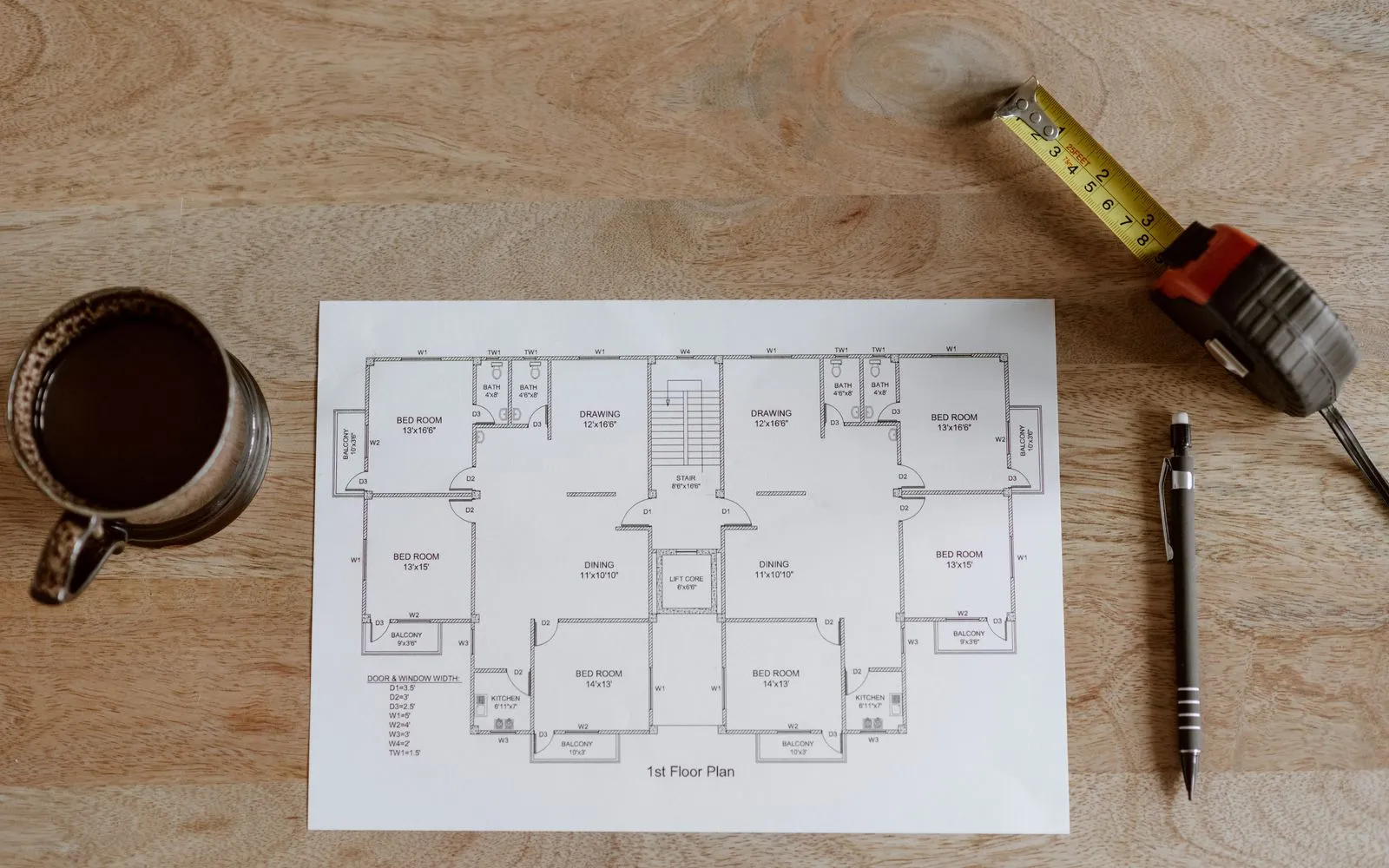
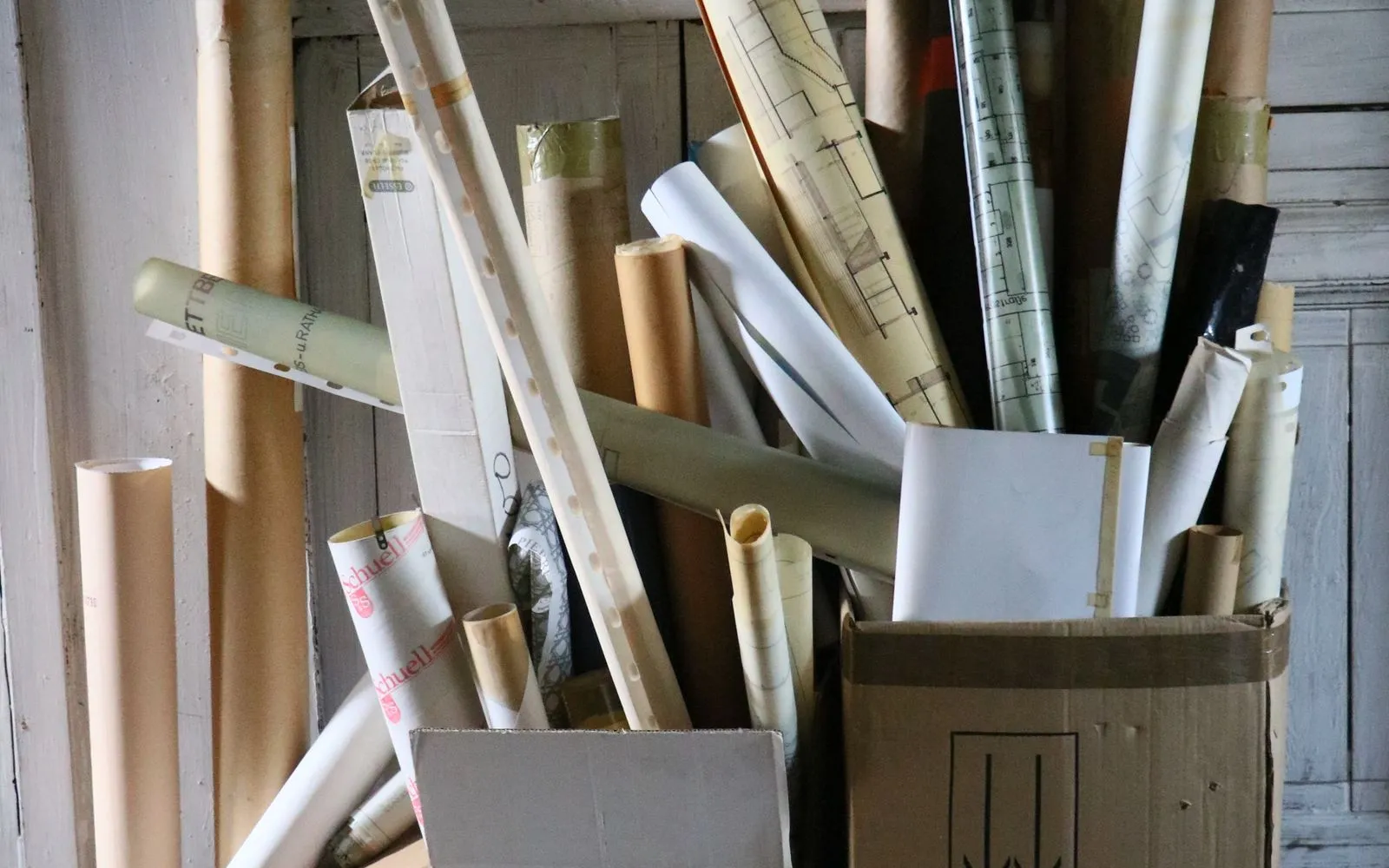
When you count by eye, on paper, or across disconnected notes, it gets easier to miss items, double-count, or waste time checking the same sheet again.
Why it’s better with MetreMate
Count Tool helps you keep totals visible and the workflow cleaner, so quantity checks do not become a guessing game before the bid goes out.
Testimonial / proof
“MetreMate's a real game-changer for me. Knocked off hours of fiddling around with plans and got straight into the real work. It's like having an extra pair of hands on site. Any tradie not on this is missing out, big time!”
Mark B. · Bathroom Renovator · Sydney, NSW, Australia
Built for who
See how Count Tool fits the way your trade already works.
Built for
The problem
Need clear counts for repeated items before pricing materials or hardware.
What you get
Faster quantity checks and cleaner ordering prep.
How you'd use it: Use Count Tool to work through symbols and fixtures directly on the plan.
“Been using MetreMate for a few months now, and I'm wondering how I ever managed without it. The accuracy is spot-on, and helps me and my tradies. I'm able to quote quicker and more accurately. Absolute lifesaver for every builder.”
Across the trades
Count Tool earns its keep right across the trades. Here is how different crews put it to work on real jobs.
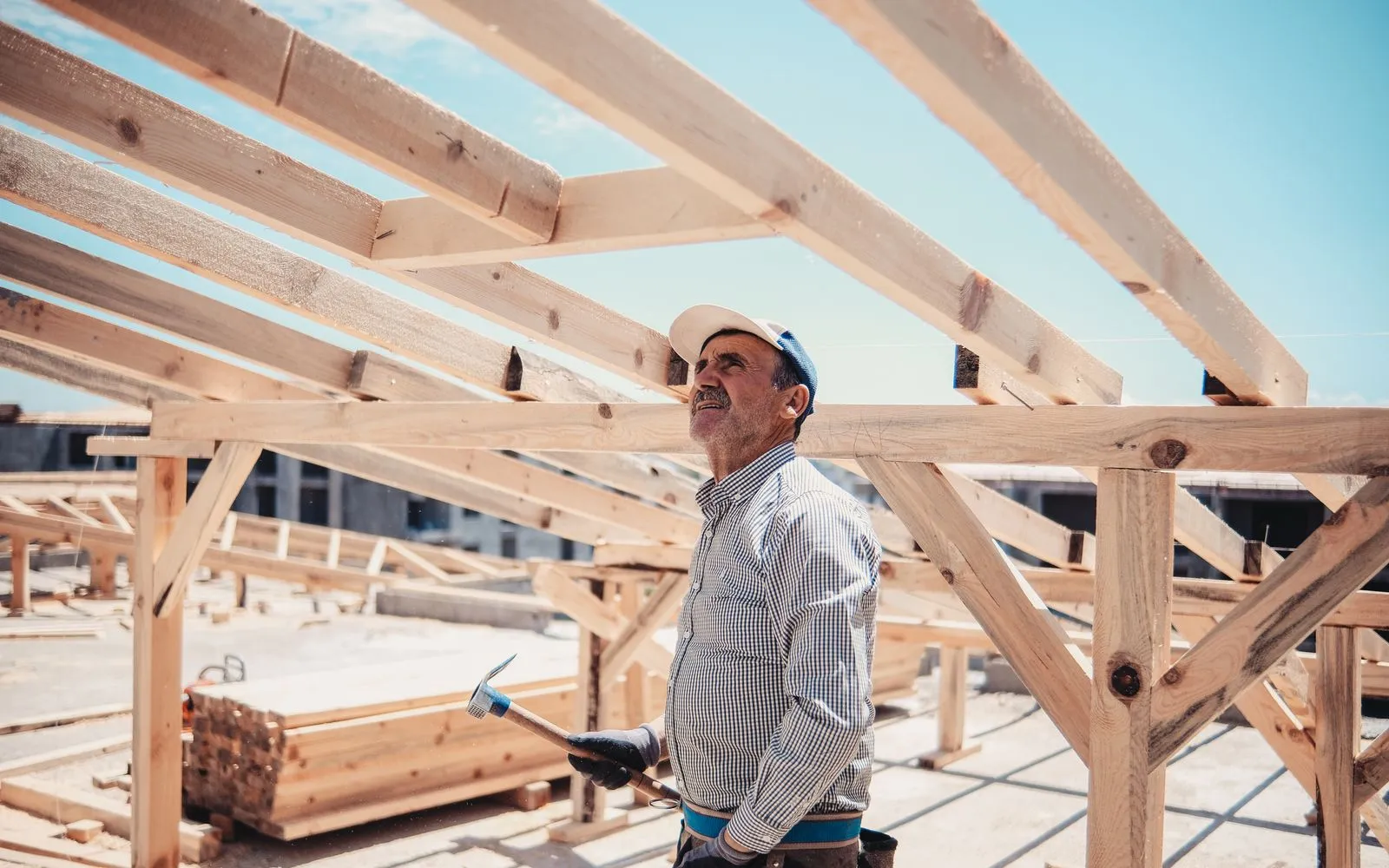
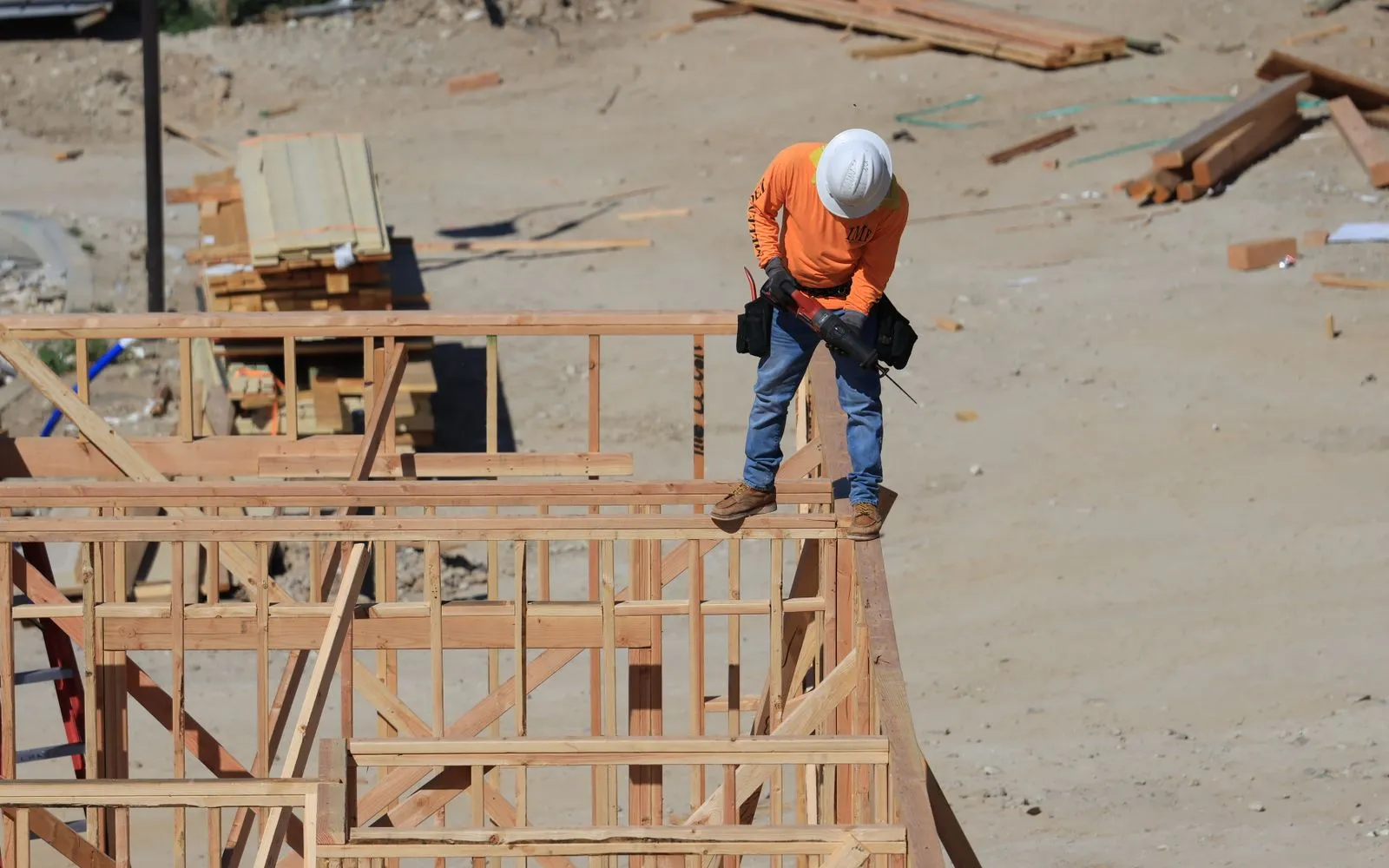
Count the doors to hang and the windows to install, plus a casing set for each opening.
Workflows for framing contractors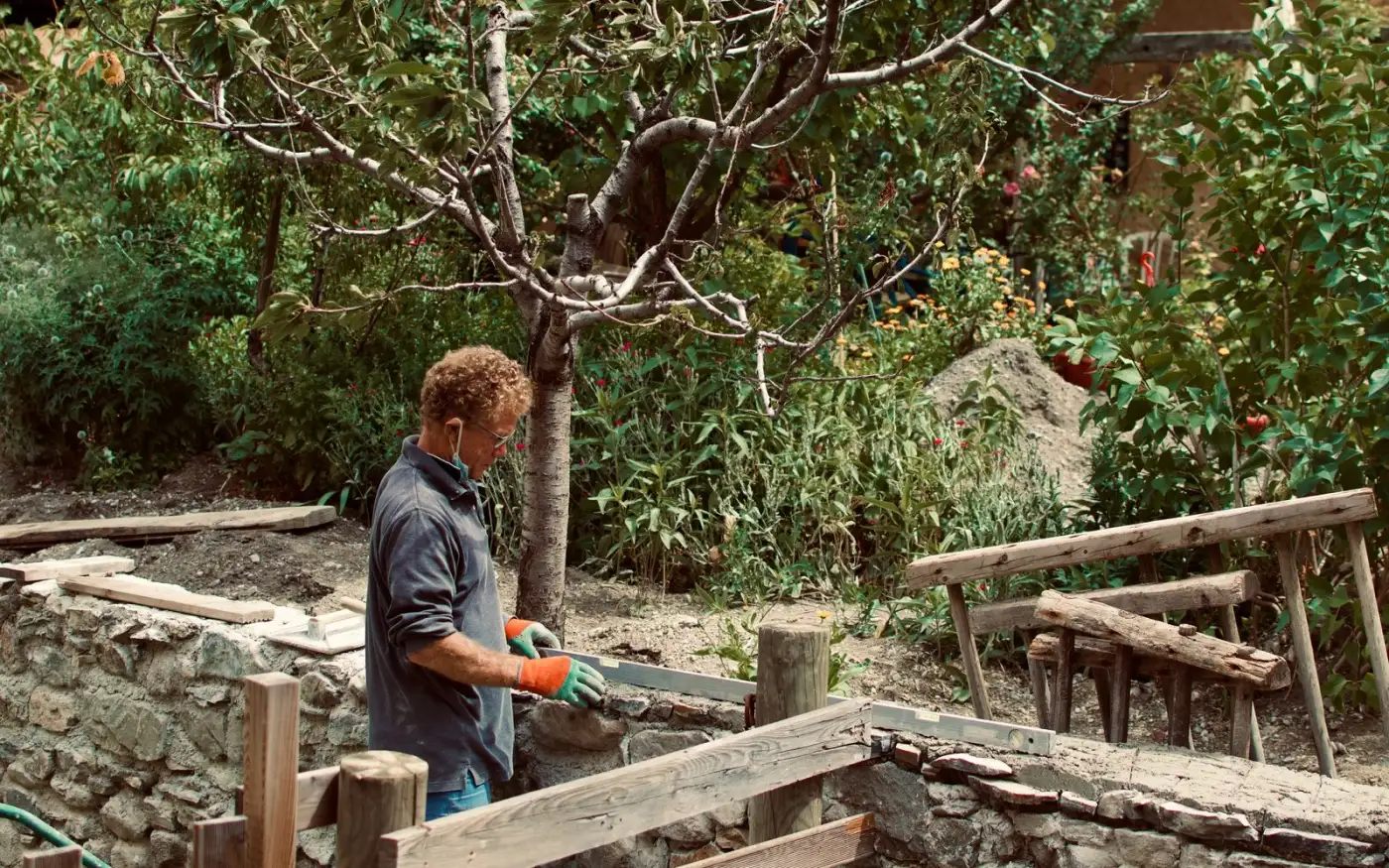
Count plants and trees by species straight off the planting plan.
Workflows for landscape contractors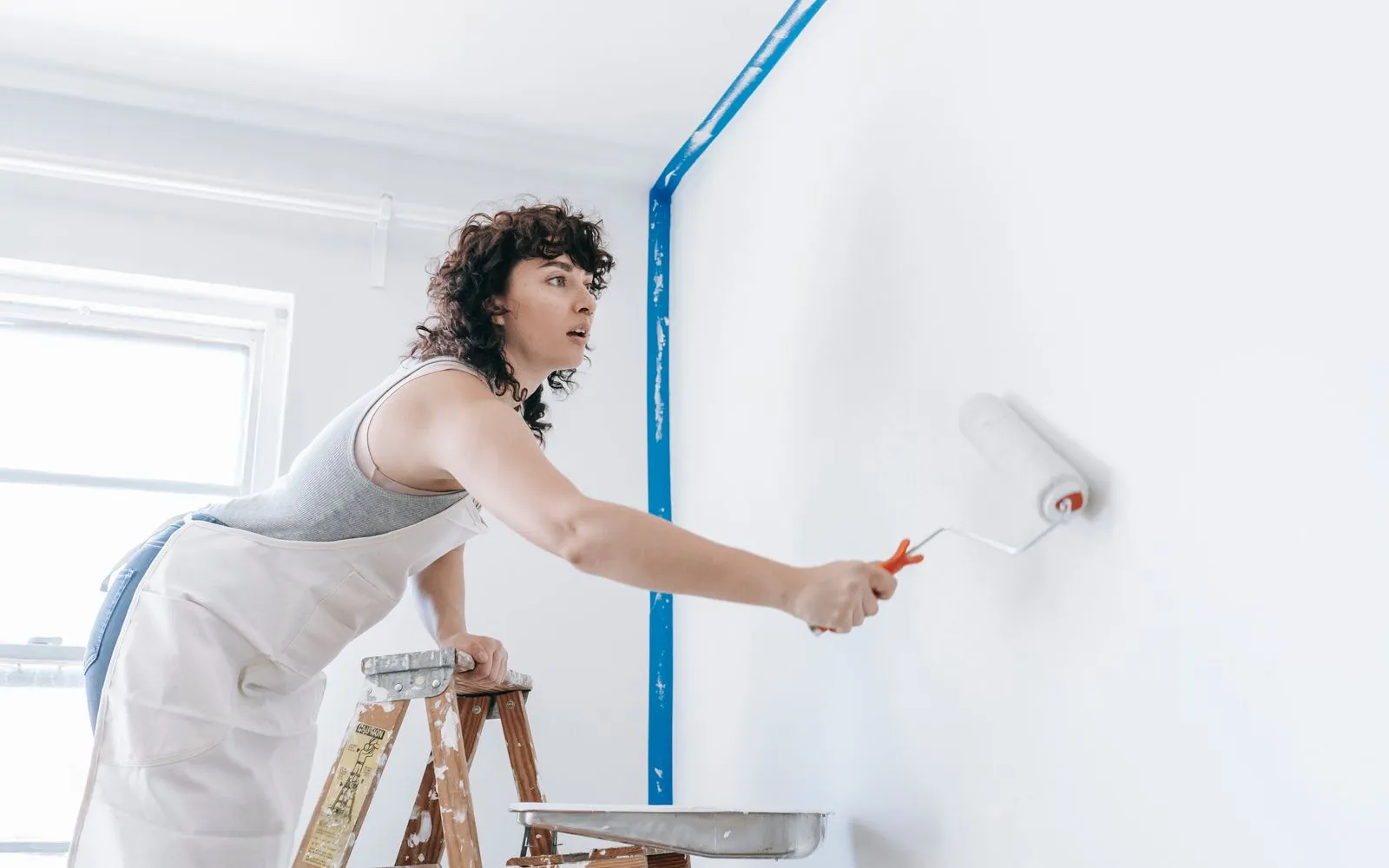
Count doors and windows so frames and doors are priced separately from walls.
Workflows for painting contractorsKeep exploring
Keep learning
Put it into practice with step-by-step how-tos from the MetreMate team.
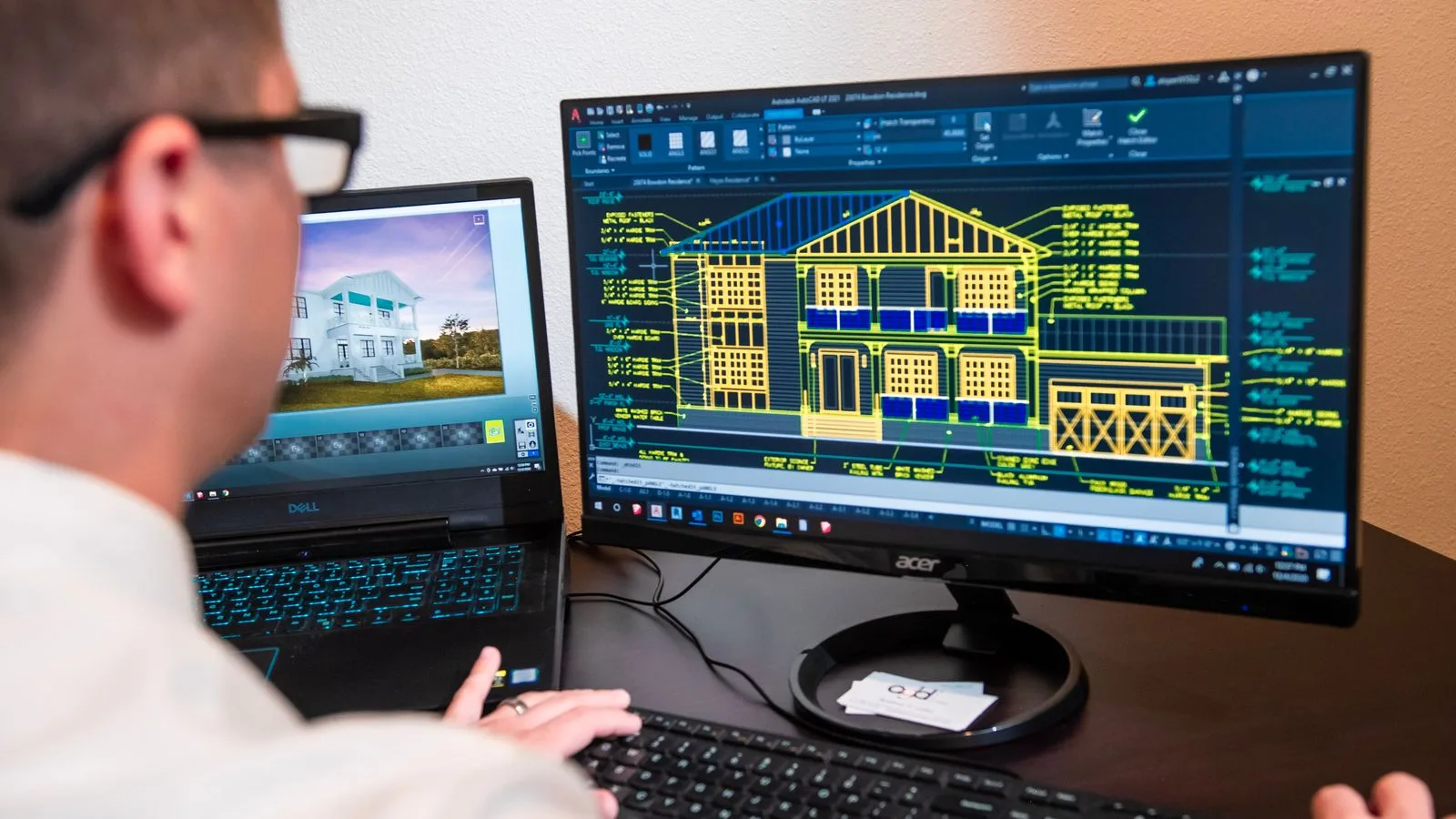
Ditch the printouts and scaled rulers. Upload your floorplan, auto-scale it, and measure in a few clicks.
Read guide
These five mistakes cost trades thousands on every job. Learn how to avoid them with digital measurements.
Read guide
Should you use snapping or freehand measurement? Here is when each approach makes sense and how to get the best results.
Read guideNo credit card to start. Built for contractors and estimators.

'%3e%3crect%20x='3.39703'%20y='3.39709'%20width='60.378'%20height='61'%20rx='5.94485'%20fill='%23A60CEE'/%3e%3c/g%3e%3cpath%20fill-rule='evenodd'%20clip-rule='evenodd'%20d='M22.397%2024.604V22.5345C22.397%2020.2492%2024.1867%2018.3971%2026.396%2018.3971H33.8966C34.784%2018.3971%2035.7931%2018.9571%2036.2862%2019.7222L37.172%2021.0967C37.2952%2021.2879%2037.678%2021.5005%2037.8988%2021.5005H46.395C48.6071%2021.5005%2050.397%2023.35%2050.397%2025.6412V38.0495C50.397%2040.3353%2048.6049%2042.1902%2046.3976%2042.1902H44.397V44.2564C44.397%2046.542%2042.6074%2048.3971%2040.4018%2048.3971H20.3923C18.1866%2048.3971%2016.397%2046.5428%2016.397%2044.2616V28.7395C16.397%2026.4551%2018.1868%2024.604%2020.396%2024.604H22.397ZM46.3976%2040.1212C47.5001%2040.1212%2048.397%2039.1929%2048.397%2038.0495V25.6412C48.397%2024.4932%2047.5031%2023.5695%2046.395%2023.5695H37.8988C37.0083%2023.5695%2036.0014%2023.0103%2035.5079%2022.2444L34.6221%2020.8699C34.4996%2020.6797%2034.1145%2020.4661%2033.8966%2020.4661H26.396C25.2914%2020.4661%2024.397%2021.3917%2024.397%2022.5345V24.604H27.8966C28.784%2024.604%2029.7931%2025.164%2030.2862%2025.9291L31.172%2027.3036C31.2952%2027.4948%2031.678%2027.7074%2031.8988%2027.7074H40.395C42.6071%2027.7074%2044.397%2029.5569%2044.397%2031.8481V40.1275L46.3976%2040.1212ZM20.3923%2046.3281H40.4018C41.5019%2046.3281%2042.397%2045.4003%2042.397%2044.2564V31.8481C42.397%2030.7001%2041.5031%2029.7764%2040.395%2029.7764H31.8988C31.0083%2029.7764%2030.0014%2029.2172%2029.5079%2028.4513L28.6221%2027.0768C28.4996%2026.8866%2028.1145%2026.673%2027.8966%2026.673H20.396C19.2913%2026.673%2018.397%2027.5979%2018.397%2028.7395V44.2616C18.397%2045.4009%2019.2919%2046.3281%2020.3923%2046.3281Z'%20fill='white'/%3e%3cdefs%3e%3cfilter%20id='filter0_d_4803_6881'%20x='-2.38419e-05'%20y='3.71933e-05'%20width='67.1722'%20height='67.7941'%20filterUnits='userSpaceOnUse'%20color-interpolation-filters='sRGB'%3e%3cfeFlood%20flood-opacity='0'%20result='BackgroundImageFix'/%3e%3cfeColorMatrix%20in='SourceAlpha'%20type='matrix'%20values='0%200%200%200%200%200%200%200%200%200%200%200%200%200%200%200%200%200%20127%200'%20result='hardAlpha'/%3e%3cfeOffset/%3e%3cfeGaussianBlur%20stdDeviation='1.69853'/%3e%3cfeComposite%20in2='hardAlpha'%20operator='out'/%3e%3cfeColorMatrix%20type='matrix'%20values='0%200%200%200%200%200%200%200%200%200%200%200%200%200%200%200%200%200%200.25%200'/%3e%3cfeBlend%20mode='normal'%20in2='BackgroundImageFix'%20result='effect1_dropShadow_4803_6881'/%3e%3cfeBlend%20mode='normal'%20in='SourceGraphic'%20in2='effect1_dropShadow_4803_6881'%20result='shape'/%3e%3c/filter%3e%3c/defs%3e%3c/svg%3e)
'%3e%3crect%20x='3.39703'%20y='3.39709'%20width='60.378'%20height='61'%20rx='5.94485'%20fill='%2300DD9B'/%3e%3c/g%3e%3cpath%20d='M43.228%2024.6568H40.3584V22.0269C40.3584%2020.5805%2039.1749%2019.3971%2037.7285%2019.3971H29.0655C27.6191%2019.3971%2026.4357%2020.5805%2026.4357%2022.0269V24.6568H23.5661C21.2689%2024.6568%2019.397%2026.5673%2019.397%2028.8722V36.7617C19.397%2039.0667%2021.2689%2040.9772%2023.5661%2040.9772H24.8887V45.2313C24.8887%2046.6778%2026.0722%2047.8612%2027.5186%2047.8612H39.2755C40.7219%2047.8612%2041.9053%2046.6778%2041.9053%2045.2313V40.9772H43.228C45.5329%2040.9772%2047.397%2039.0667%2047.397%2036.7617V28.8722C47.397%2026.5673%2045.5252%2024.6568%2043.228%2024.6568ZM28.6015%2022.0269C28.6015%2021.7717%2028.8103%2021.5628%2029.0655%2021.5628H37.7285C37.9838%2021.5628%2038.1926%2021.7717%2038.1926%2022.0269V24.6568H28.6015V22.0269ZM39.7396%2045.2313C39.7396%2045.4866%2039.5307%2045.6954%2039.2755%2045.6954H27.5186C27.2633%2045.6954%2027.0545%2045.4866%2027.0545%2045.2313V35.6402H39.7396V45.2313ZM43.228%2038.8115H41.9053V34.5264C41.9053%2033.9308%2041.418%2033.4744%2040.8224%2033.4744H25.9716C25.376%2033.4744%2024.8887%2033.9308%2024.8887%2034.5264V38.8115H23.5661C22.46%2038.8115%2021.5628%2037.8755%2021.5628%2036.7617V28.8722C21.5628%2027.7662%2022.46%2026.8225%2023.5661%2026.8225H43.2202C44.3263%2026.8225%2045.2236%2027.7584%2045.2236%2028.8722V36.7617H45.2313C45.2313%2037.8678%2044.3341%2038.8115%2043.228%2038.8115Z'%20fill='white'/%3e%3cpath%20d='M26.5904%2028.8336H24.8887V30.9994H26.5904V28.8336Z'%20fill='white'/%3e%3cdefs%3e%3cfilter%20id='filter0_d_4803_6878'%20x='-2.38419e-05'%20y='3.71933e-05'%20width='67.1722'%20height='67.7941'%20filterUnits='userSpaceOnUse'%20color-interpolation-filters='sRGB'%3e%3cfeFlood%20flood-opacity='0'%20result='BackgroundImageFix'/%3e%3cfeColorMatrix%20in='SourceAlpha'%20type='matrix'%20values='0%200%200%200%200%200%200%200%200%200%200%200%200%200%200%200%200%200%20127%200'%20result='hardAlpha'/%3e%3cfeOffset/%3e%3cfeGaussianBlur%20stdDeviation='1.69853'/%3e%3cfeComposite%20in2='hardAlpha'%20operator='out'/%3e%3cfeColorMatrix%20type='matrix'%20values='0%200%200%200%200%200%200%200%200%200%200%200%200%200%200%200%200%200%200.25%200'/%3e%3cfeBlend%20mode='normal'%20in2='BackgroundImageFix'%20result='effect1_dropShadow_4803_6878'/%3e%3cfeBlend%20mode='normal'%20in='SourceGraphic'%20in2='effect1_dropShadow_4803_6878'%20result='shape'/%3e%3c/filter%3e%3c/defs%3e%3c/svg%3e)