
Step 1
Create the layers you need
Set up groups by room, floor, trade, or scope before the plan gets messy.
 Feature
Layers Manager
Layers Manager helps you sort busy measurements into cleaner groups so projects stay easier to review as the takeoff grows.
From problem to outcome
As soon as measurements pile up, review gets slower and confidence drops. Layers Manager gives you a cleaner way to break work into scope, room, trade, or stage.
Set up groups by room, floor, trade, or scope before the plan gets messy.
Keep quantities attached to the right part of the job as you work.
Hide, show, and scan what matters without the whole plan shouting at once.
Key capabilities
Set up layers that reflect how you actually price and review work across the project.
Best for General contractors and estimators
Split work by kitchen, bathroom, framing, demolition, or any other scope that makes sense.
Best for Remodelers and interior jobs
Reduce visual noise when you only want to focus on one part of the job.
Best for Busy drawings
Keep quantities easier to scan so checking the plan does not become a chore.
Best for Bid reviews
Stay more organized when the job has many rooms, trades, or stages.
Best for Growing project scope


The old way
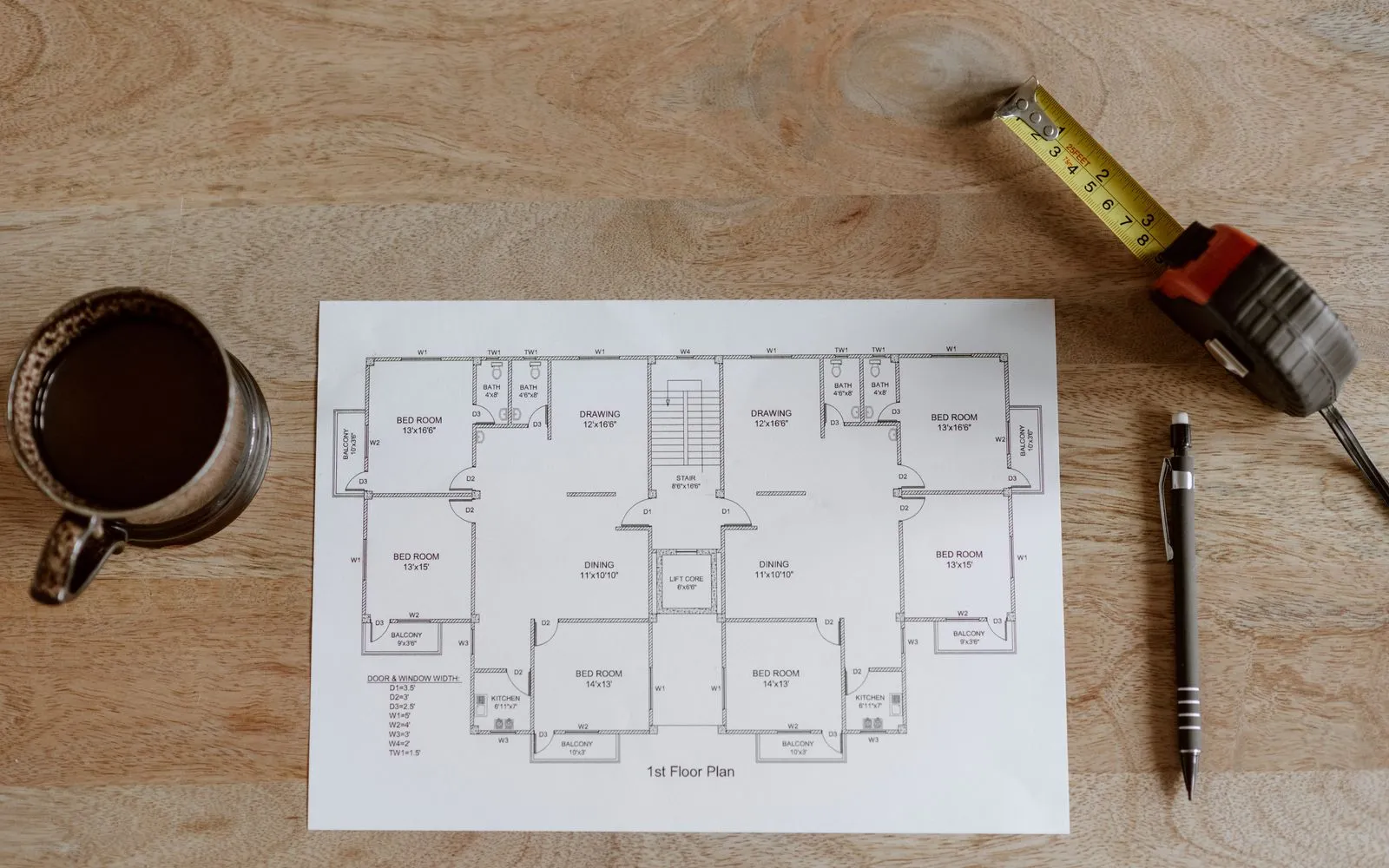
Without a clear way to organize the work, measurements start piling on top of each other. That slows down checking, makes it harder to explain the takeoff, and increases the chance that something gets missed.
Why it’s better with MetreMate
Layers Manager helps you keep control as projects get more complex, which makes quantities easier to review, explain, and carry into the bid.
Testimonial / proof
“Mate, MetreMate is no joke. It actually helps me get more work done which means I get to make more money. This is such a nifty little tool. Recommend it to all tradies that work with plans and run their own businesses!”
Gary P. · Concreter · Essendon, VIC, Australia
Built for who
Pick your trade, or type it in, to see how Layers Manager fits the jobs you already do.
15 trades shown with a real job example
Use it most
Also use it

Built for
The problem
Need clean scope separation when measuring across multiple trades and phases.
What you get
Faster review and a cleaner handoff into the estimate.
How you'd use it: Use Layers Manager to split work by trade, floor, or scope before quantities pile up.
“Been using MetreMate for a few months now, and I'm wondering how I ever managed without it. The accuracy is spot-on, and helps me and my tradies. I'm able to quote quicker and more accurately. Absolute lifesaver for every builder.”
Other tools general contractors reach for
Across the trades
Layers Manager earns its keep right across the trades. Here is how different crews put it to work on real jobs.

Keep walls, ceilings and trims on separate layers to price each one.
Workflows for painting contractors
Put sod, pavers and planting beds on their own layers so the bid reads clearly.
Workflows for landscape contractors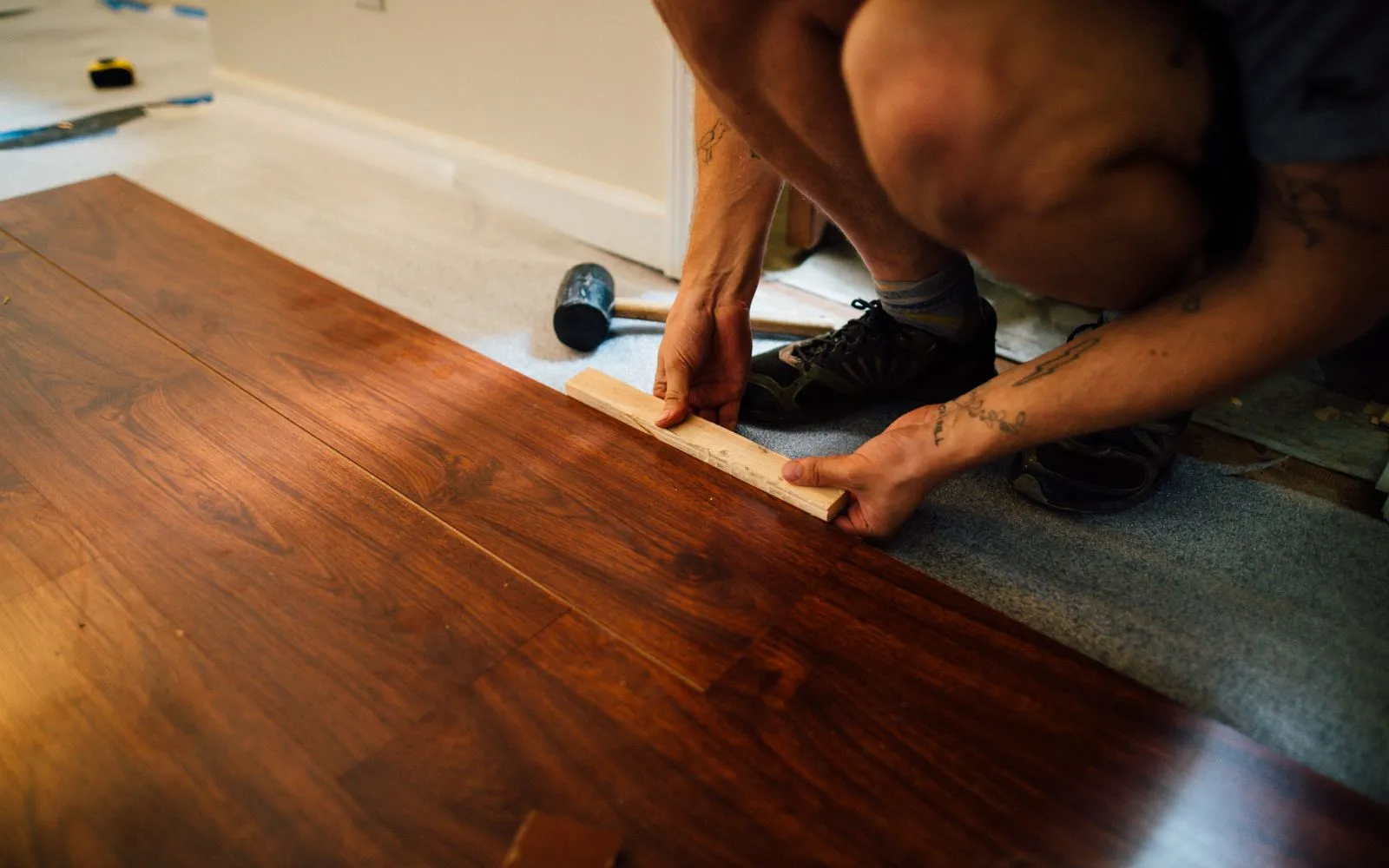
Put each floor product on its own layer so carpet and timber totals stay apart.
Workflows for flooring contractors
Keep lighting, power and data on separate layers and switch each one on when you price it.
Workflows for electrical contractors
Keep wall framing, roof framing and finishing work on separate layers so each cutting list comes from its own set.
Workflows for framing contractors
Put floor tiles, wall tiles and feature tiles on their own layers so each tile is totaled separately.
Workflows for tile contractors
Give each roof plane its own layer so areas are easy to check before the pitch factor goes on.
Workflows for roofing contractors
Put slabs, footings, paths and driveways on separate layers so each pour has its own total.
Workflows for concrete contractorsKeep exploring
Keep learning
Put it into practice with step-by-step how-tos from the MetreMate team.
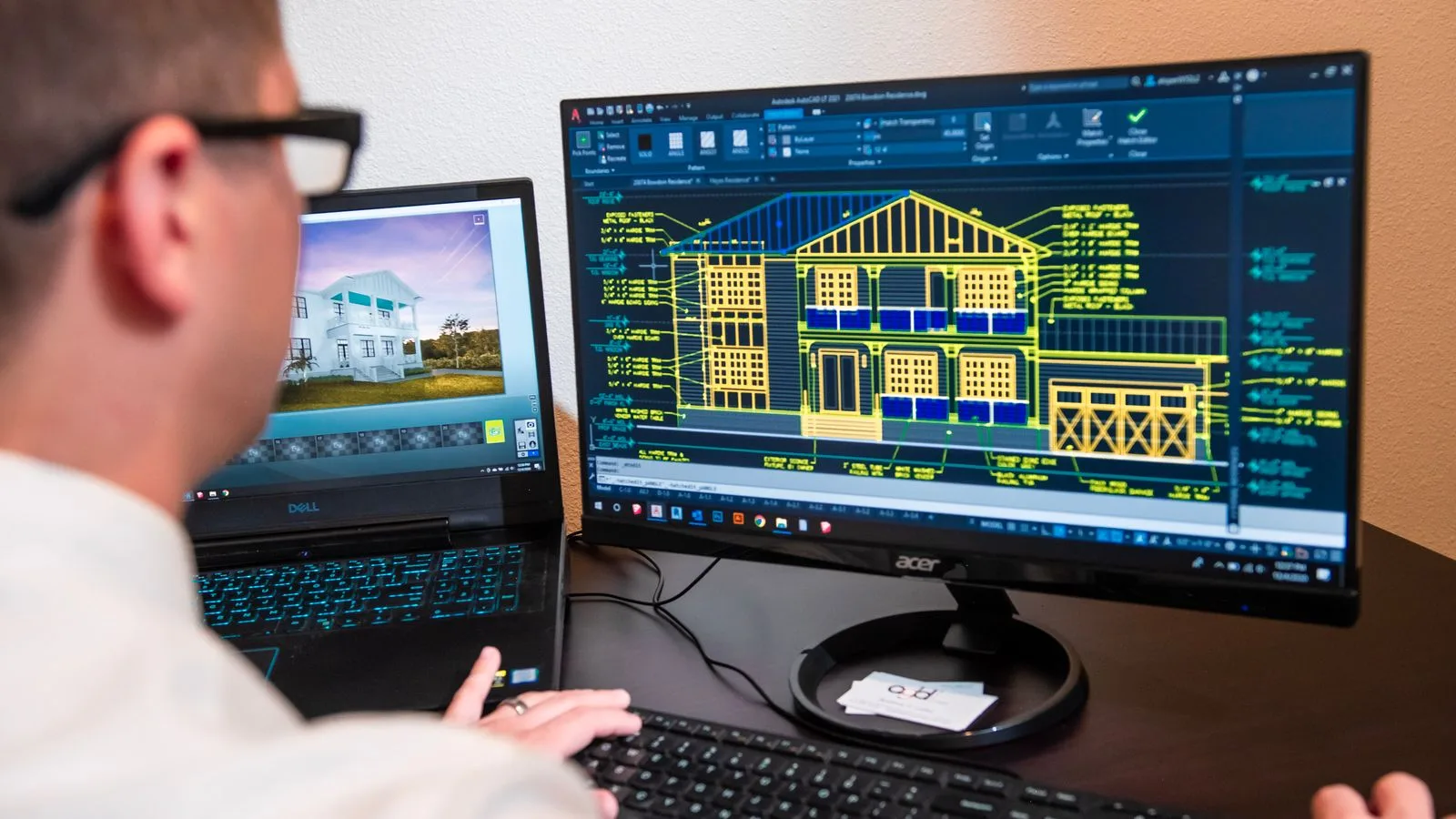
Ditch the printouts and scaled rulers. Upload your floorplan, auto-scale it, and measure in a few clicks.
Read guide
MetreMate is a digital floorplan measuring solution transforming how builders plan and execute projects by eliminating manual measurements, printouts, and guesswork.
Read guide
These five mistakes cost trades thousands on every job. Learn how to avoid them with digital measurements.
Read guideFeature FAQ
Quick answers below. For every click, read the step-by-step guide to Layers.
No credit card to start. Built for contractors and estimators.


