Step 1
Set the scale
Auto Scale reads the plan, or set it in two clicks, so the area comes out true.
 Feature
Area
Area lets you trace rooms, slabs and surfaces straight on the plan and reads out the square feet on the spot, with the perimeter thrown in, so bidding flooring, concrete and finishes stops being a math job.
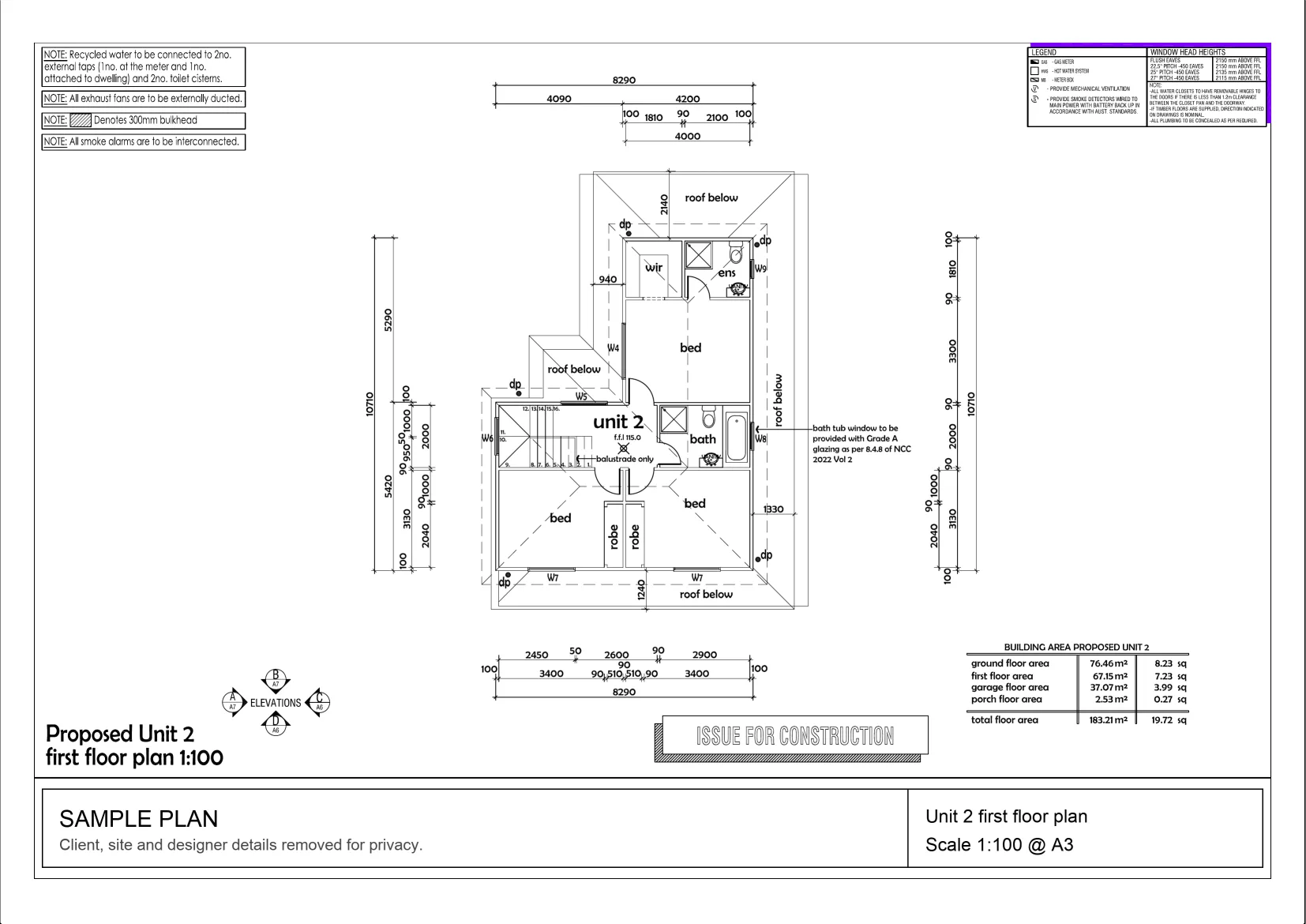
Interactive example on a sample plan. The real MetreMate app does a lot more.
From problem to outcome
Area is for every job that gets priced by the square foot: flooring, tile, paint, slabs and sod, where you need the number off the plan without a calculator or a trip to the site.
Auto Scale reads the plan, or set it in two clicks, so the area comes out true.
Click the corners around a room or slab, even irregular ones, and close it off.
The square feet and perimeter appear straight away, saved to your layer.
Key capabilities
Click the corners of L-shaped rooms, curved zones and odd slabs and still get an exact area.
Best for Real-world floor plans
The area appears the moment you close the shape, in square feet, or square meters if the job calls for it.
Best for Fast bidding
Every area also gives you the perimeter, so linear materials are covered in the same trace.
Best for Edging and boundary runs
Nudge any corner to fine-tune the shape and the area updates in real time.
Best for Getting it spot on
Areas sit on your active layer and in the organizer, ready to review and export.
Best for Tidy, reviewable takeoff

The old way
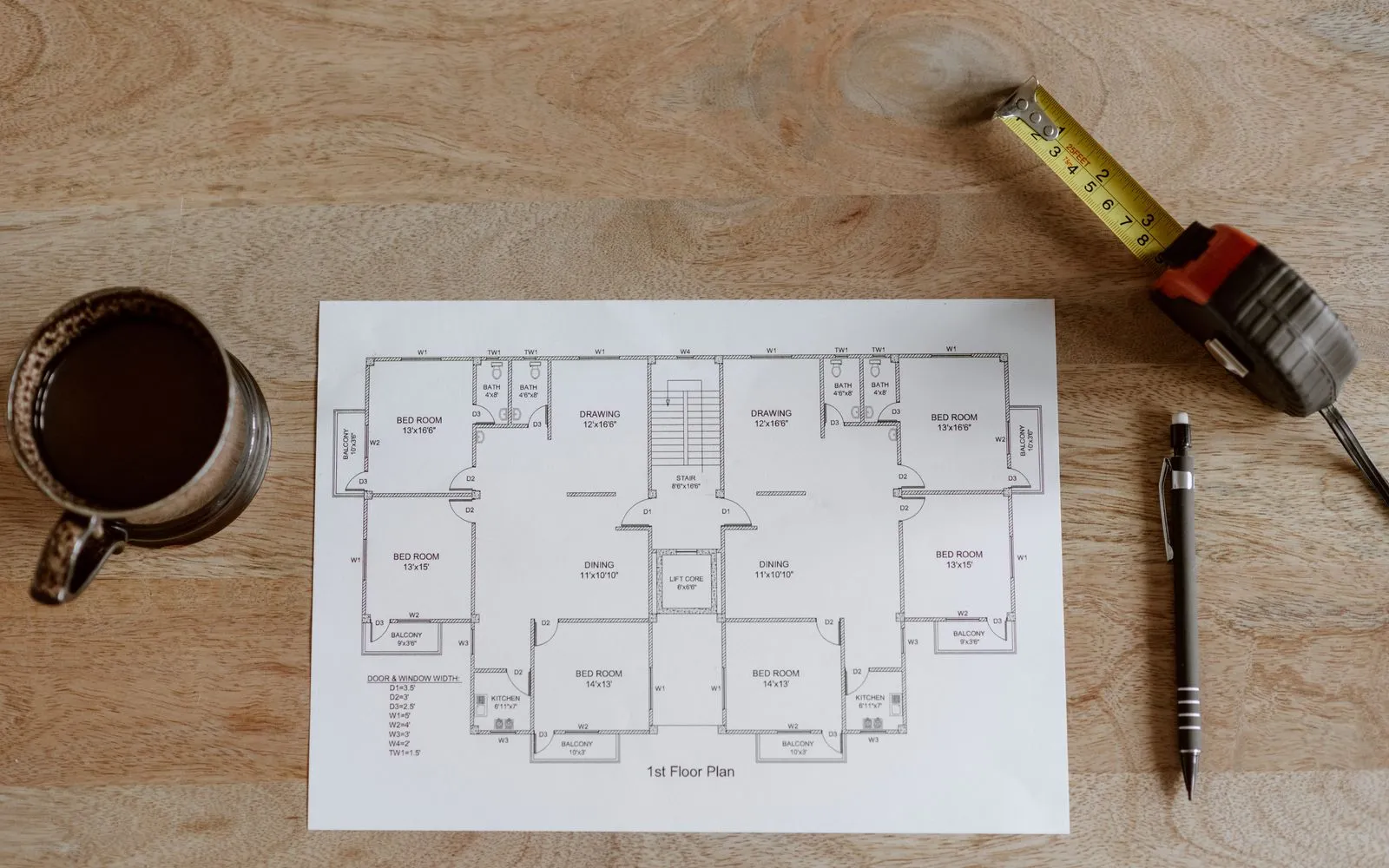
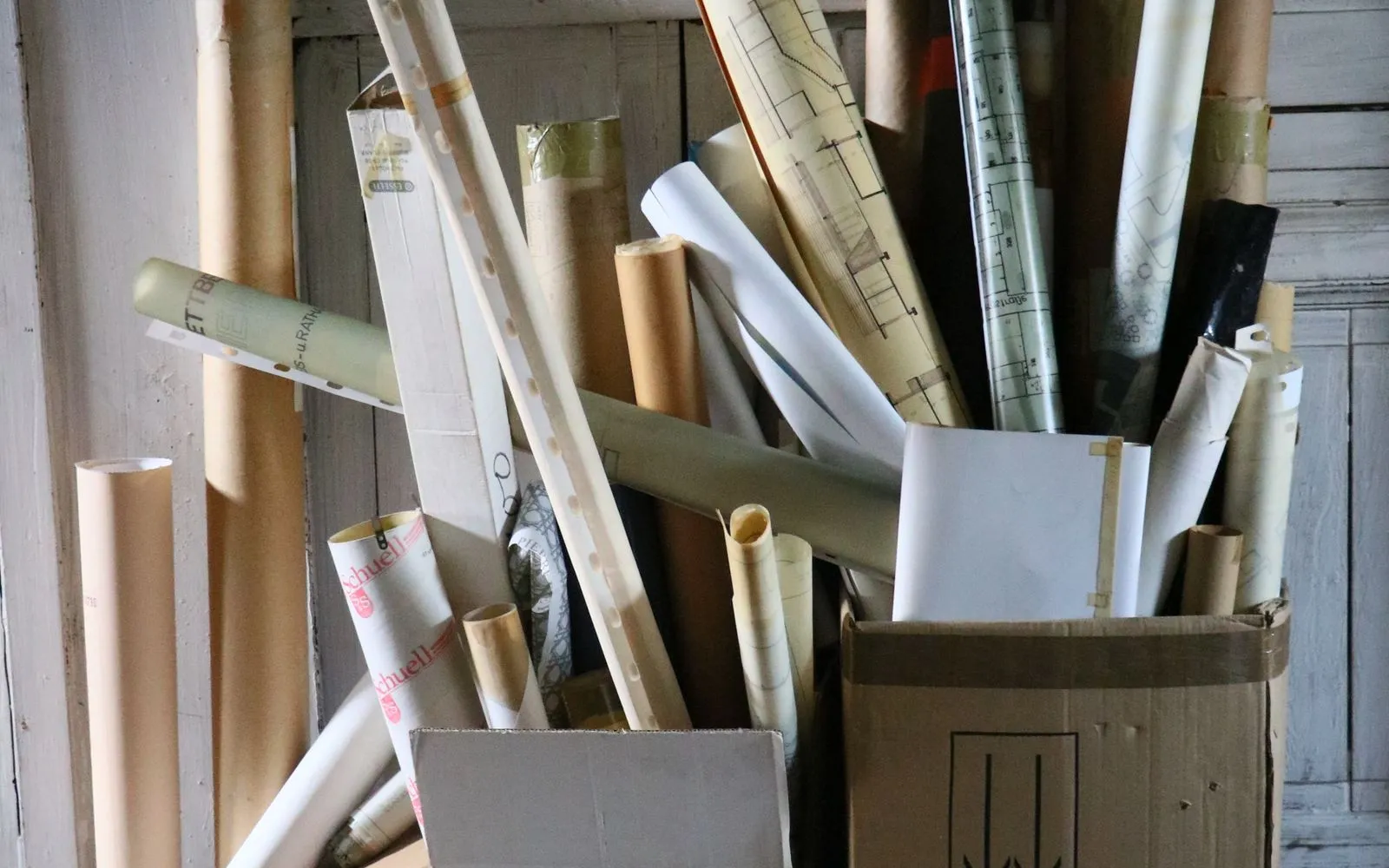
Printing plans, scaling off with a ruler and punching lengths into a calculator eats time and invites mistakes, and irregular shapes make it worse.
Why it’s better with MetreMate
Area turns the plan into the calculator, so you get square feet and perimeter in one trace and spend your time bidding, not adding up.
Testimonial / proof
“Mate, MetreMate is no joke. It actually helps me get more work done which means I get to make more money. This is such a nifty little tool.”
Gary P. · Concreter · Essendon, VIC, Australia
Built for who
Pick your trade, or type it in, to see how Area fits the jobs you already do.
14 trades shown with a real job example
Use it most
Also use it
Built for
The problem
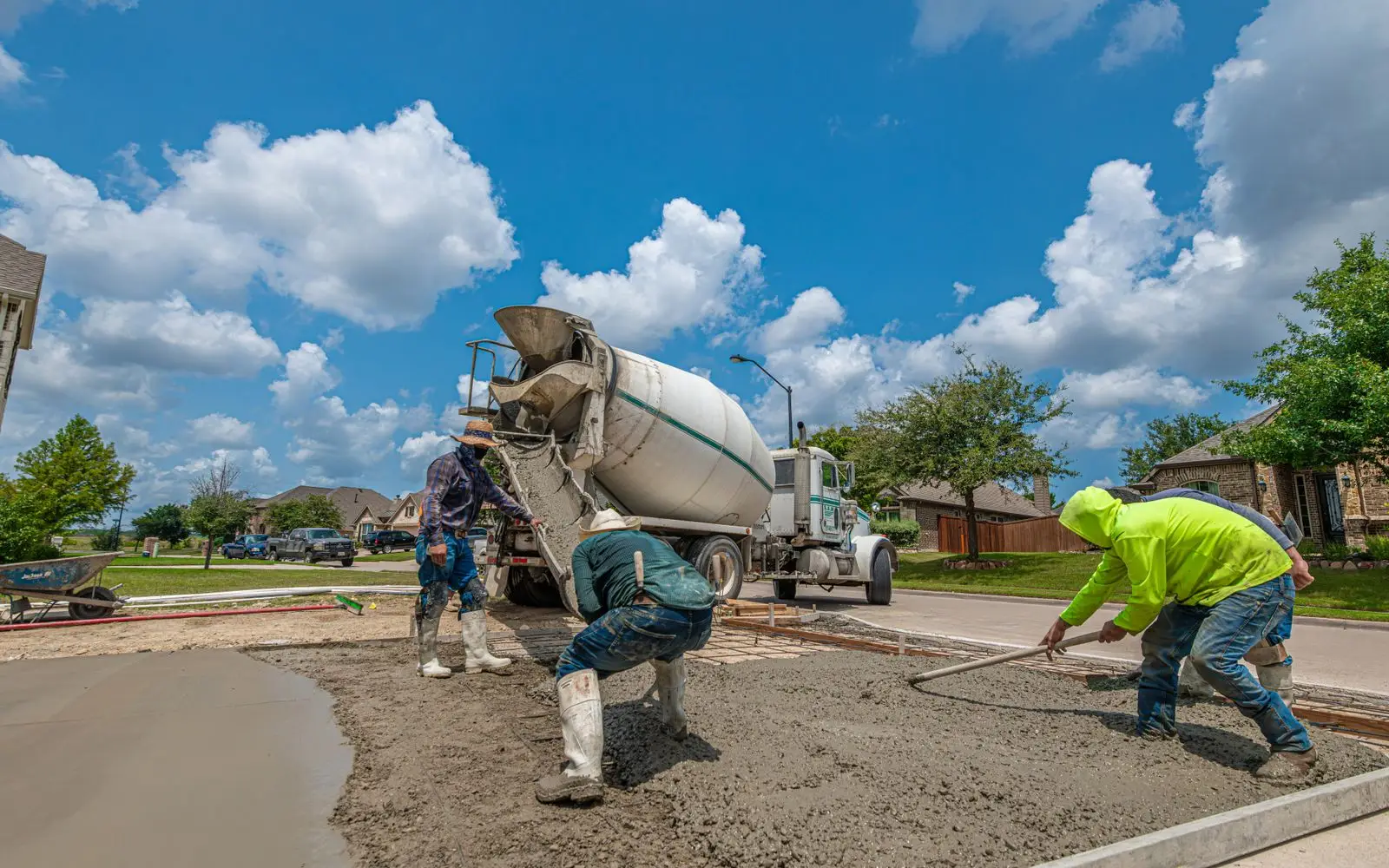
Need exact slab and driveway square footage to work out cubic yards.
What you get
Square feet ready for your thickness and yardage, without a site visit.
How you'd use it: Use Area to trace slab outlines and driveway shapes off the plan.
“Mate, MetreMate is no joke. It actually helps me get more work done which means I get to make more money. This is such a nifty little tool. Recommend it to all tradies that work with plans and run their own businesses!”
Other tools concrete contractors reach for
Across the trades
Area earns its keep right across the trades. Here is how different crews put it to work on real jobs.
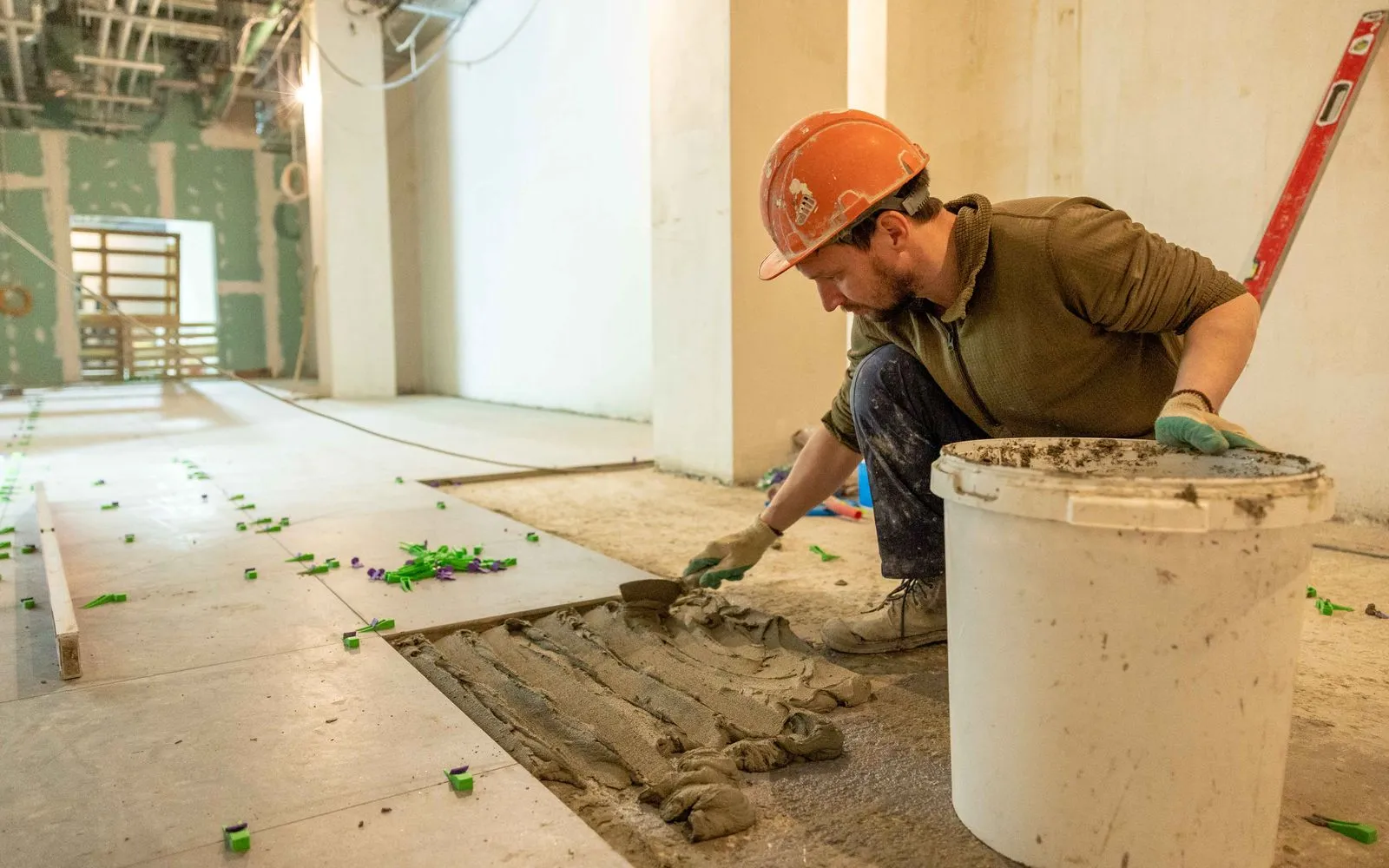
Trace floor tile areas room by room, measure the wall tiling off the elevations, then add your cutting allowance.
Workflows for tile contractors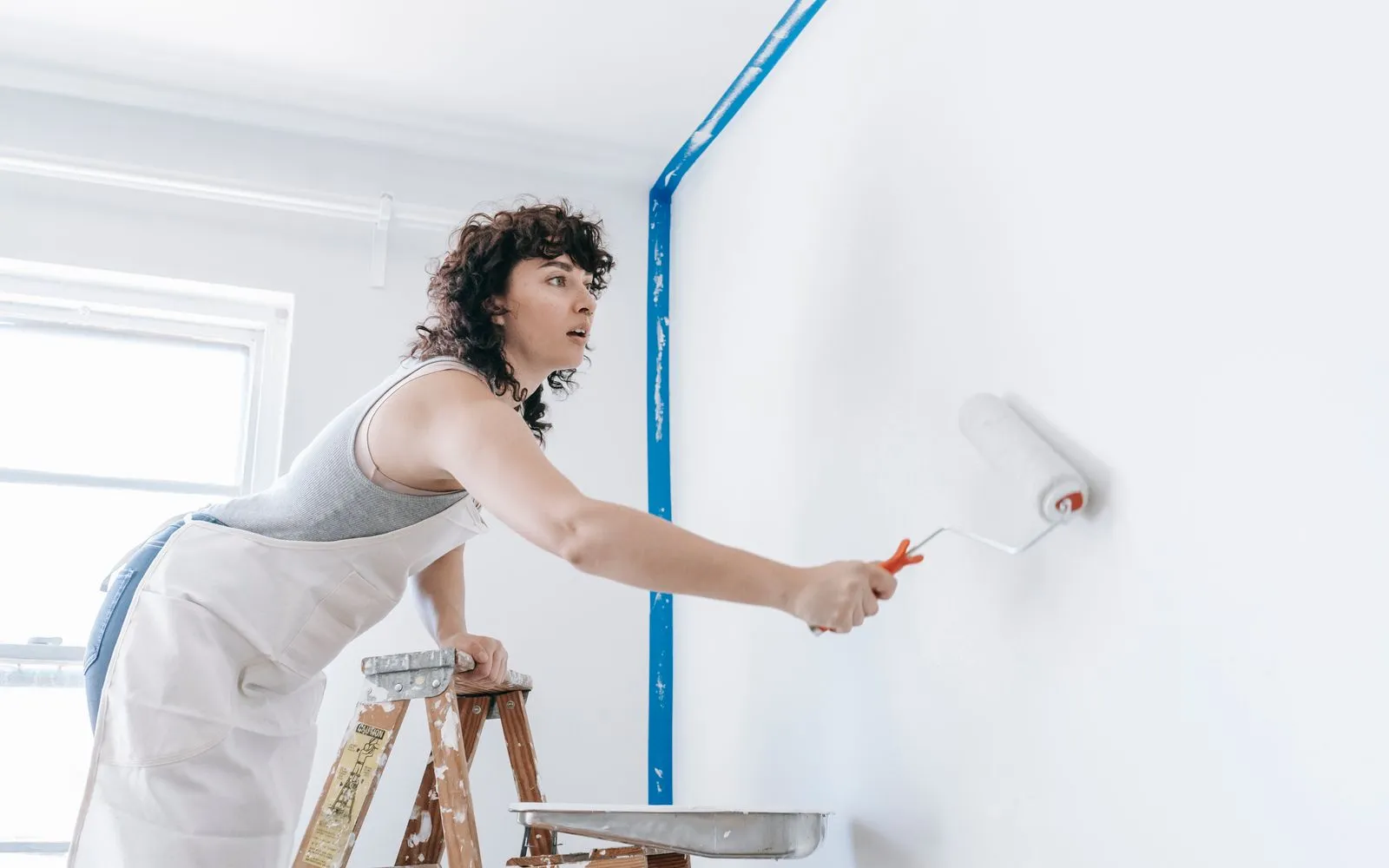
Trace ceilings off the floor plan and pair them with wall areas from the elevations to price paint and labor.
Workflows for painting contractors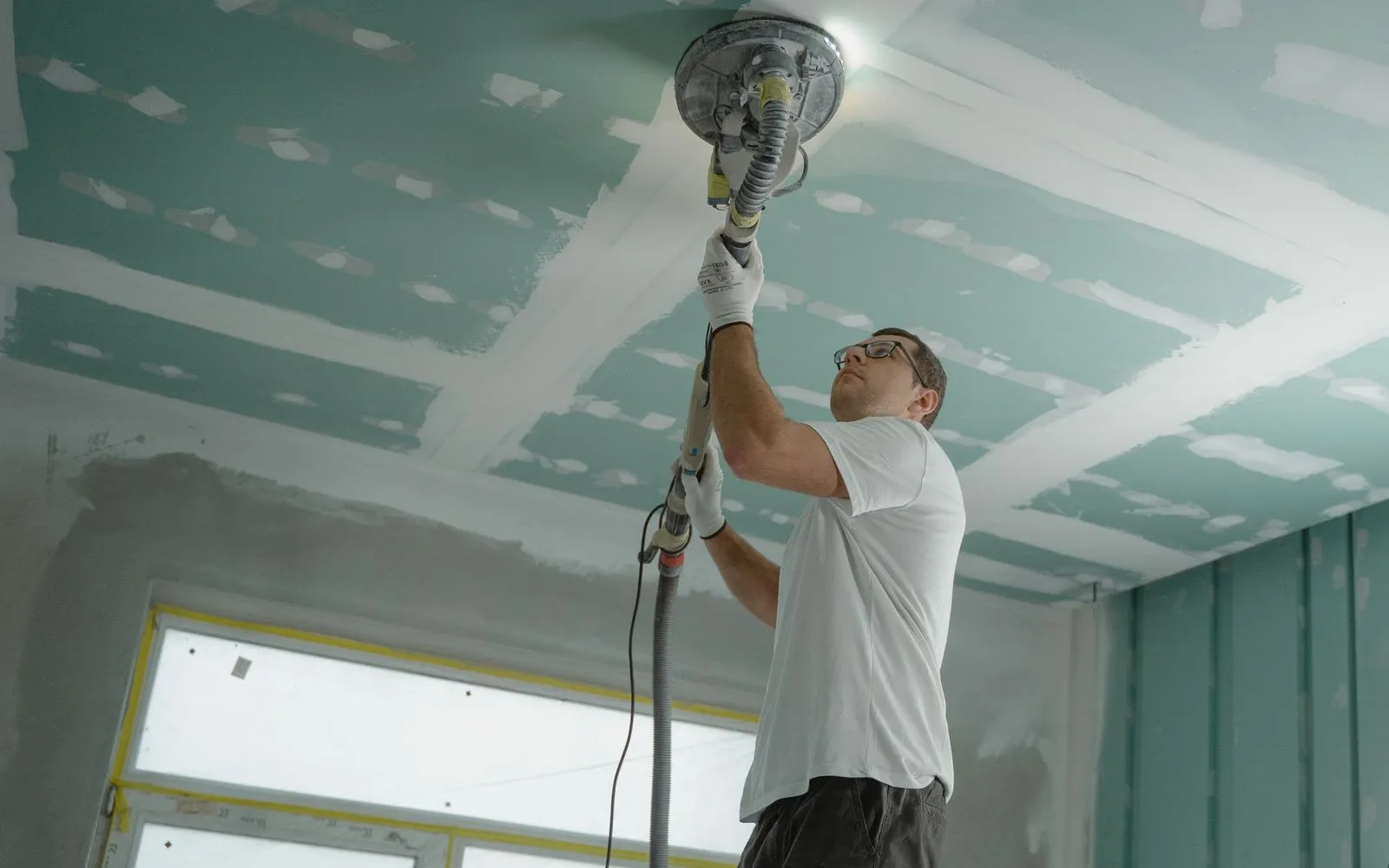
Take ceiling areas off the plan for drywall sheets and measure wet areas separately for moisture-resistant board.
Workflows for drywall contractors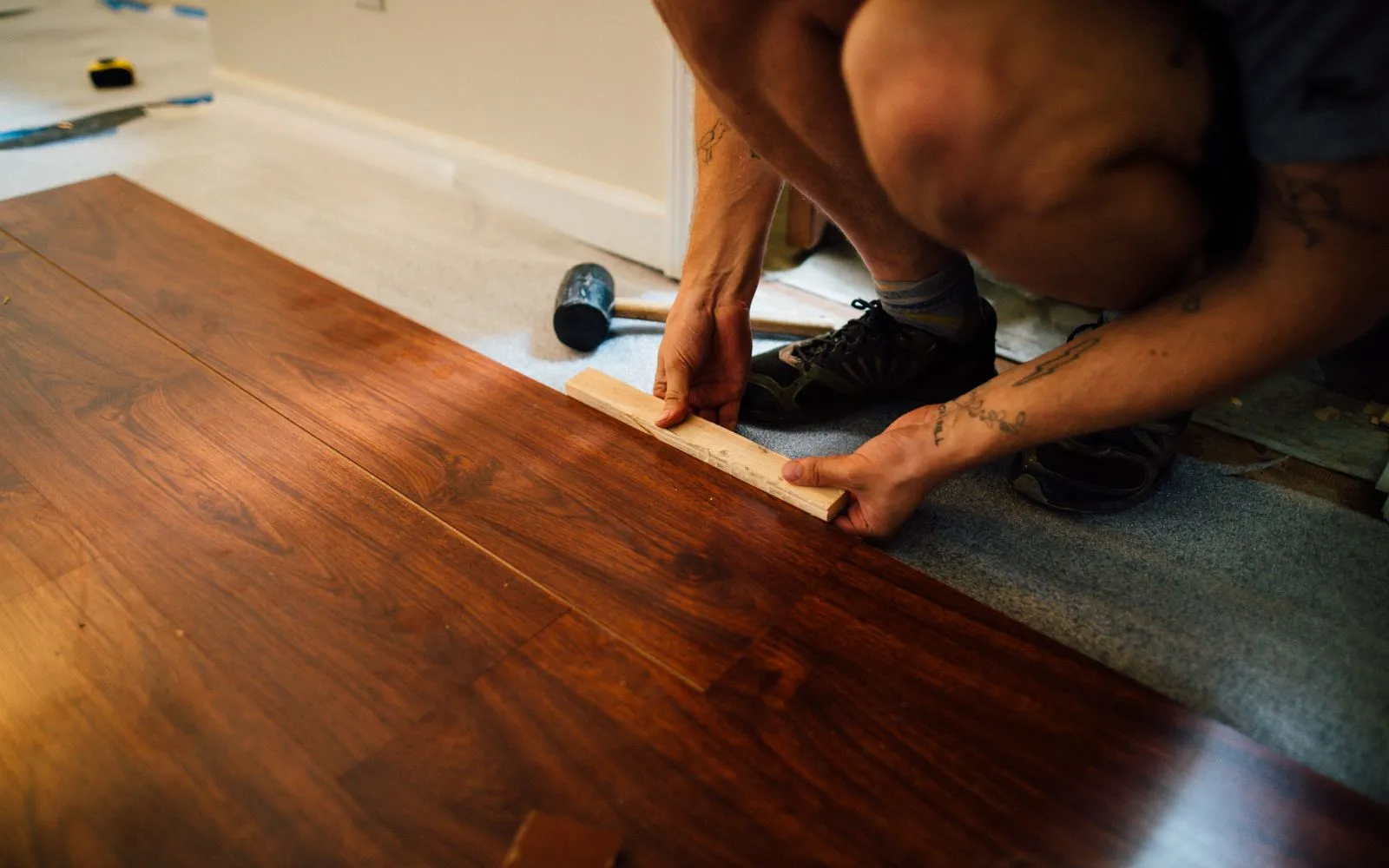
Trace each room on its own so carpet, timber and vinyl totals stay apart for waste and pricing.
Workflows for flooring contractors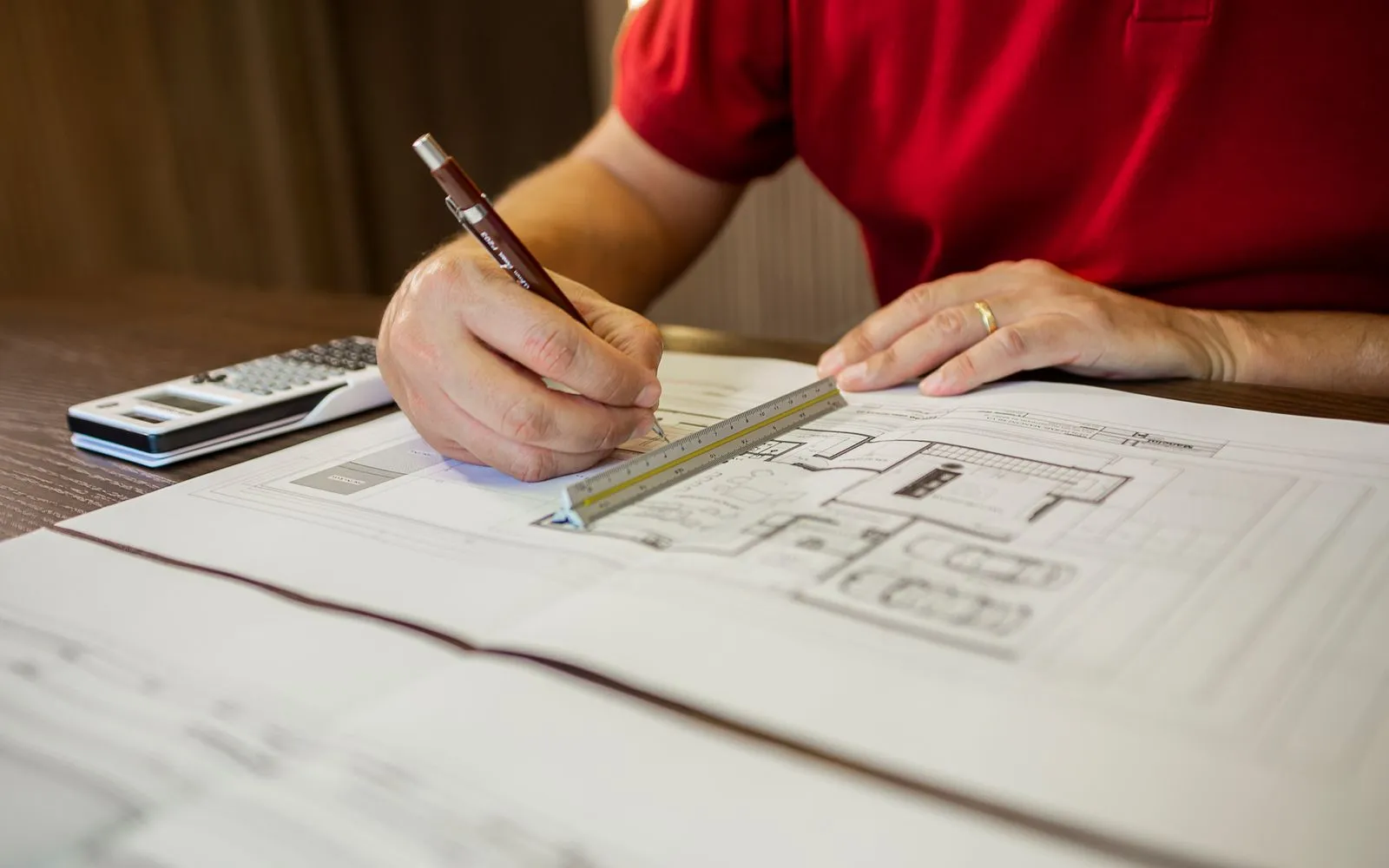
Trace every floor, slab and paved area in the set so each trade's price has a quantity behind it.
Workflows for construction estimators
Trace floor areas for sheet flooring and deck areas for decking boards.
Workflows for framing contractors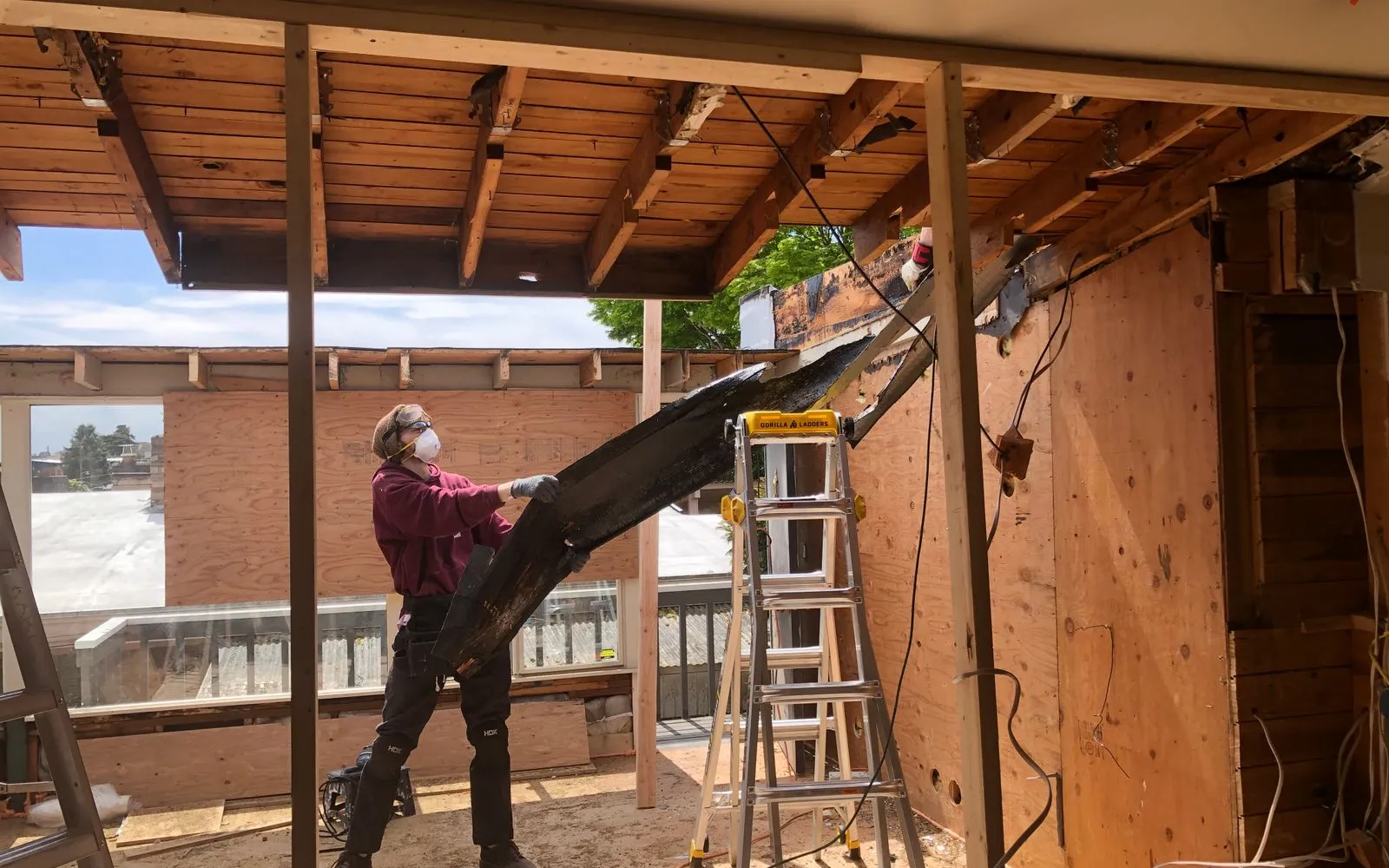
Trace the rooms you are working on to price flooring, painting and tiling allowances.
Workflows for remodelers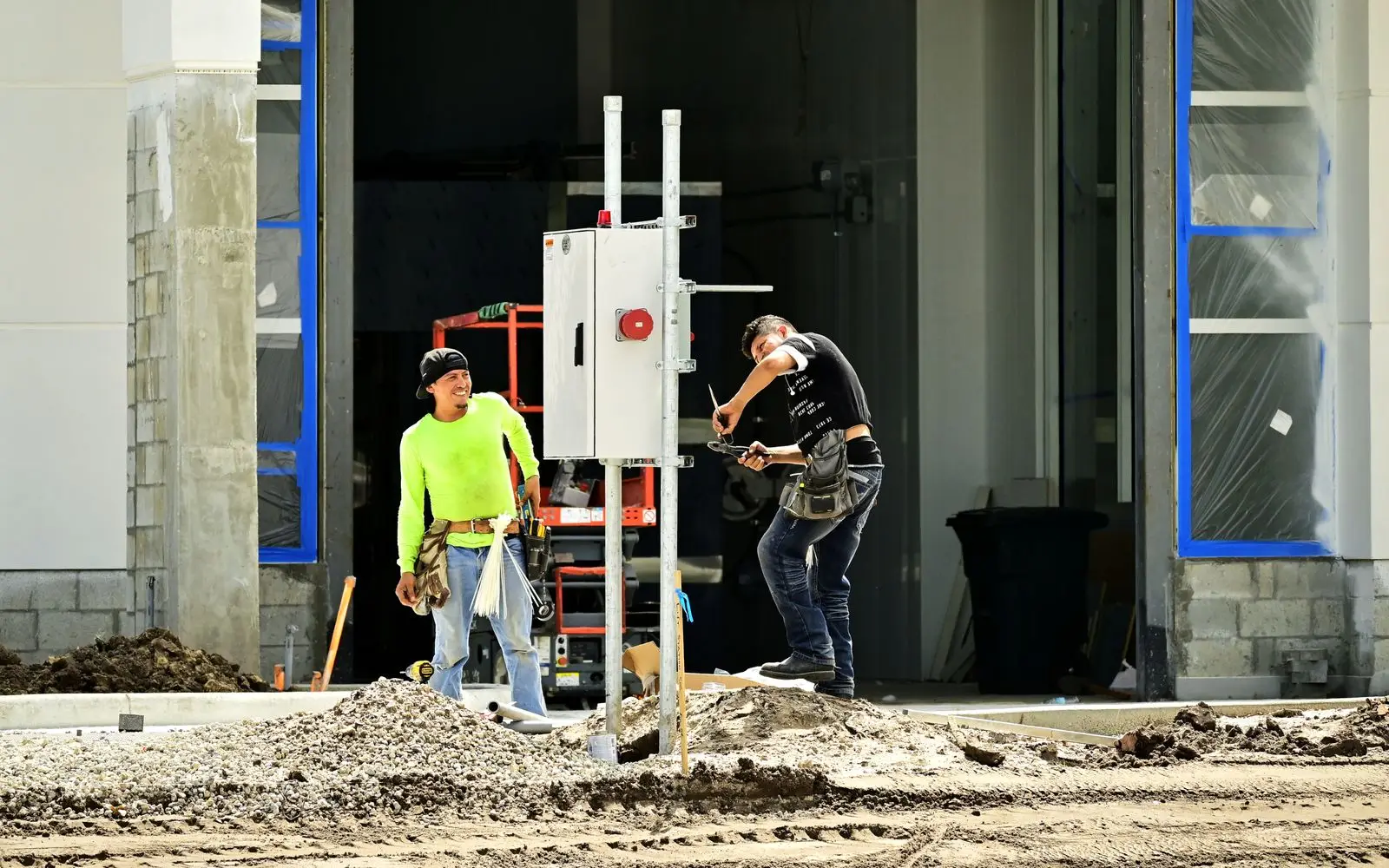
Trace room areas to work out how many lights each room needs.
Workflows for electrical contractorsKeep exploring
Keep learning
Put it into practice with step-by-step how-tos from the MetreMate team.
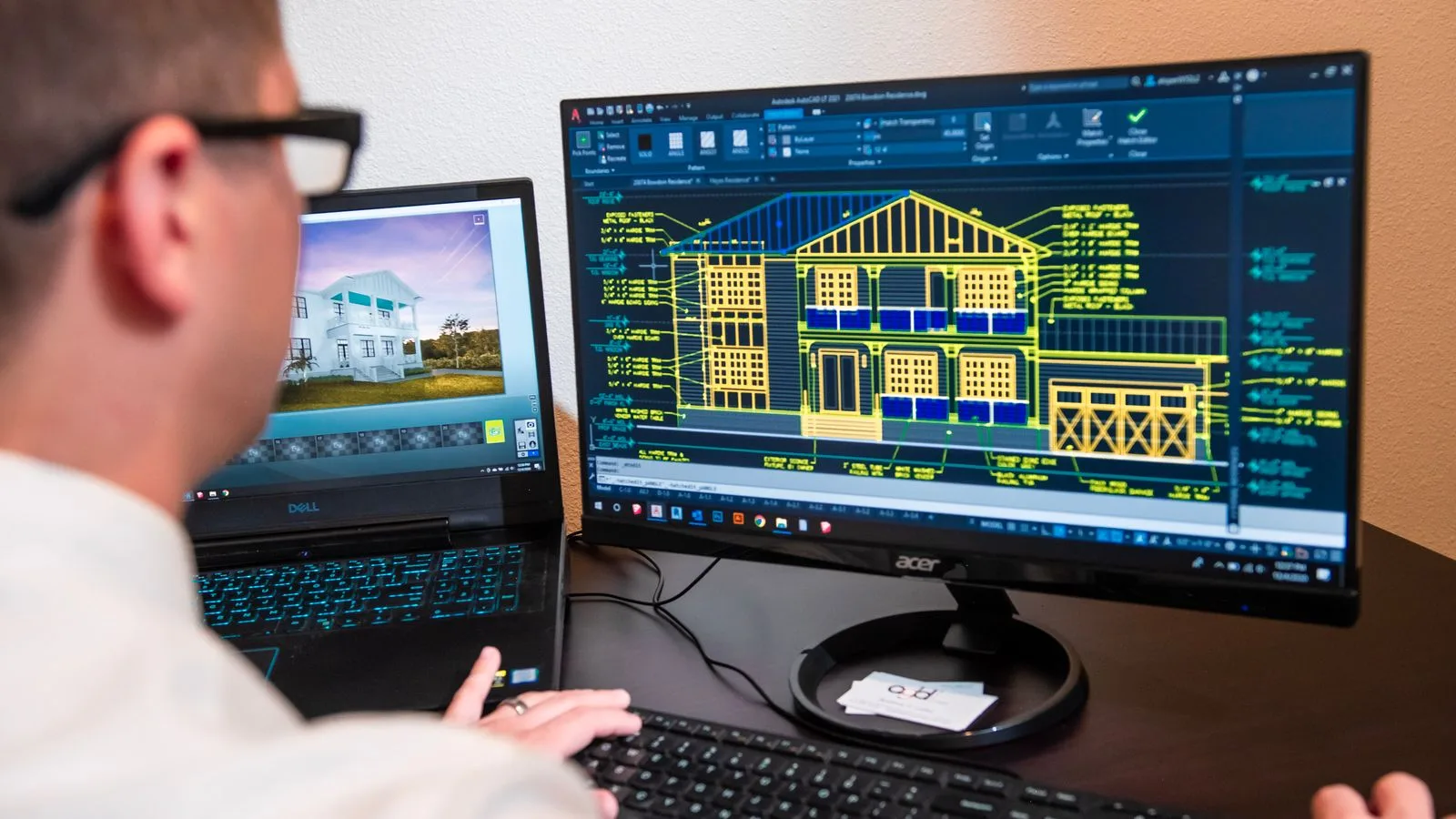
Ditch the printouts and scaled rulers. Upload your floorplan, auto-scale it, and measure in a few clicks.
Read guide
These five mistakes cost trades thousands on every job. Learn how to avoid them with digital measurements.
Read guide
Getting the scale right is the most important step in digital plan measurement. Here is how to do it every time.
Read guideFeature FAQ
Quick answers below. For every click, read the step-by-step guide to Area.
No credit card to start. Built for contractors and estimators.