Step 1
Trace the curve
Follow the curved edge on the plan and let the arc bow onto the printed line.
 Feature
Arc
Arc Tool traces the curved runs a straight line cannot, so curved walls, radius driveways, cul-de-sacs, and pool edges come off the plan as real numbers instead of rough guesses.
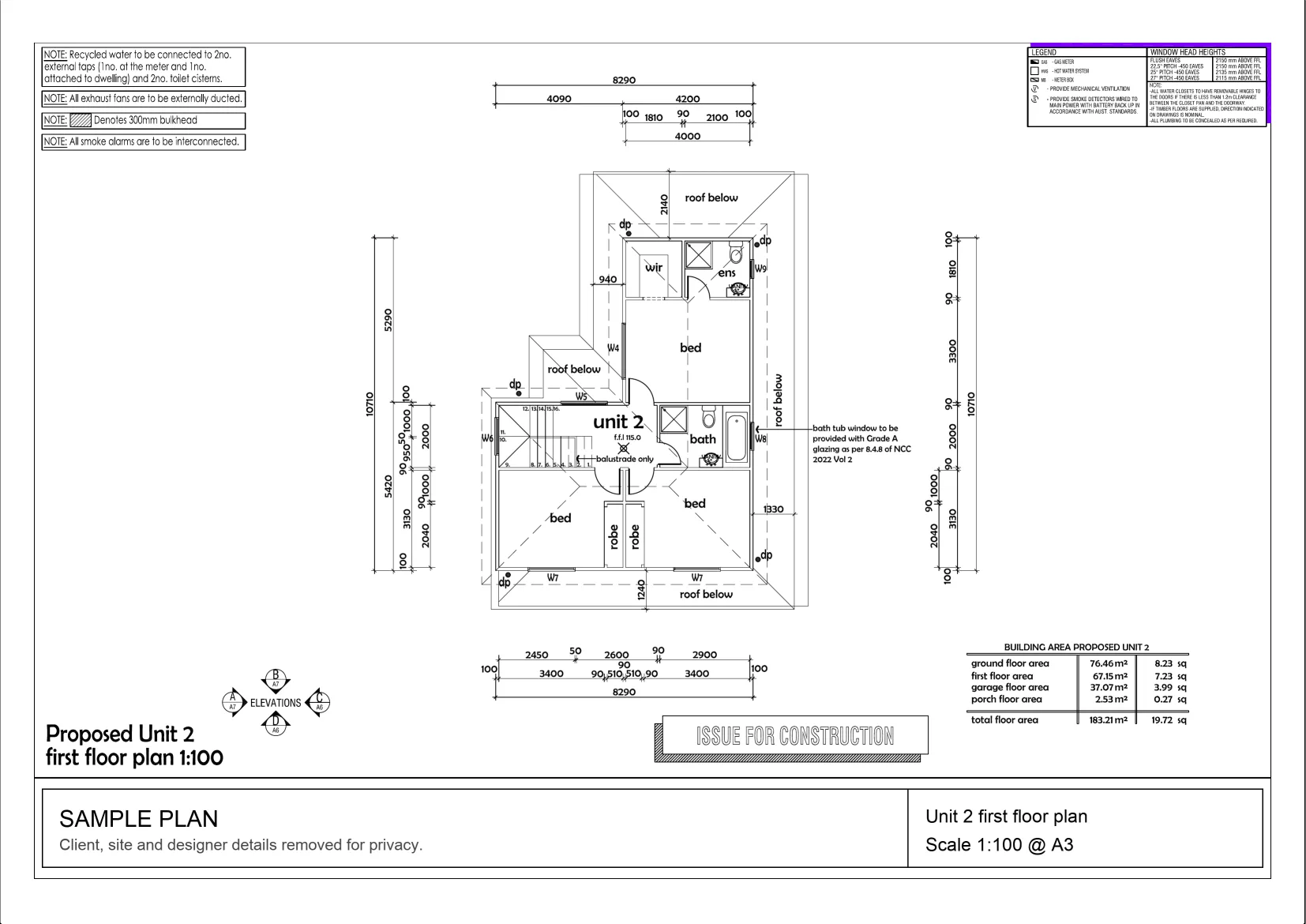
Interactive example on a sample plan. The real MetreMate app does a lot more.
From problem to outcome
Arc Tool is for the parts of a plan that refuse to be straight (curved walls, radius edges, rounded slabs and sweeping driveways) where measuring point to point would come up short every time.
Follow the curved edge on the plan and let the arc bow onto the printed line.
Get the true length along the curve at the correct scale, not the straight-line chord.
Save the curved run with your other measurements, ready for materials and bidding.
Key capabilities
Measure the real length along a curve instead of the straight line between its ends.
Best for Curved walls and edges
Follow radius driveways, paths, and cul-de-sacs so linear quantities come out right.
Best for Landscape and concrete contractors
Trace rounded slab and pool edges to keep perimeters honest on curved work.
Best for Slabs, pools, patios
Curved lengths come off a properly scaled plan, so the number matches the real job.
Best for Scaled PDF plans
Keep curved runs on the same plan as your lengths, areas, and counts.
Best for Full takeoff in one place

The old way
Measuring a curve as a series of straight hops, or measuring the chord end to end, always comes up short, and short measurements on edging, curbing and siding turn into money left on the table.
Why it’s better with MetreMate
Arc Tool follows the curve the way the material will, so curved edges stop being the thing you round off and hope for the best on.
Testimonial / proof
“Mate, MetreMate is no joke. It actually helps me get more work done which means I get to make more money. This is such a nifty little tool. Recommend it to all tradies that work with plans.”
Gary P. · Concreter · Essendon, VIC, Australia
Built for who
Pick your trade, or type it in, to see how Arc fits the jobs you already do.
14 trades shown with a real job example
Use it most
Also use it
Built for
The problem
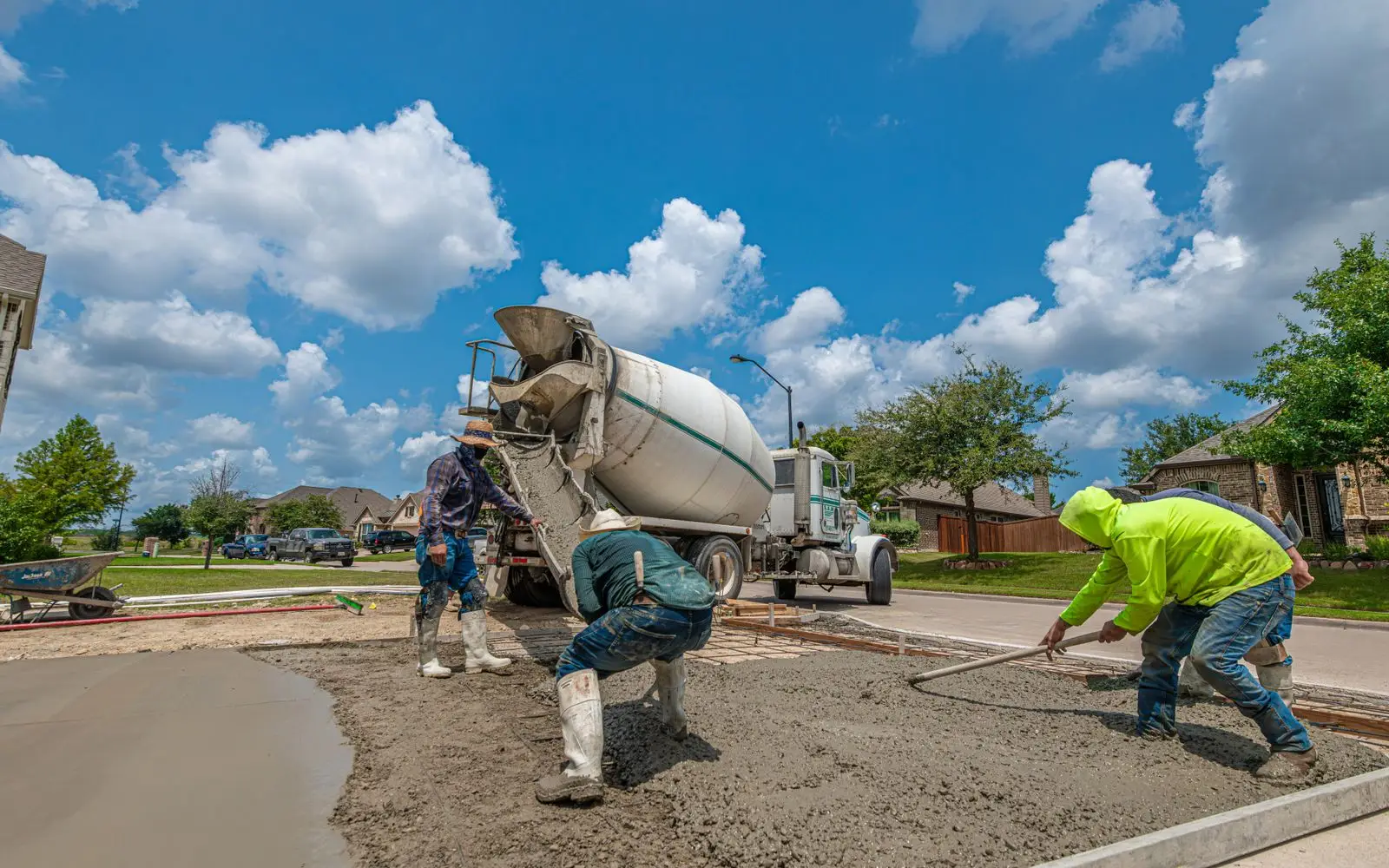
Need real lengths on curved driveways, curbs and rounded slab edges before the pour.
What you get
Accurate edge and form quantities on curved pours.
How you'd use it: Use Arc Tool to trace each curve and read the true arc length at scale.
“Mate, MetreMate is no joke. It actually helps me get more work done which means I get to make more money. This is such a nifty little tool. Recommend it to all tradies that work with plans and run their own businesses!”
Other tools concrete contractors reach for
Across the trades
Arc earns its keep right across the trades. Here is how different crews put it to work on real jobs.

Check a curved frontage's length and radius against the survey plan before pricing the fence.
Workflows for fence contractors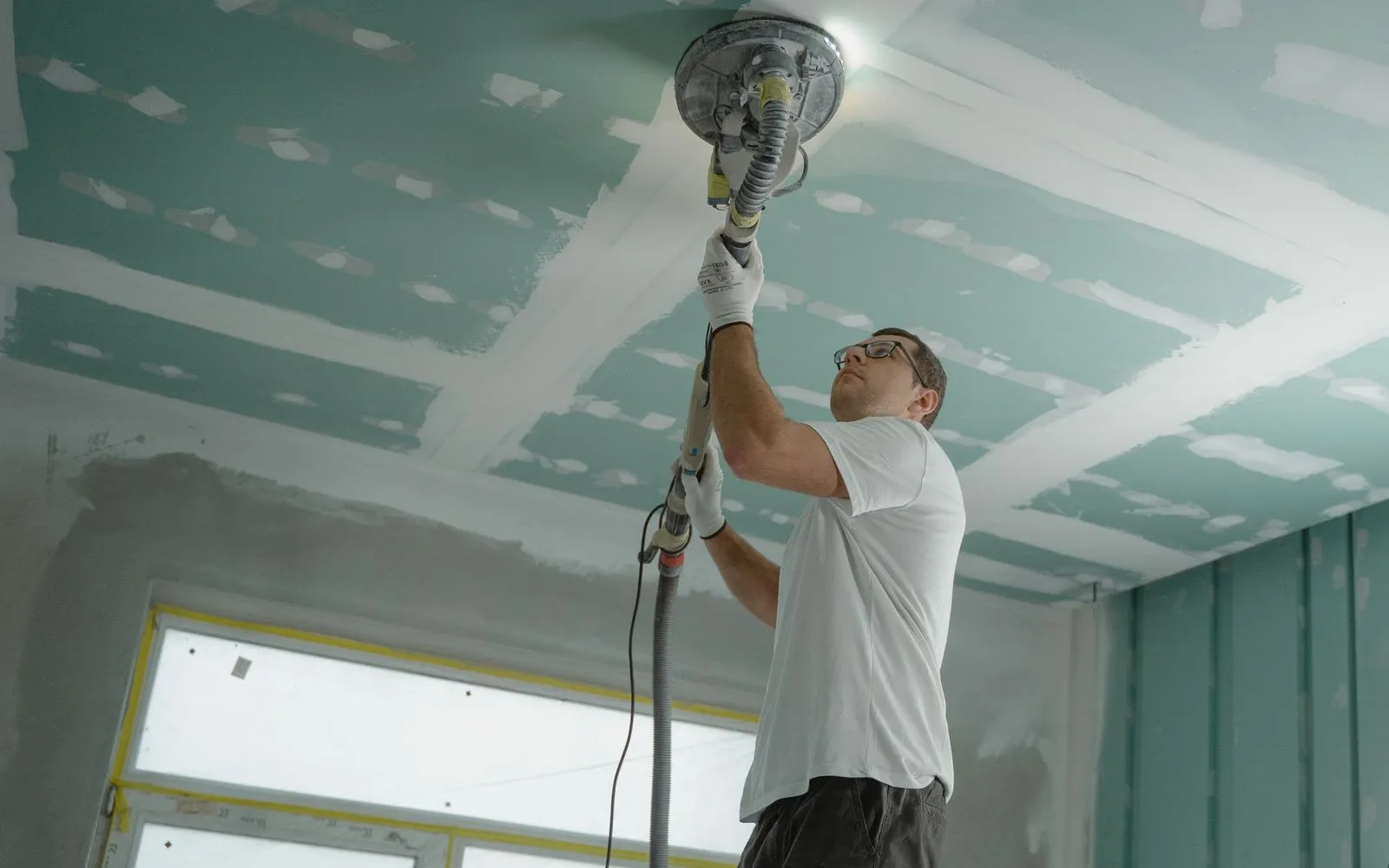
Read the radius and length of curved bulkheads and walls for flexible board.
Workflows for drywall contractors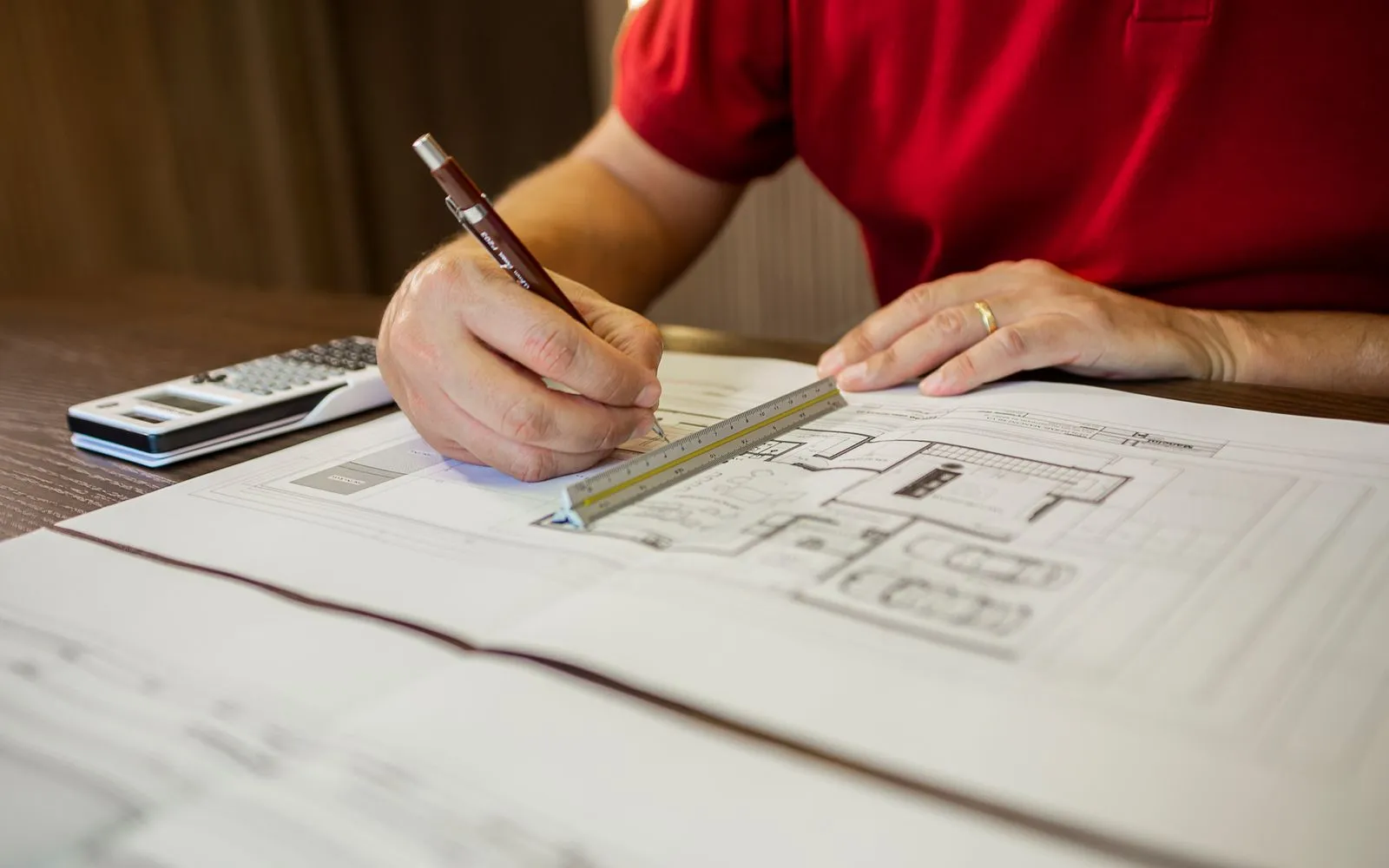
Get the true length and radius of curved walls and edges instead of guessing with straight lines.
Workflows for construction estimators
Read the length and radius of a curved wall or deck edge before cutting plates and joists.
Workflows for framing contractors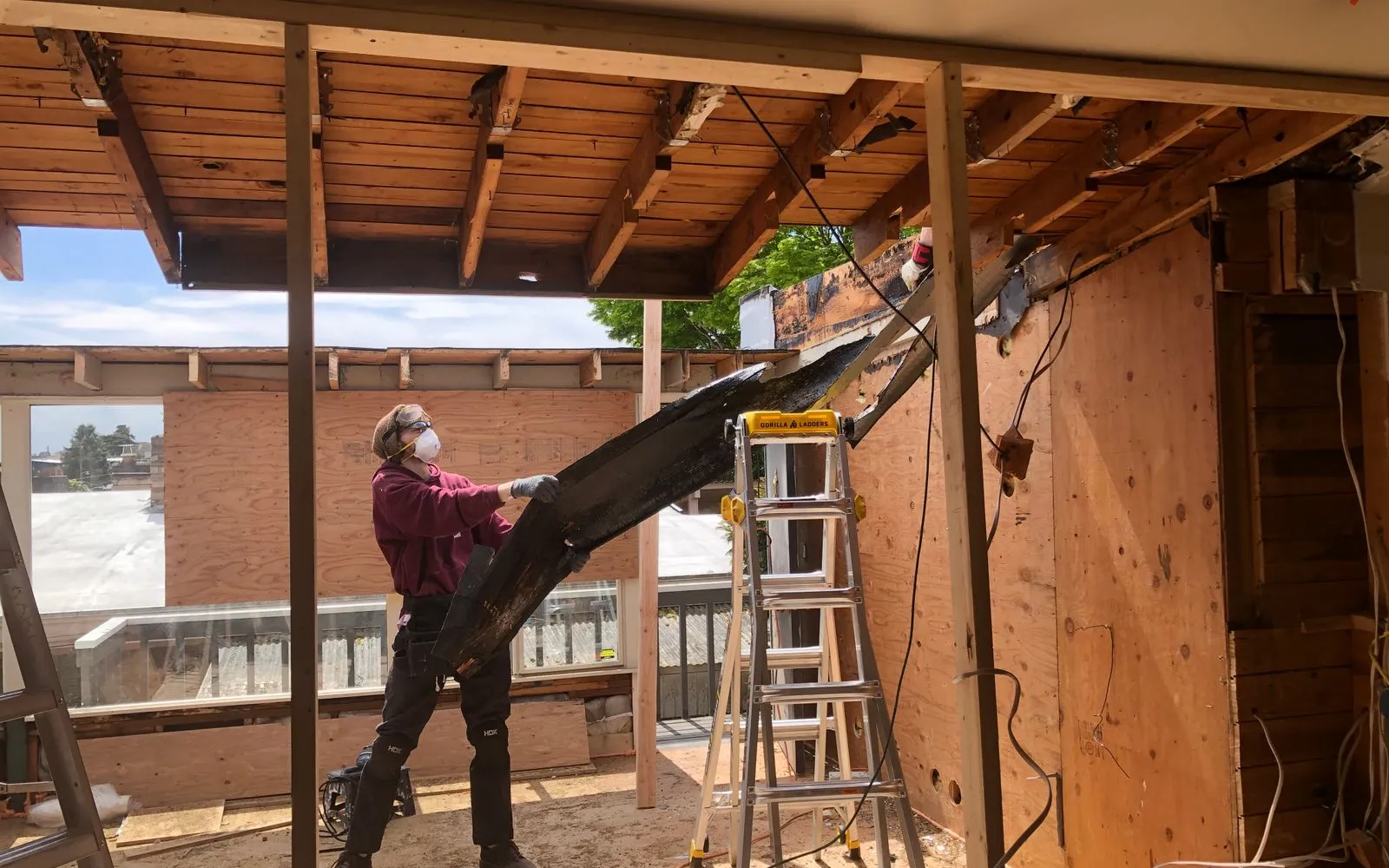
Measure a curved bay or feature wall at its true length before pricing the work.
Workflows for remodelers
Read the true length of a curved roof edge for flashings and cappings.
Workflows for roofing contractors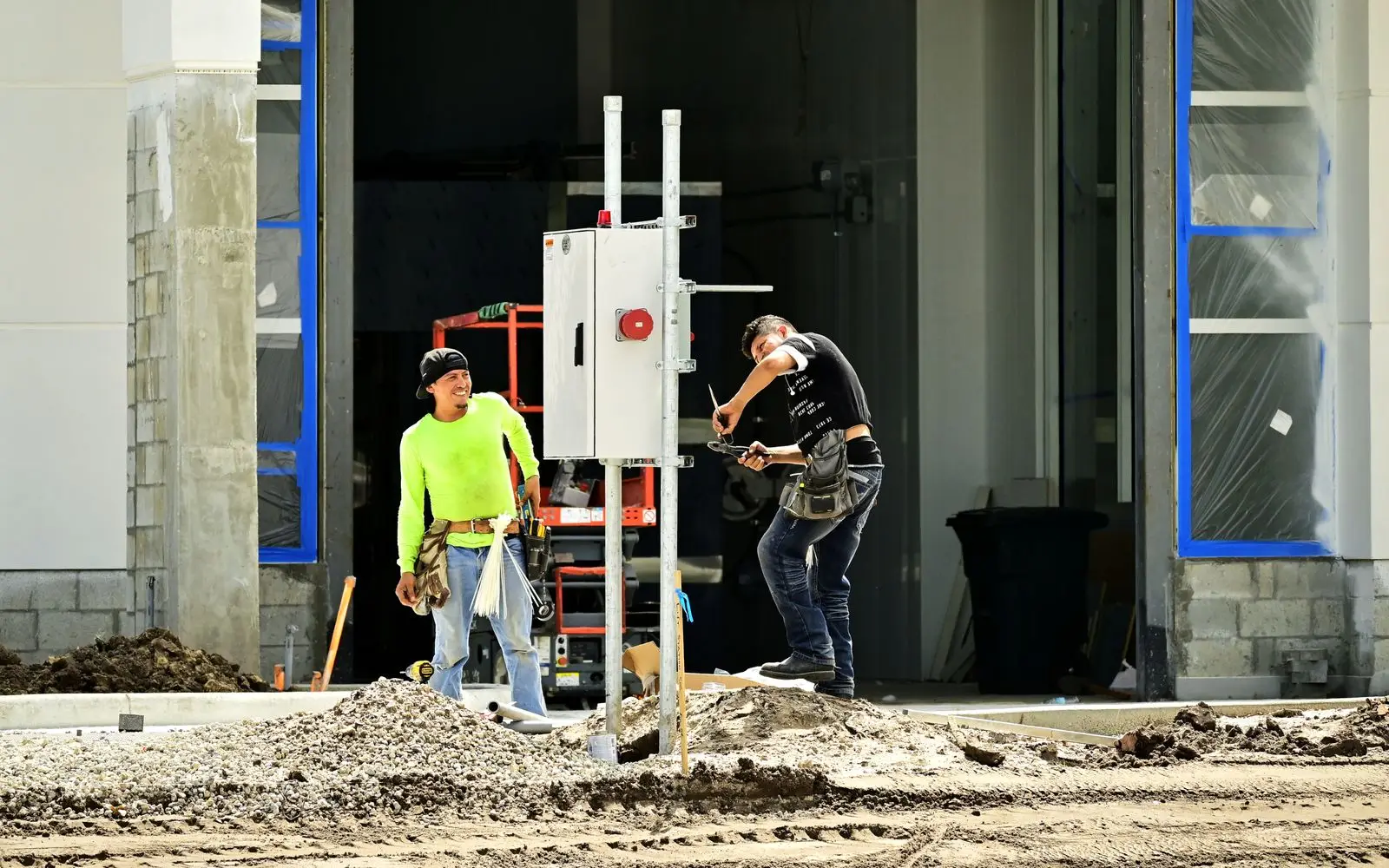
Measure a cable run that follows a curved wall at its true length.
Workflows for electrical contractors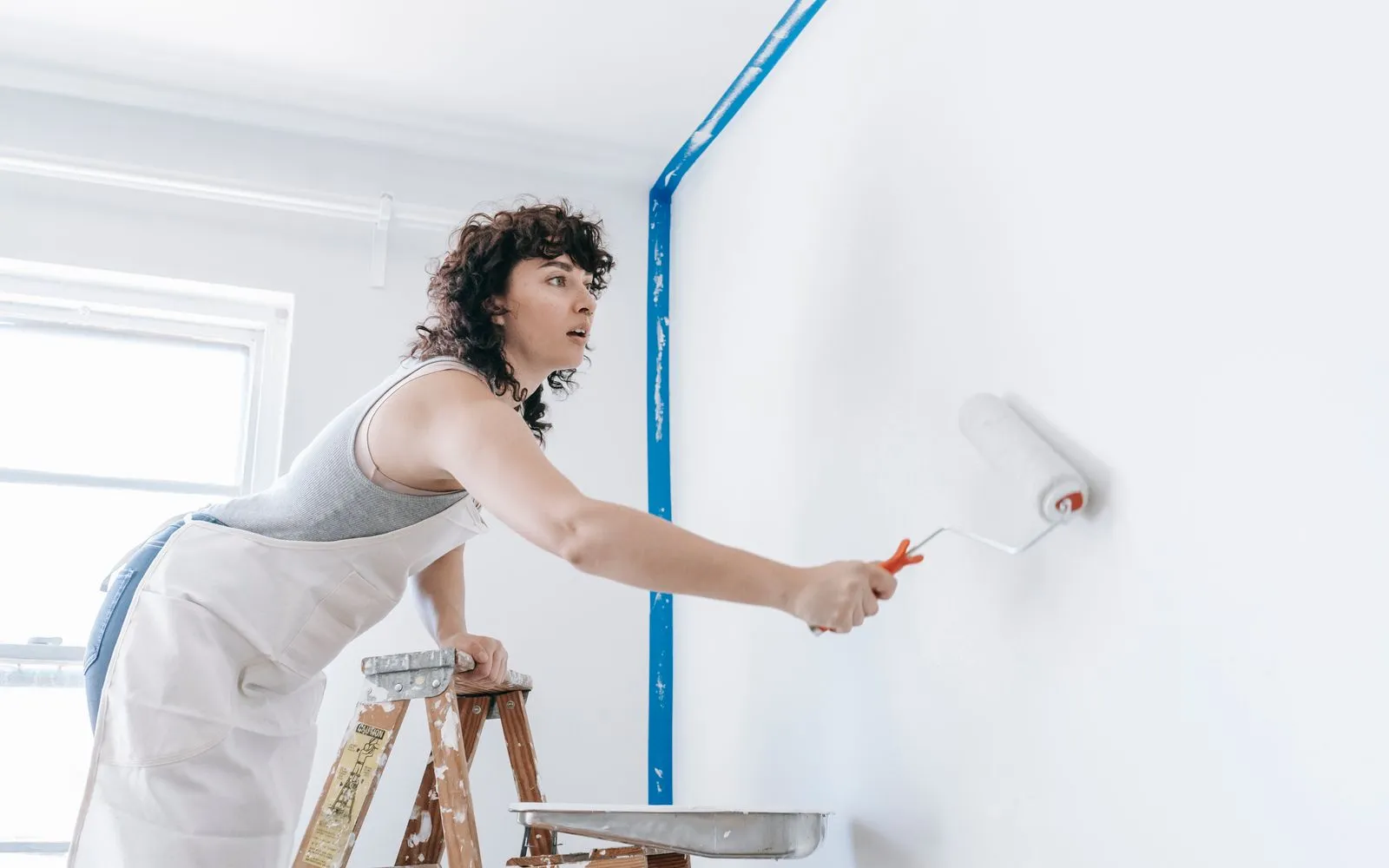
Read the true length of a curved wall, then multiply by the height for its wall area.
Workflows for painting contractorsKeep exploring
Keep learning
Put it into practice with step-by-step how-tos from the MetreMate team.
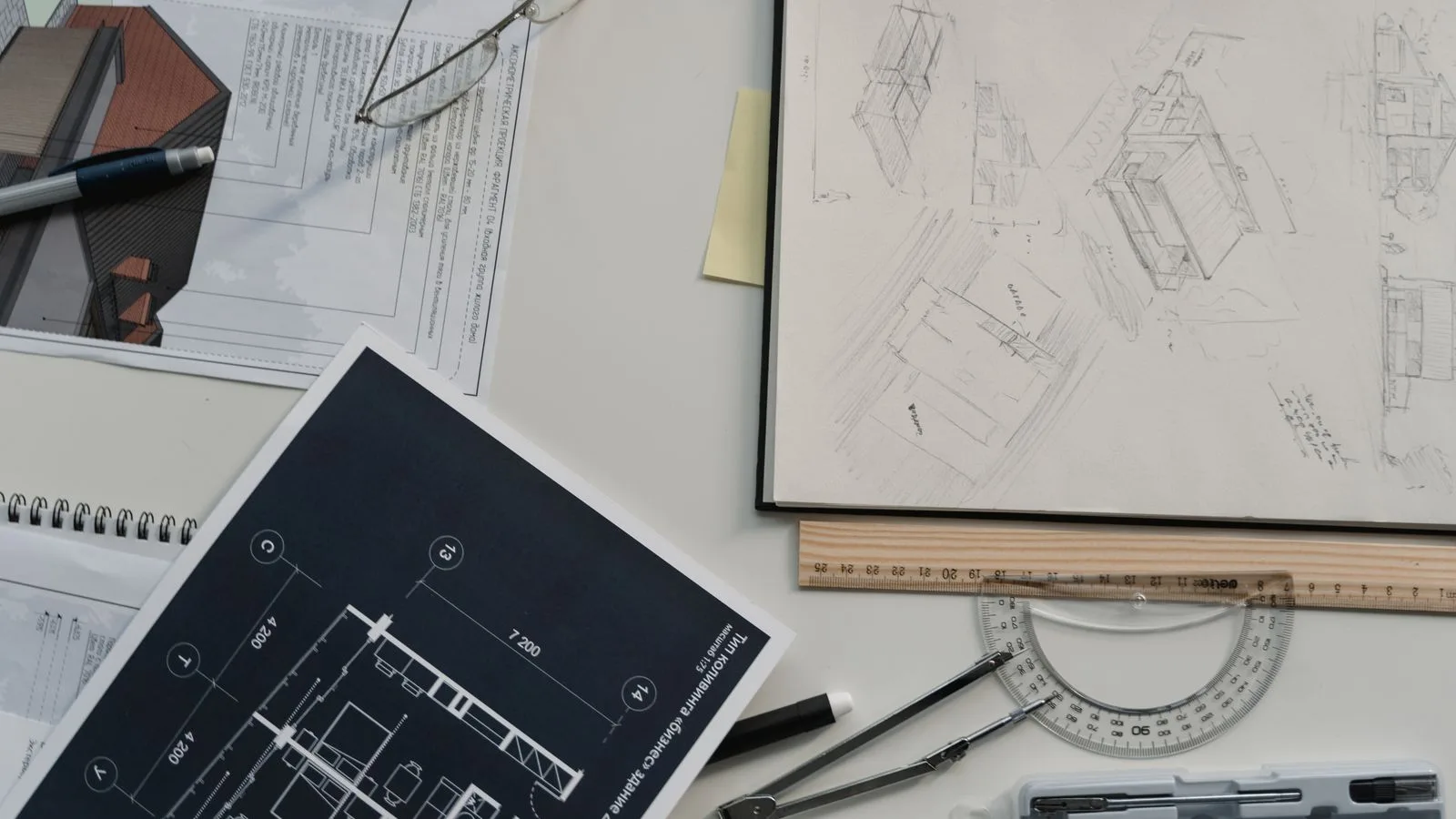
Getting the scale right is the most important step in digital plan measurement. Here is how to do it every time.
Read guide
These five mistakes cost trades thousands on every job. Learn how to avoid them with digital measurements.
Read guide
Should you use snapping or freehand measurement? Here is when each approach makes sense and how to get the best results.
Read guideFeature FAQ
Quick answers below. For every click, read the step-by-step guide to Arc.
No credit card to start. Built for contractors and estimators.