
Step 1
Finish the markup
Get the measurements in place and prepare the plan for review.
'%3e%3crect%20x='3.39703'%20y='3.39709'%20width='60.378'%20height='61'%20rx='5.94485'%20fill='%2300DD9B'/%3e%3c/g%3e%3cpath%20d='M43.228%2024.6568H40.3584V22.0269C40.3584%2020.5805%2039.1749%2019.3971%2037.7285%2019.3971H29.0655C27.6191%2019.3971%2026.4357%2020.5805%2026.4357%2022.0269V24.6568H23.5661C21.2689%2024.6568%2019.397%2026.5673%2019.397%2028.8722V36.7617C19.397%2039.0667%2021.2689%2040.9772%2023.5661%2040.9772H24.8887V45.2313C24.8887%2046.6778%2026.0722%2047.8612%2027.5186%2047.8612H39.2755C40.7219%2047.8612%2041.9053%2046.6778%2041.9053%2045.2313V40.9772H43.228C45.5329%2040.9772%2047.397%2039.0667%2047.397%2036.7617V28.8722C47.397%2026.5673%2045.5252%2024.6568%2043.228%2024.6568ZM28.6015%2022.0269C28.6015%2021.7717%2028.8103%2021.5628%2029.0655%2021.5628H37.7285C37.9838%2021.5628%2038.1926%2021.7717%2038.1926%2022.0269V24.6568H28.6015V22.0269ZM39.7396%2045.2313C39.7396%2045.4866%2039.5307%2045.6954%2039.2755%2045.6954H27.5186C27.2633%2045.6954%2027.0545%2045.4866%2027.0545%2045.2313V35.6402H39.7396V45.2313ZM43.228%2038.8115H41.9053V34.5264C41.9053%2033.9308%2041.418%2033.4744%2040.8224%2033.4744H25.9716C25.376%2033.4744%2024.8887%2033.9308%2024.8887%2034.5264V38.8115H23.5661C22.46%2038.8115%2021.5628%2037.8755%2021.5628%2036.7617V28.8722C21.5628%2027.7662%2022.46%2026.8225%2023.5661%2026.8225H43.2202C44.3263%2026.8225%2045.2236%2027.7584%2045.2236%2028.8722V36.7617H45.2313C45.2313%2037.8678%2044.3341%2038.8115%2043.228%2038.8115Z'%20fill='white'/%3e%3cpath%20d='M26.5904%2028.8336H24.8887V30.9994H26.5904V28.8336Z'%20fill='white'/%3e%3cdefs%3e%3cfilter%20id='filter0_d_4803_6878'%20x='-2.38419e-05'%20y='3.71933e-05'%20width='67.1722'%20height='67.7941'%20filterUnits='userSpaceOnUse'%20color-interpolation-filters='sRGB'%3e%3cfeFlood%20flood-opacity='0'%20result='BackgroundImageFix'/%3e%3cfeColorMatrix%20in='SourceAlpha'%20type='matrix'%20values='0%200%200%200%200%200%200%200%200%200%200%200%200%200%200%200%200%200%20127%200'%20result='hardAlpha'/%3e%3cfeOffset/%3e%3cfeGaussianBlur%20stdDeviation='1.69853'/%3e%3cfeComposite%20in2='hardAlpha'%20operator='out'/%3e%3cfeColorMatrix%20type='matrix'%20values='0%200%200%200%200%200%200%200%200%200%200%200%200%200%200%200%200%200%200.25%200'/%3e%3cfeBlend%20mode='normal'%20in2='BackgroundImageFix'%20result='effect1_dropShadow_4803_6878'/%3e%3cfeBlend%20mode='normal'%20in='SourceGraphic'%20in2='effect1_dropShadow_4803_6878'%20result='shape'/%3e%3c/filter%3e%3c/defs%3e%3c/svg%3e) Feature
FeaturePrint & Share
Print & Share helps you present measurements more clearly when an owner, a sub, or a teammate needs to review what you have marked up.
From problem to outcome
Once the takeoff is done, the next job is getting other people across it. Print & Share helps you move from internal markup to something easier to review outside your own screen.
Get the measurements in place and prepare the plan for review.
Print it, export a PDF, or share it in MetreMate instead of screenshots and scattered emails.
Give owners and team members something easier to follow when questions come back.
Key capabilities
Produce a cleaner marked-up output when someone still needs a printed set.
Best for Owner and jobsite reviews
Share the measured plan with your team or subs in MetreMate instead of relying on scattered screenshots.
Best for Team handoff
Show the same marked-up plan that informed the quantities so others can follow the logic.
Best for General contractors and subs
Spend less time re-explaining where the measurements came from when the plan is already easier to read.
Best for Bid follow-up
Share a more polished view of the measured plan when the job needs to be checked or approved.
Best for Owner-facing proposals

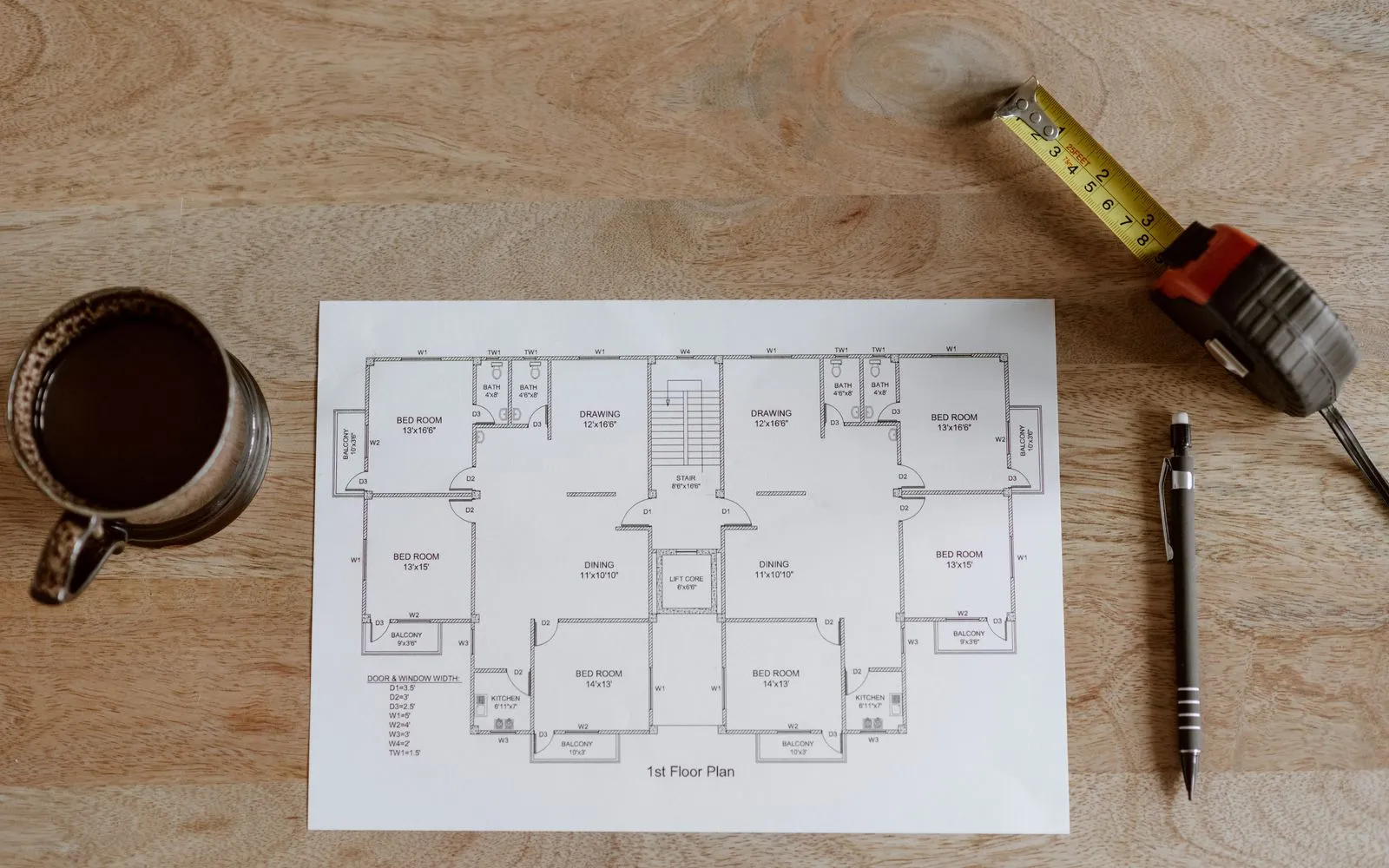
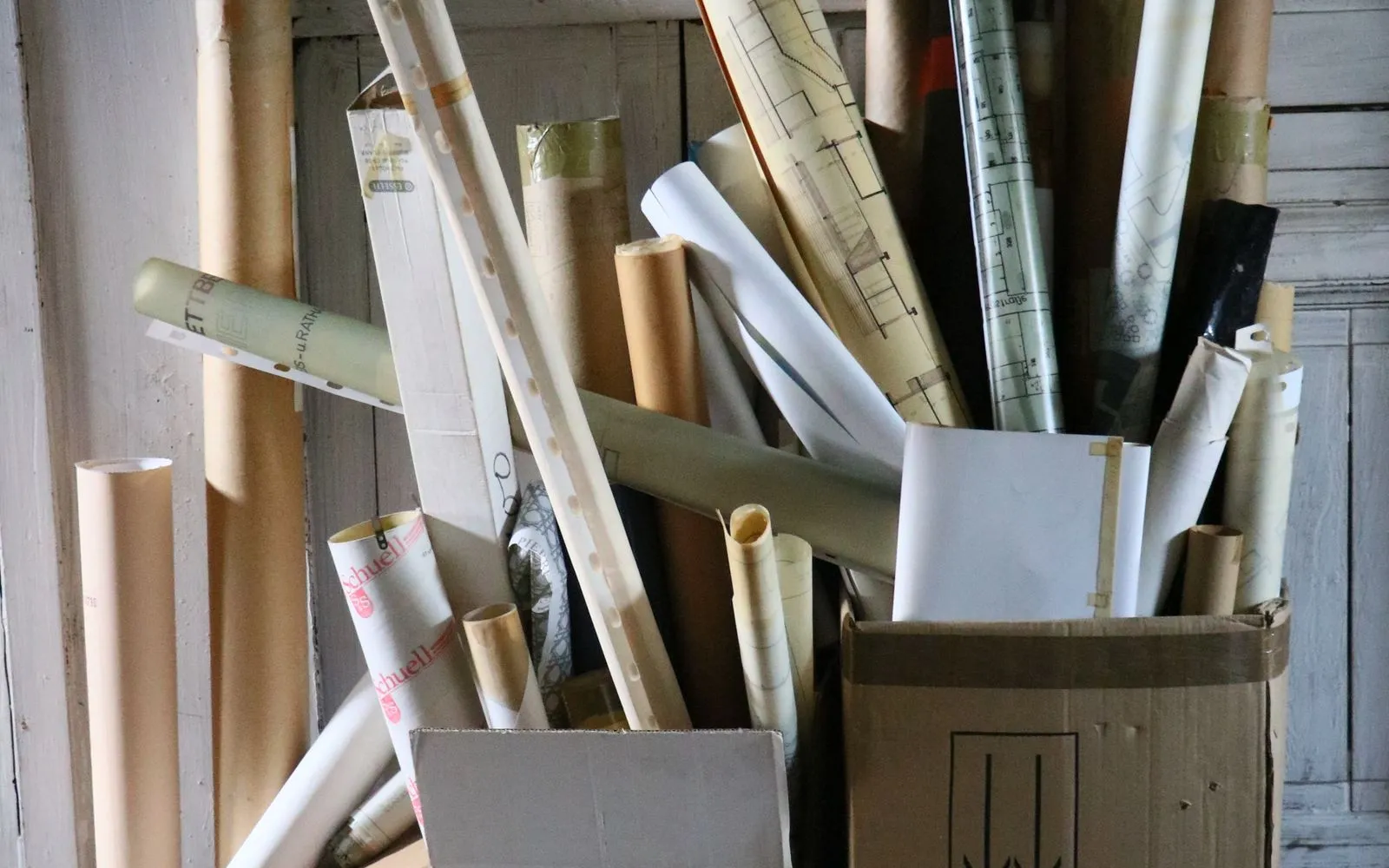
The old way
When sharing the takeoff is clunky, reviews get slower. People ask more questions, context gets lost, and you spend extra time stitching together proof of what was measured.
Why it’s better with MetreMate
Print & Share helps you present work more clearly so review feels smoother and the measured plan is easier for others to understand.
Testimonial / proof
“MetreMate's a real game-changer for me. Knocked off hours of fiddling around with plans and got straight into the real work. It's like having an extra pair of hands on site. Any tradie not on this is missing out, big time!”
Mark B. · Bathroom Renovator · Sydney, NSW, Australia
Built for who
See how Print & Share fits the way your trade already works.
Built for
The problem
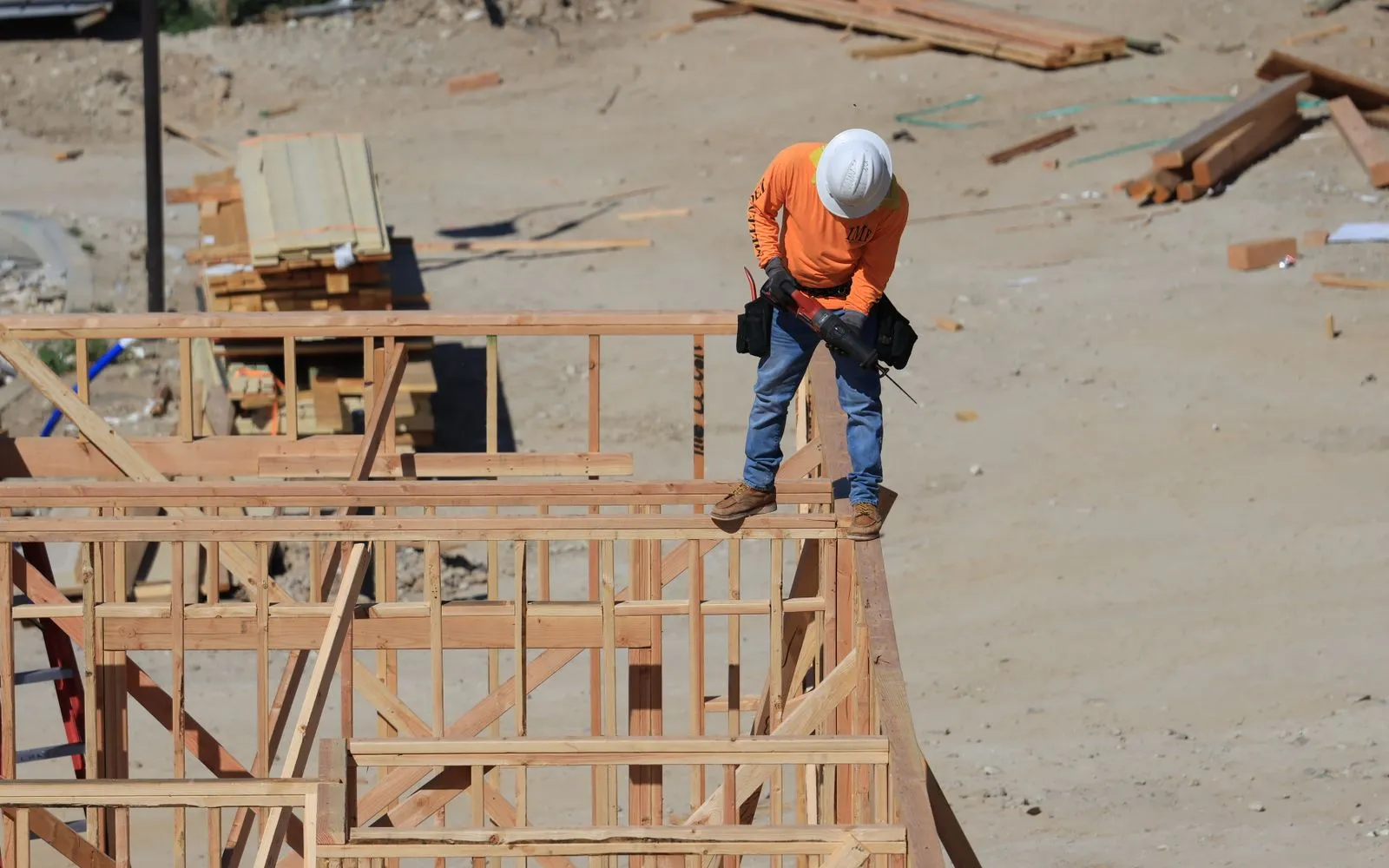
Need to show owners and subs what was measured without confusion.
What you get
Clearer communication and less back-and-forth.
How you'd use it: Use Print & Share to put cleaner marked-up plans in front of them for review or approval.
“Been using MetreMate for a few months now, and I'm wondering how I ever managed without it. The accuracy is spot-on, and helps me and my tradies. I'm able to quote quicker and more accurately. Absolute lifesaver for every builder.”
Across the trades
Print & Share earns its keep right across the trades. Here is how different crews put it to work on real jobs.
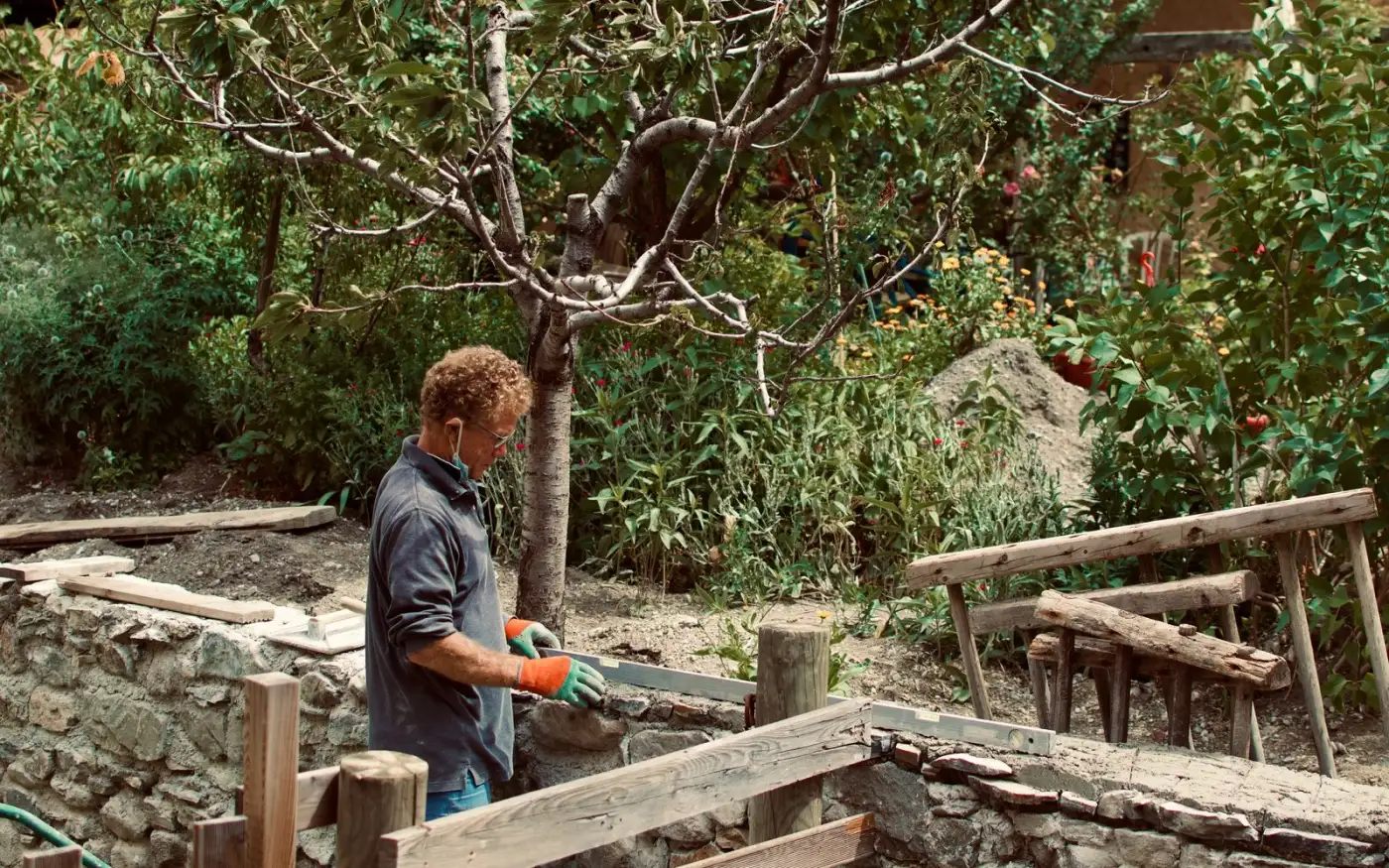
Print the marked-up site plan for the crew so everyone knows where the sod and pavers go.
Workflows for landscape contractors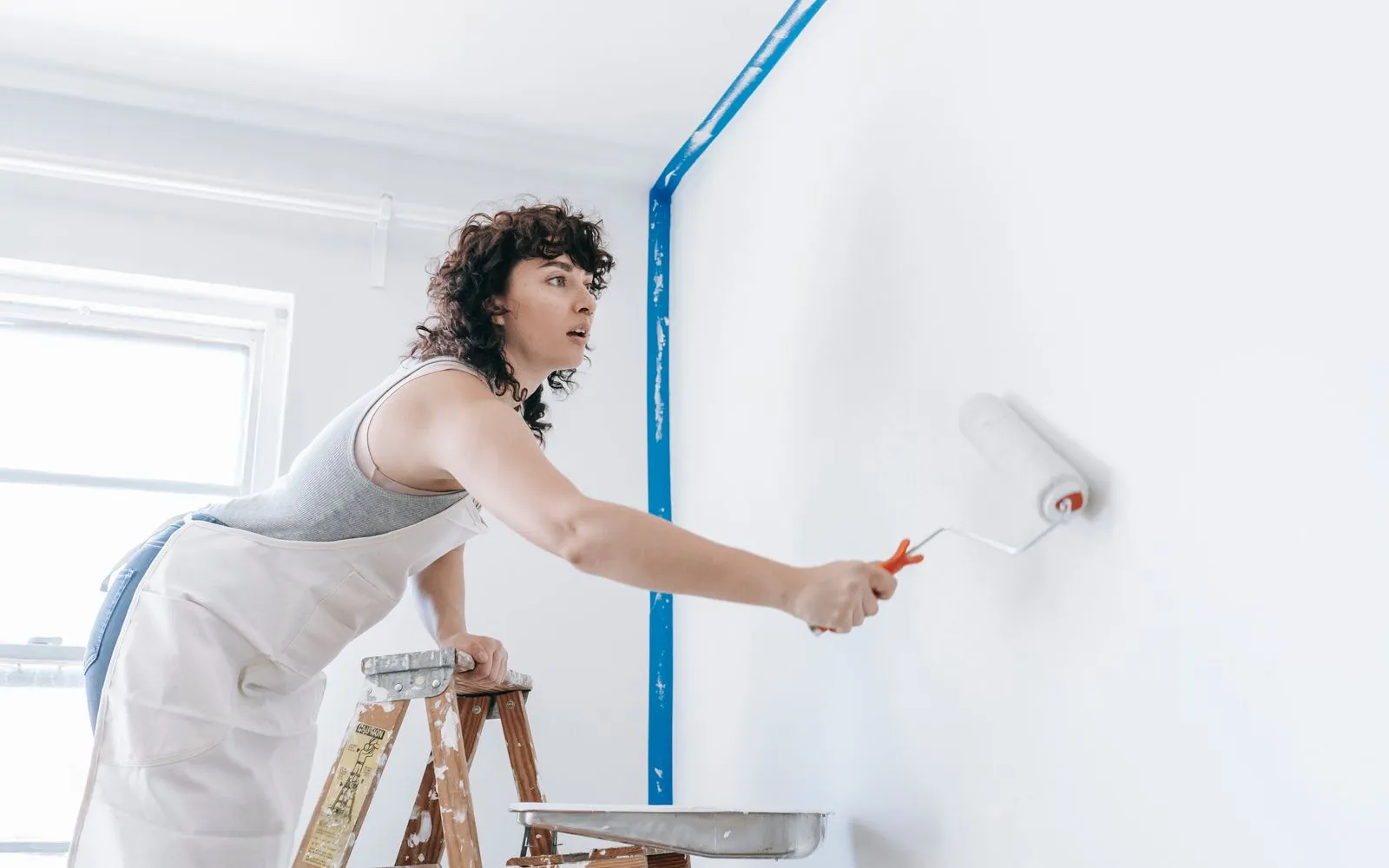
Hand the client a printed plan showing exactly which rooms are in the quote.
Workflows for painting contractors
Print the fence line with gate positions marked for the crew.
Workflows for fence contractors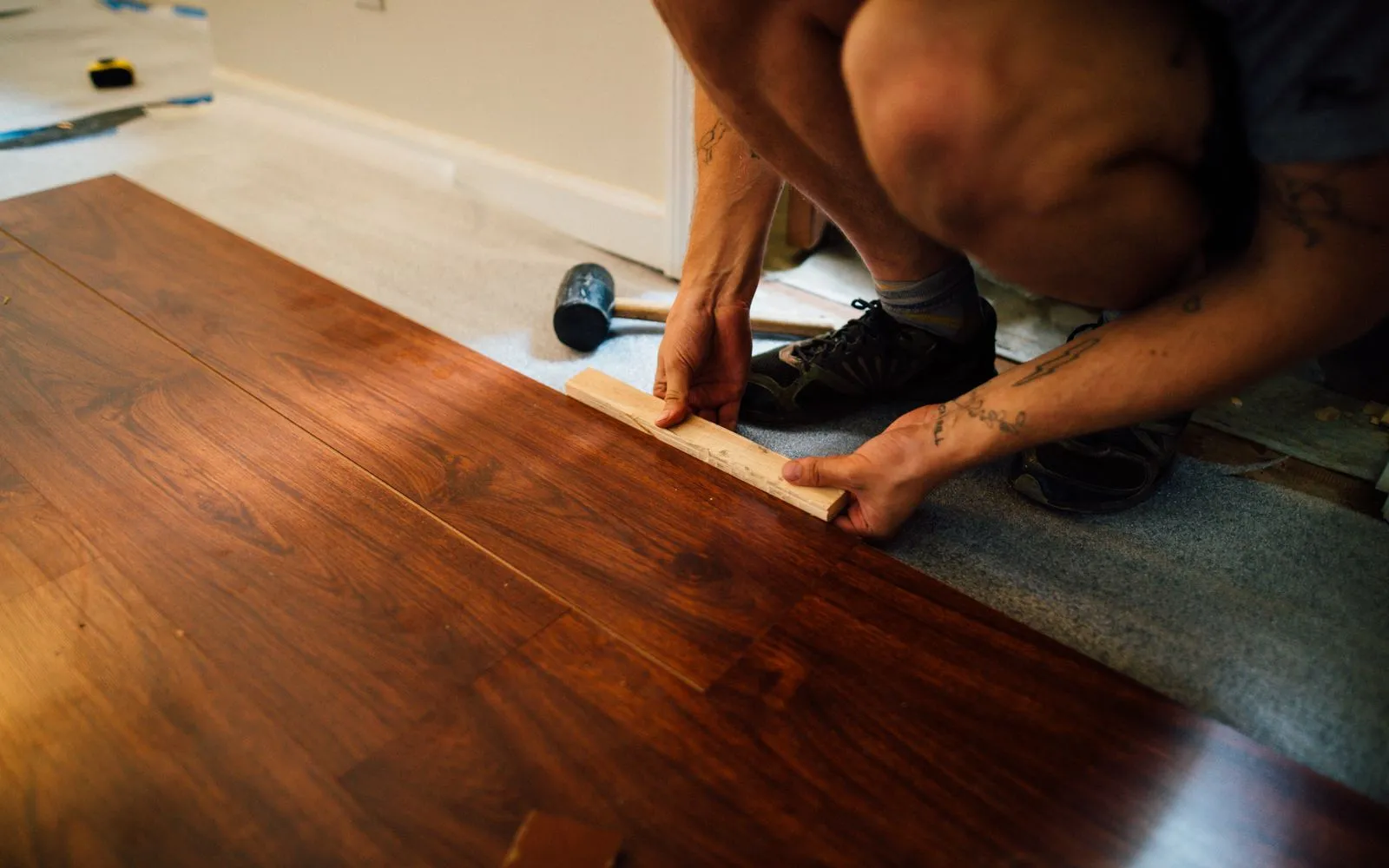
Print the color-coded floor plan so installers know which product goes where.
Workflows for flooring contractors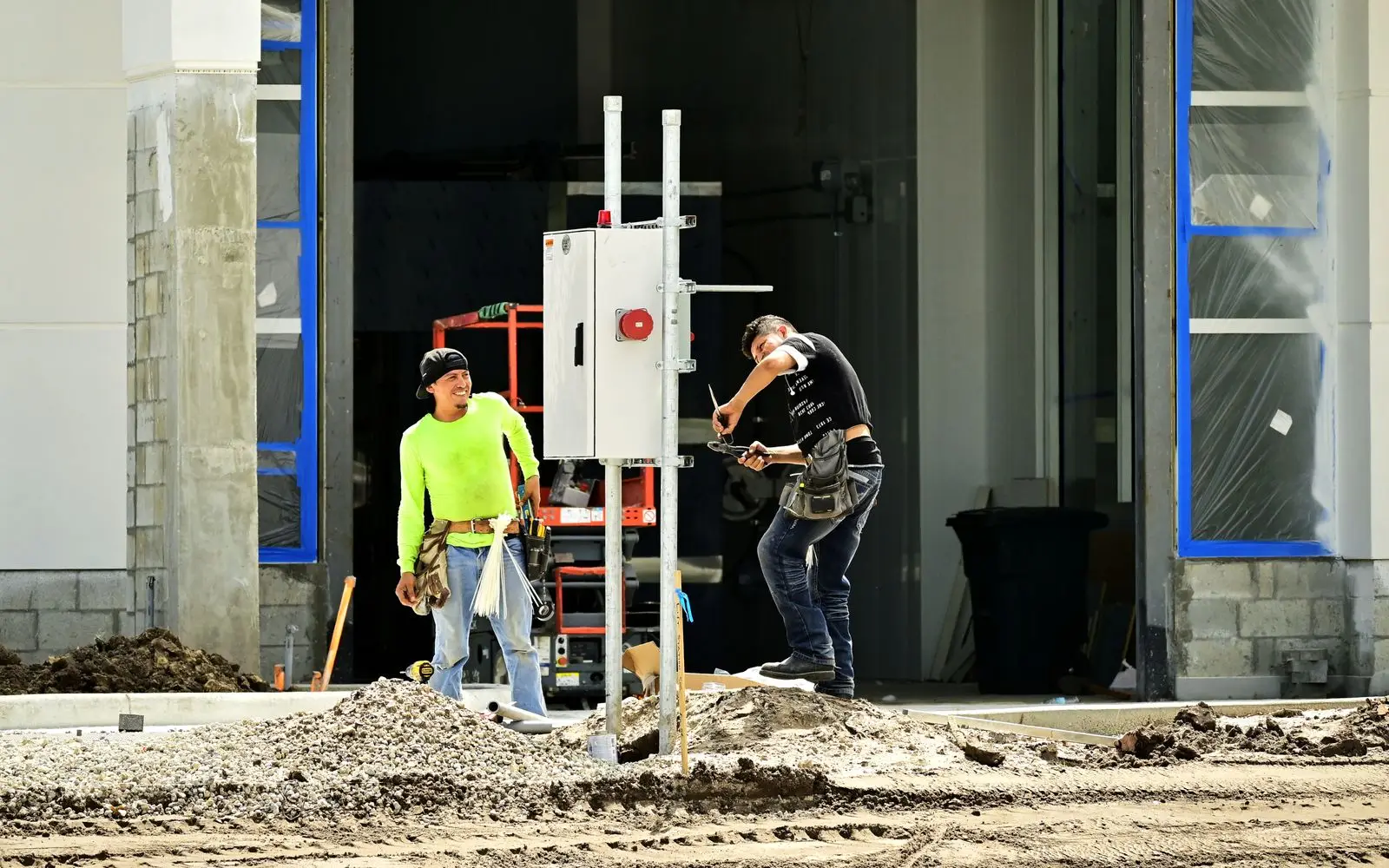
Export the marked-up layout as a PDF and send it with your quote so the builder sees every point you priced.
Workflows for electrical contractorsKeep exploring
Keep learning
Put it into practice with step-by-step how-tos from the MetreMate team.
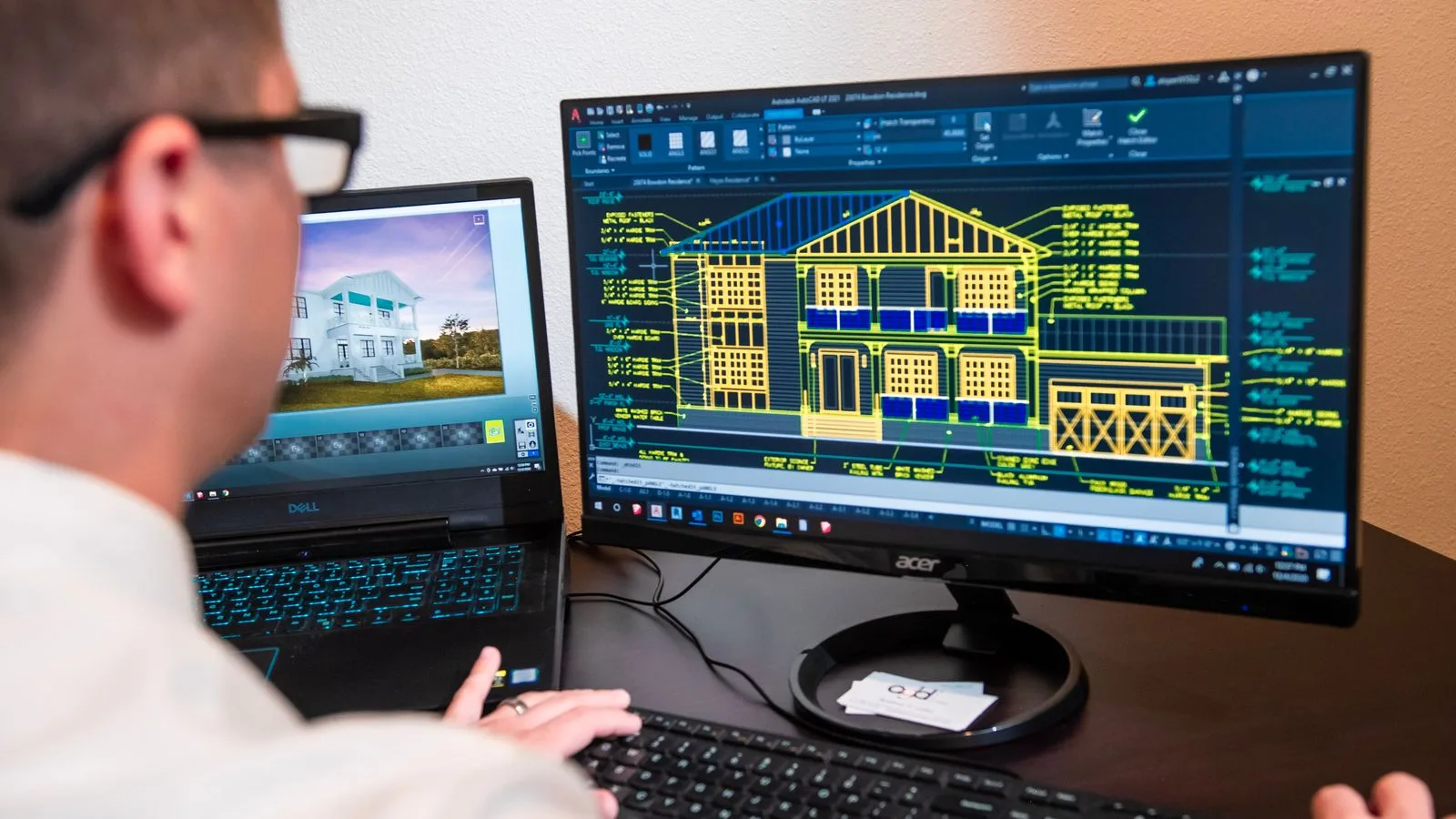
Ditch the printouts and scaled rulers. Upload your floorplan, auto-scale it, and measure in a few clicks.
Read guide
MetreMate is a digital floorplan measuring solution transforming how builders plan and execute projects by eliminating manual measurements, printouts, and guesswork.
Read guide
These five mistakes cost trades thousands on every job. Learn how to avoid them with digital measurements.
Read guideFeature FAQ
No credit card to start. Built for contractors and estimators.
'%3e%3crect%20x='3.39703'%20y='3.39709'%20width='60.378'%20height='61'%20rx='5.94485'%20fill='%23A60CEE'/%3e%3c/g%3e%3cpath%20fill-rule='evenodd'%20clip-rule='evenodd'%20d='M22.397%2024.604V22.5345C22.397%2020.2492%2024.1867%2018.3971%2026.396%2018.3971H33.8966C34.784%2018.3971%2035.7931%2018.9571%2036.2862%2019.7222L37.172%2021.0967C37.2952%2021.2879%2037.678%2021.5005%2037.8988%2021.5005H46.395C48.6071%2021.5005%2050.397%2023.35%2050.397%2025.6412V38.0495C50.397%2040.3353%2048.6049%2042.1902%2046.3976%2042.1902H44.397V44.2564C44.397%2046.542%2042.6074%2048.3971%2040.4018%2048.3971H20.3923C18.1866%2048.3971%2016.397%2046.5428%2016.397%2044.2616V28.7395C16.397%2026.4551%2018.1868%2024.604%2020.396%2024.604H22.397ZM46.3976%2040.1212C47.5001%2040.1212%2048.397%2039.1929%2048.397%2038.0495V25.6412C48.397%2024.4932%2047.5031%2023.5695%2046.395%2023.5695H37.8988C37.0083%2023.5695%2036.0014%2023.0103%2035.5079%2022.2444L34.6221%2020.8699C34.4996%2020.6797%2034.1145%2020.4661%2033.8966%2020.4661H26.396C25.2914%2020.4661%2024.397%2021.3917%2024.397%2022.5345V24.604H27.8966C28.784%2024.604%2029.7931%2025.164%2030.2862%2025.9291L31.172%2027.3036C31.2952%2027.4948%2031.678%2027.7074%2031.8988%2027.7074H40.395C42.6071%2027.7074%2044.397%2029.5569%2044.397%2031.8481V40.1275L46.3976%2040.1212ZM20.3923%2046.3281H40.4018C41.5019%2046.3281%2042.397%2045.4003%2042.397%2044.2564V31.8481C42.397%2030.7001%2041.5031%2029.7764%2040.395%2029.7764H31.8988C31.0083%2029.7764%2030.0014%2029.2172%2029.5079%2028.4513L28.6221%2027.0768C28.4996%2026.8866%2028.1145%2026.673%2027.8966%2026.673H20.396C19.2913%2026.673%2018.397%2027.5979%2018.397%2028.7395V44.2616C18.397%2045.4009%2019.2919%2046.3281%2020.3923%2046.3281Z'%20fill='white'/%3e%3cdefs%3e%3cfilter%20id='filter0_d_4803_6881'%20x='-2.38419e-05'%20y='3.71933e-05'%20width='67.1722'%20height='67.7941'%20filterUnits='userSpaceOnUse'%20color-interpolation-filters='sRGB'%3e%3cfeFlood%20flood-opacity='0'%20result='BackgroundImageFix'/%3e%3cfeColorMatrix%20in='SourceAlpha'%20type='matrix'%20values='0%200%200%200%200%200%200%200%200%200%200%200%200%200%200%200%200%200%20127%200'%20result='hardAlpha'/%3e%3cfeOffset/%3e%3cfeGaussianBlur%20stdDeviation='1.69853'/%3e%3cfeComposite%20in2='hardAlpha'%20operator='out'/%3e%3cfeColorMatrix%20type='matrix'%20values='0%200%200%200%200%200%200%200%200%200%200%200%200%200%200%200%200%200%200.25%200'/%3e%3cfeBlend%20mode='normal'%20in2='BackgroundImageFix'%20result='effect1_dropShadow_4803_6881'/%3e%3cfeBlend%20mode='normal'%20in='SourceGraphic'%20in2='effect1_dropShadow_4803_6881'%20result='shape'/%3e%3c/filter%3e%3c/defs%3e%3c/svg%3e)

